Why the Wires Inside Ethernet Cables Are Twisted
The twisted wire pairs in ethernet cables reduce electromagnetic interference and let signals travel at their best speed. The design dates back to the 1880s.
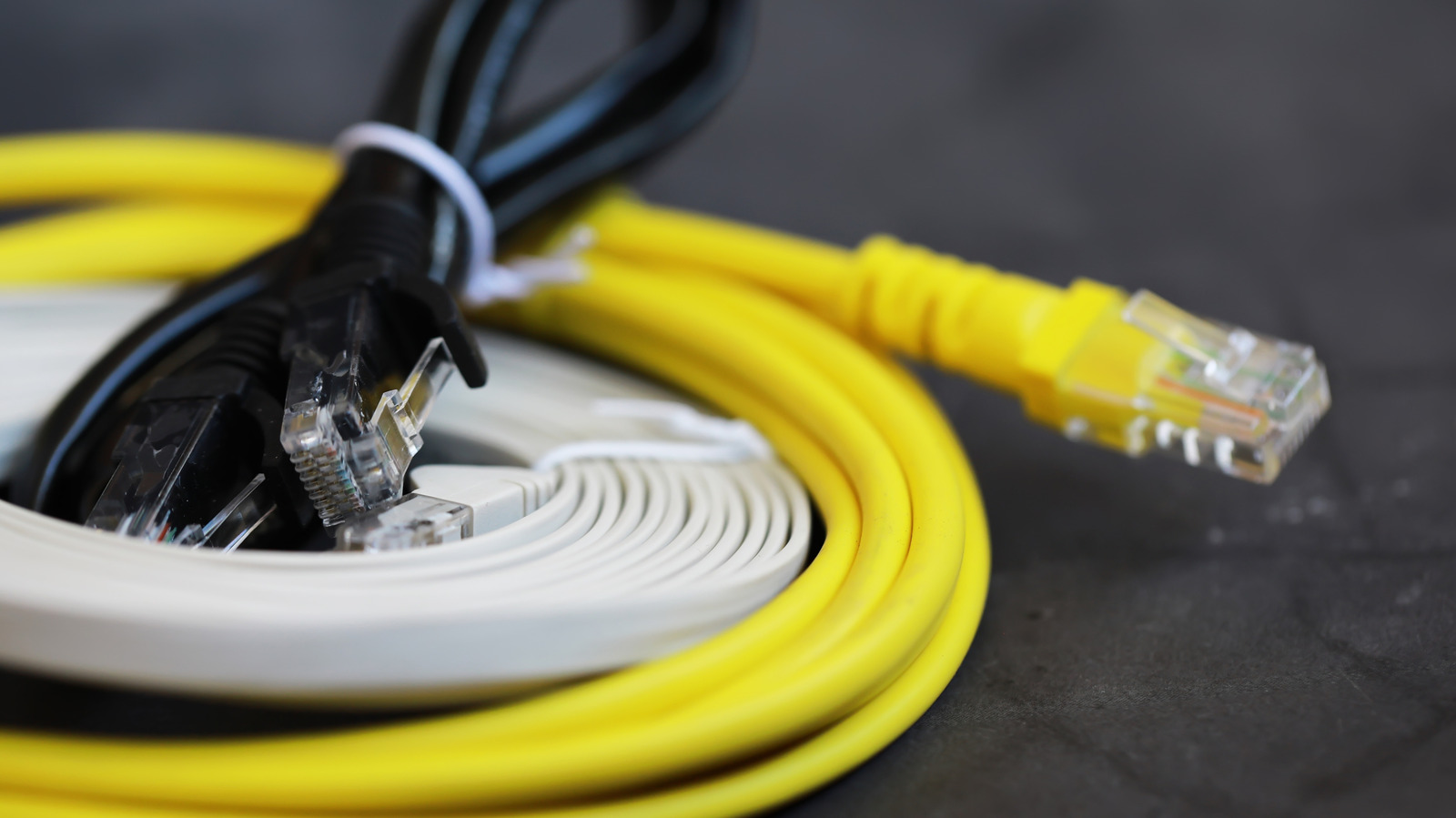
Ethernet cables, which connect a computer or router to an internet line, contain twisted wires on the inside. The arrangement is deliberate: it limits electromagnetic interference and helps keep the signal quality high, according to technology outlet Engadget.
An old solution
The twisted pair concept is credited to Alexander Graham Bell, and it came into use in the 1880s. Twisted pairs served in the first telephone lines in the United States, and today they are the industry standard for ethernet.
The role of electromagnetism
When electric charges move along a wire, they generate a magnetic field around the thin metal strand. If two wires lie side by side in parallel, the field from one can hinder the flow of electricity in the other, which slows the signal. Twisting the wires together creates an opposing magnetic field that cancels out these impediments, so electric signals can move at their peak speeds.
Inside the cable
Most modern ethernet cables consist of four twisted pairs of copper wire. Depending on how much data is being sent, not every pair is necessarily in use at a given moment, but standards such as gigabit internet make all four pairs active. A foil coating around the bundle shields the signals from outside interference, while the twisting keeps individual wires from disturbing one another. Interference between wires in the same bundle is known as cross-talk.
Each of the four pairs is also twisted at a different rate. Varying the tightness of the twists ensures that the magnetic field of one pair does not create fresh interference for the others. If all pairs were twisted identically, neighboring pairs could suffer the same problems as individual wires laid in parallel.
Twisted pairs are standard in nearly all contemporary tech cables, so there is no need to look for them specifically when replacing ethernet lines at home.