Why your iPhone refuses to print over a cable
iPhone owners with older, non-wireless printers often can't print via a USB connection because Apple deliberately left driver support out of iOS. Several workaround apps exist, but most still require a computer as a middleman.
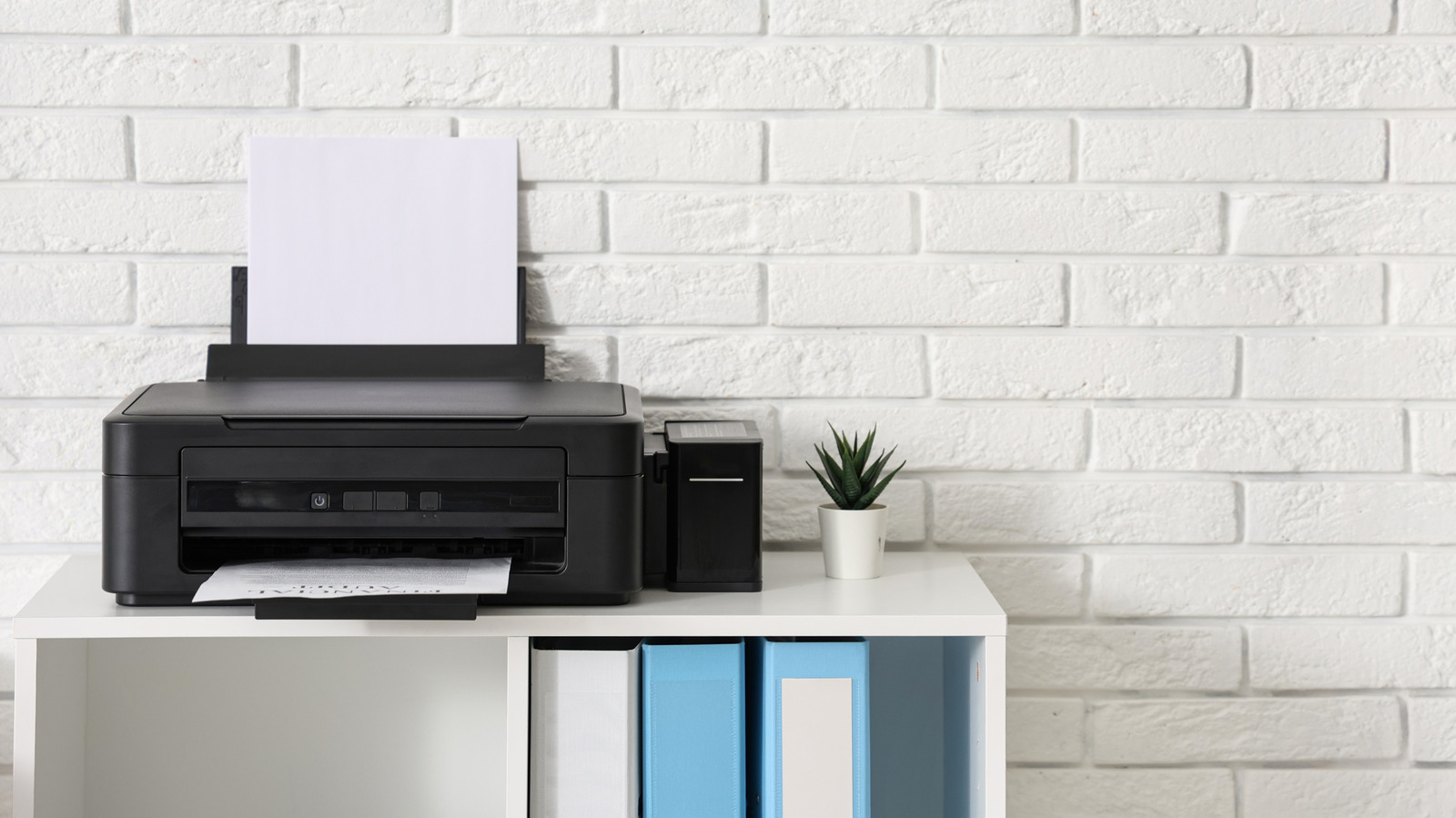
Anyone who owns an older printer without wireless capability and has tried plugging it directly into an iPhone has likely run into the same wall: nothing happens. The reason comes down to a deliberate design choice by Apple, which never built traditional driver support into its mobile operating systems.
The driver problem
Since late 2010, iPhone and iPad have supported AirPrint, Apple's own wireless printing standard. Printers built for AirPrint work smoothly with Apple devices, but older, non-wireless models are left behind. On desktop computers, printer drivers can simply be downloaded from a manufacturer's website, but iOS and iPadOS have no native driver support at all — a decision Apple made intentionally to avoid the complexity of managing countless device-specific drivers.
As a result, even using special USB On-The-Go (OTG) adapters to physically connect an iPhone to a printer doesn't help, since the phone simply doesn't know how to communicate with the device. Notably, apps can't get around this limitation either. While some Android apps support direct USB printing, no equivalent exists for iPhone, marking a clear gap between the two platforms.
Workarounds that exist
Apps such as PrintCentral Pro, PrintDirect and PrintCast offer some help, but they all rely on a computer acting as a go-between to send the print job from the phone to a USB printer. Similarly, software like Printopia can make a wired USB printer appear as a wireless AirPrint option, but this too requires a computer running in the background.
Given that a computer is needed anyway, it may be simpler to just email the file to yourself and print it directly from the computer. More advanced setups, like running a Raspberry Pi as a print server, are also possible. For anyone who prints from their phone regularly, though, upgrading to a modern AirPrint-compatible printer remains the most practical solution.