How a second monitor can meaningfully boost your workflow
Adding a second monitor to a computer setup is considered one of the most valuable workspace upgrades, as it eases multitasking and can raise productivity. The benefits extend well beyond gamers or video and music professionals to everyday office workers.
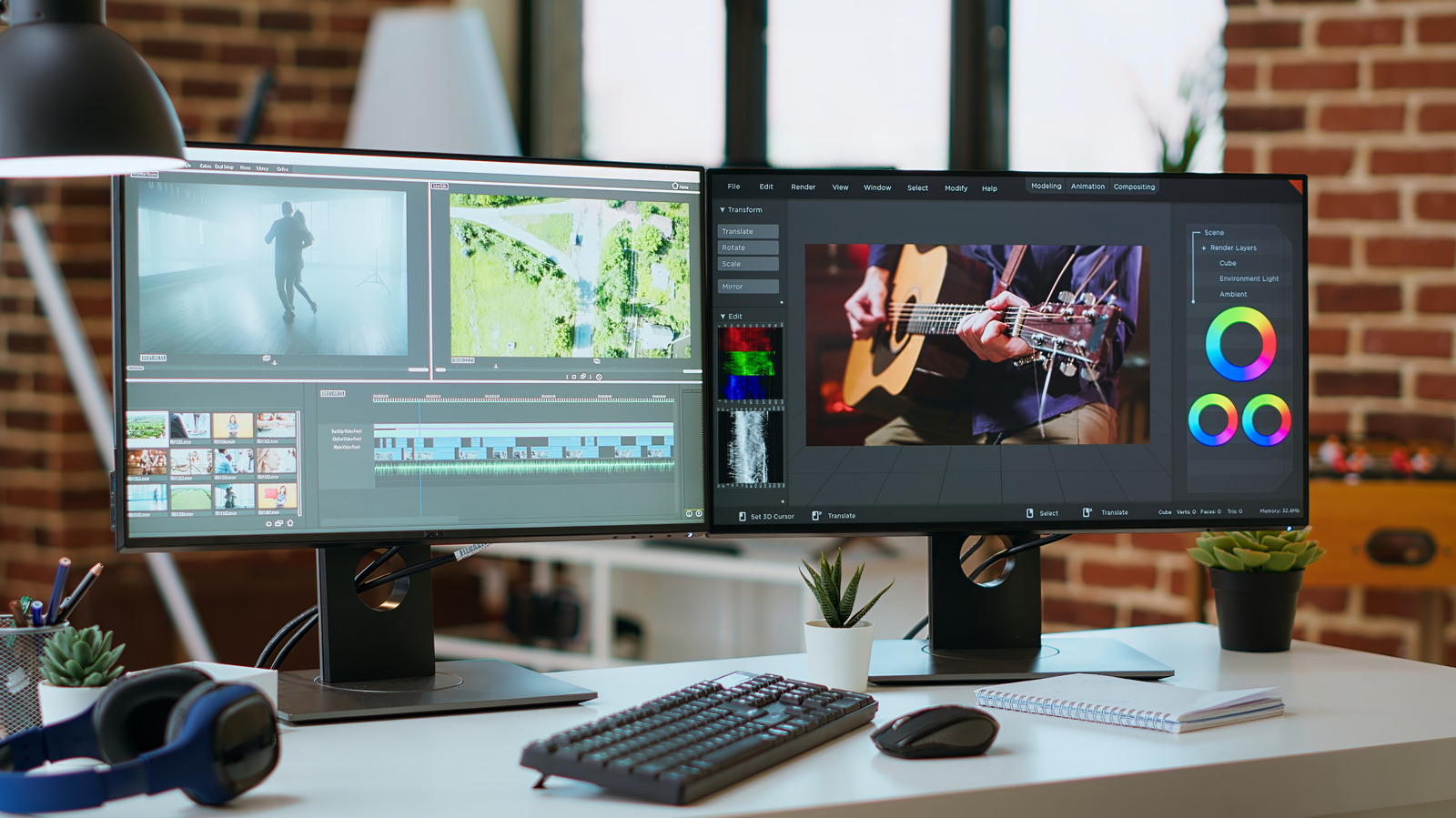
Running two screens instead of one is often described as one of the most worthwhile workspace investments, with research suggesting it can increase both productivity and job satisfaction. While it might seem like a second monitor mainly benefits gamers or people in demanding fields such as video, music production or accounting, the advantages actually apply to a much wider range of users. For instance, someone working in insurance can use a dual-monitor setup to keep a chat app open on one screen while handling documents on the other, making it far easier to copy information between files or drag and drop items.
Practical advantages
The clearest benefit is being able to spread work across two full-sized screens instead of squeezing multiple windows into a single small display with tiny text. This is especially useful for creative professionals and data analysts who need to view more information at once. Traders and programmers sometimes need three or four displays, but for most users, two screens hit the sweet spot. A second monitor also supports everyday multitasking — for example, editing a résumé on one screen while browsing job listings on the other, or keeping email and messaging apps visible on one display while working on the main task elsewhere.
For gamers, a second screen allows managing game recording, chatting with a streaming audience, or running other apps without leaving the game itself. During video calls, notes can be taken on one display while colleagues are visible on the other, and when recording a tutorial, a script can stay open on one screen while the steps are performed on the second.
Setup tips
A second monitor also helps keep both the desk and the screen better organized, reducing the need to print reference documents. There's no need to splurge on a premium second display — features like a high refresh rate matter more for the monitor used most of the time. Ideally, though, both monitors should match in size and pixel density so text and images scale consistently, and they should be mounted at the same height. Setting up dual monitors requires two video outputs and the right cables, along with adjusting brightness and contrast settings. Laptop users may also need to configure their device to stay active with the lid closed if the laptop screen isn't being used as one of the displays — most modern laptops support at least two monitors.