About to install the iOS public beta? Do this first to protect your data
Before trying out an iOS public beta, experts recommend creating a full computer backup, since iCloud backups can become incompatible if you later need to revert to a stable iOS version. If the beta causes problems, an archived computer backup allows restoring the iPhone to its previous stable state.
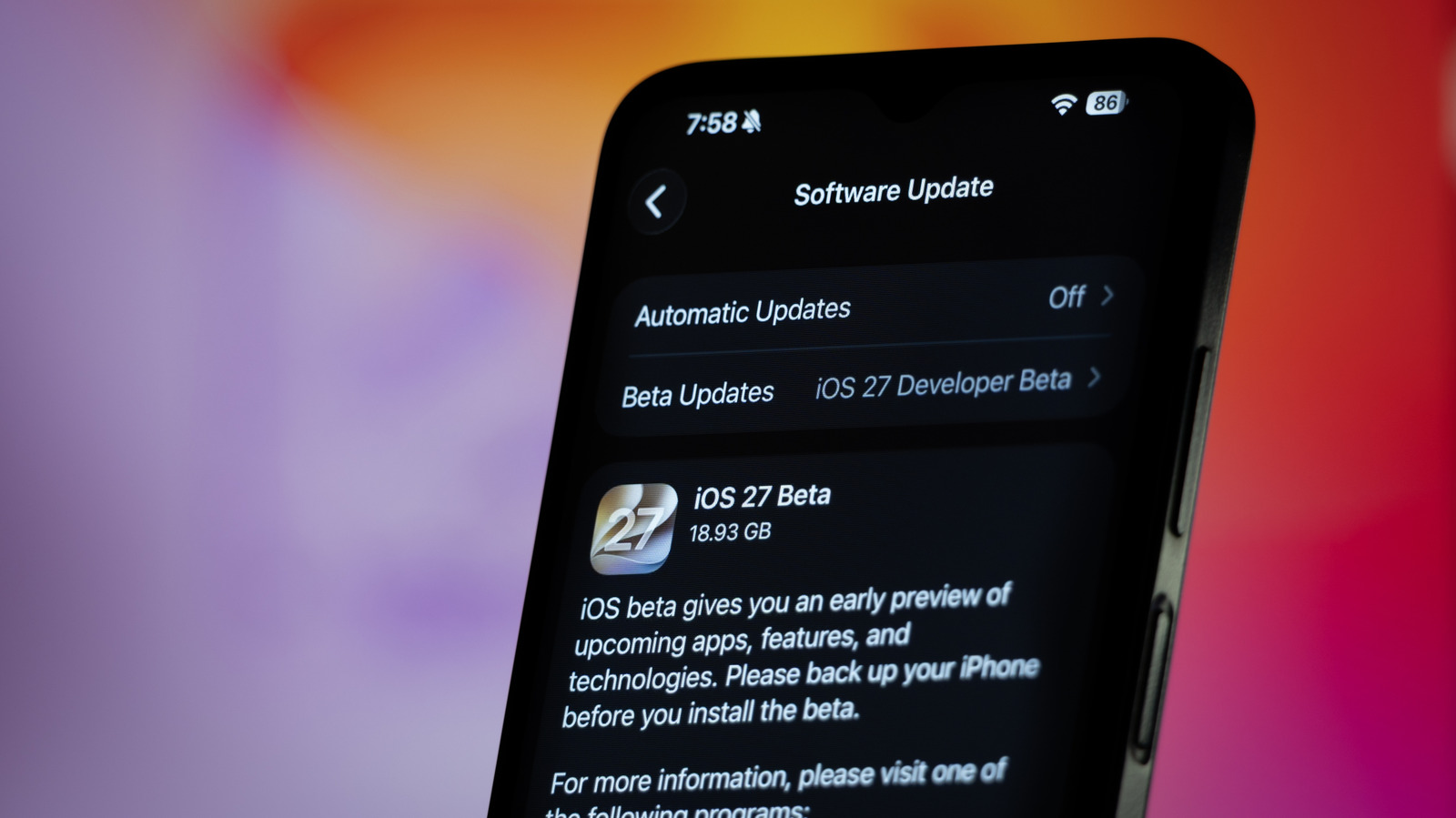
Apple typically unveils a new version of iOS every June at WWDC, though the update doesn't reach the public until fall. This year's iOS 27 is expected to bring the long-awaited AI-powered Siri along with an improved Liquid Glass design, prompting many users to try the public beta ahead of the official release.
Before installing a beta, however, it's important not to skip a full data backup. Untested software can cause apps to malfunction or, in worse cases, leave a device bricked — risking permanent data loss.
Why an iCloud backup isn't enough
While iCloud can automatically create a full device backup, it isn't ideal for beta testers. Once the beta is installed, iCloud will eventually generate a new backup based on that beta version — and this backup won't work if the user later needs to downgrade to a stable version of iOS.
The safer option: an archived computer backup
Instead, it's recommended to connect the iPhone to a computer before installing the beta — using Finder on a Mac or the Apple Devices app on Windows — and create a full backup, optionally encrypted to preserve saved passwords and health data. Once complete, the backup can be archived so it remains untouched even after newer backups are made.
If something goes wrong
If the beta causes issues — apps failing to work, sluggish performance, or fast battery drain — it's possible to revert to a stable iOS version. This requires downloading the stable version's IPSW file, for example via IPSW.me, putting the device into Recovery Mode, and restoring it through the computer. The process typically takes about 15 minutes, after which the archived backup can be restored.
Experts suggest testing beta software on a spare device rather than a primary iPhone.