Why it's worth backing up data on old USB thumb drives
Tech outlet Engadget explains why files on old USB flash drives should be copied elsewhere: they face physical damage, loss and data corruption. It recommends following the 3-2-1 backup rule.
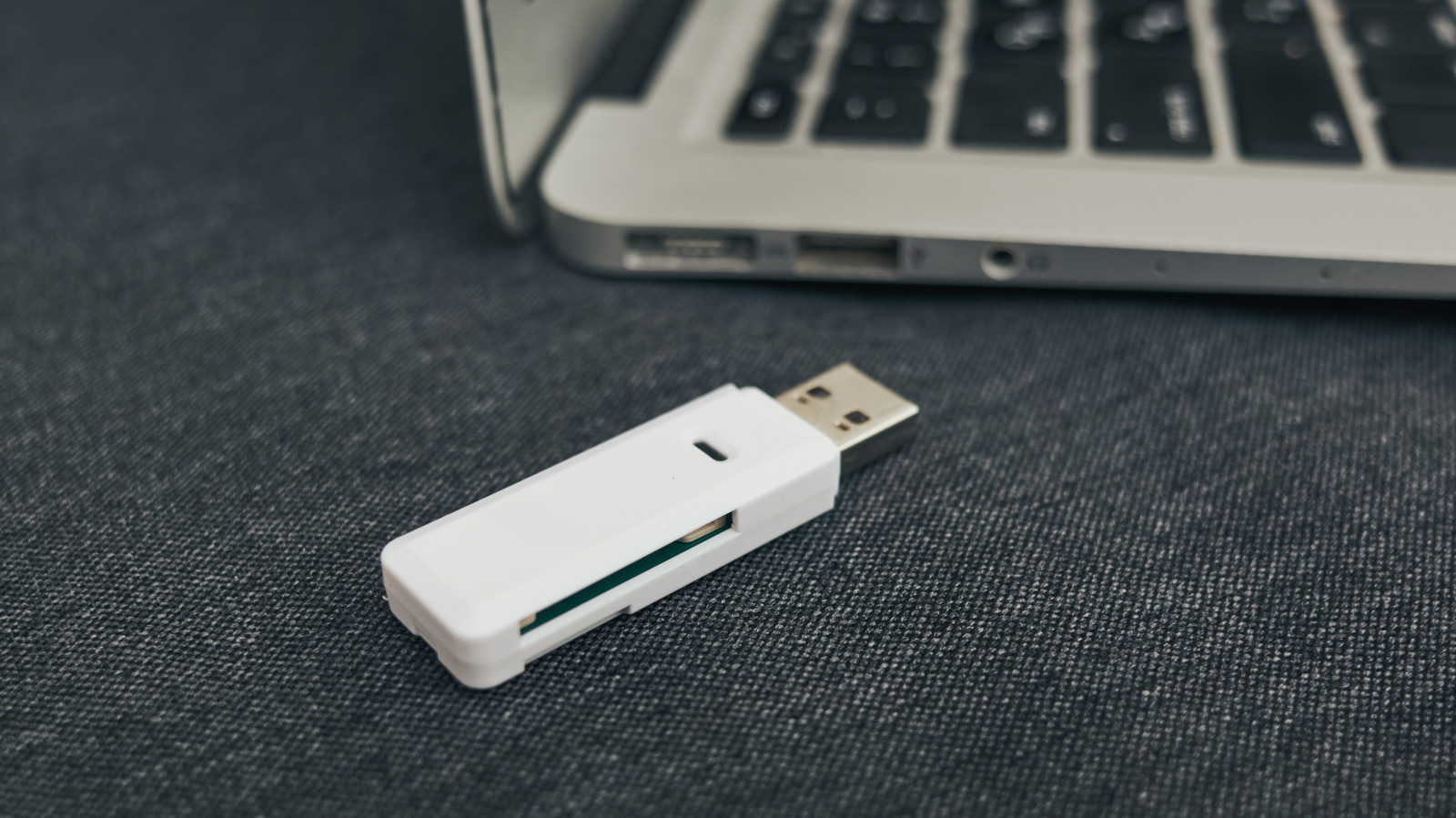
Tech outlet Engadget has published an explainer on why data kept on old USB flash drives should be backed up elsewhere. The small drives have become less common, as email, chat apps and AirDrop handle small file transfers, while larger files are usually stored in online services such as iCloud or on external SSDs. Even so, many people still keep files on them, including media saved a decade or two ago.
The risks
First, such a small object is easily lost or damaged, for example left at the office or thrown out of a bag in a rush. Second, flash storage has a finite number of write cycles, usually between 10,000 and 100,000. That matters little if a drive is used only for archiving, but if files are copied daily or weekly, usable space gradually shrinks until the drive stops working. Unlike regular SSDs, thumb drives cannot run TRIM commands to recover some of that space.
Another threat is bit rot. Flash memory stores data in cells holding an electrical charge, and over time the cells lose electrons, which can flip bits and corrupt data. Cosmic rays can also flip bits, though the odds are relatively low: about one per gigabyte per month at sea level. Connectors and controller chips can fail too, because of impacts, corrosion or poor manufacturing, and a humid environment can lead to mold.
How to back up
For important data, the common guideline is the 3-2-1 rule: keep copies in at least three places, with two on local drives and one in the cloud. Some people also keep one drive at a separate address or in a fireproof safe, which may be excessive for the average person. Still, relying only on the cloud is not advised: there are subscription fees, internet connections go down, and even large datacenters can fail catastrophically. Companies may also handle security carelessly.
For files that are useful but not critical, it is enough to keep copies somewhere easy to identify and retrieve, such as a computer's internal drive, although the cloud or an external SSD is better. If a computer stops working, recovering files can be complicated, since the drive must be physically removed and connected to another machine.