Why restarting your gaming handheld regularly actually helps
Portable gaming devices like the Steam Deck and ROG Ally run full PC operating systems, so regular restarts can fix issues from game crashes to frame drops. Experts recommend doing it at least once a week.
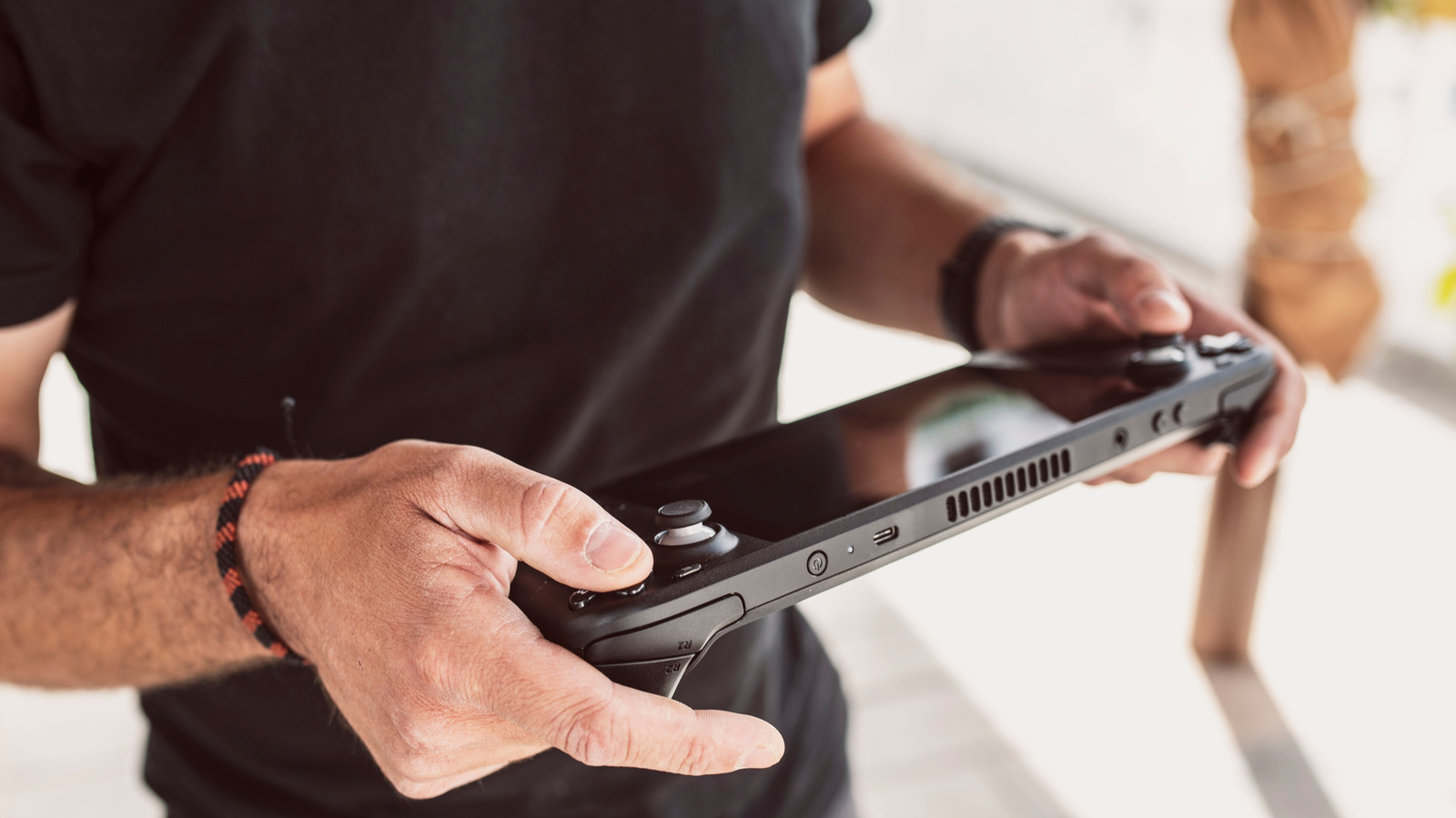
Handheld gaming devices such as Valve's Steam Deck or Asus's ROG Ally may not look like computers, but under the hood they run full operating systems — either SteamOS or Windows. That means the same principles that apply to a regular PC apply here too, including the old advice to simply turn the device off and back on.
A restart can resolve a surprisingly wide range of problems, from a game that keeps crashing to sudden frame drops, lag and even lingering audio glitches. It's one of the first troubleshooting steps listed on Valve's own Steam Deck support page.
Why it works
The longer a handheld runs continuously, the more its memory (RAM) fills up. Some games and applications fail to fully release memory after being closed, or leak memory over time, which gradually slows the system down. This buildup can't really be prevented, but restarting regularly keeps it from accumulating.
Restarting also lets the system properly apply software updates, including bug fixes, security patches and performance improvements. It can additionally clear up minor software glitches before they escalate into freezes or crashes.
Powering off and hibernating also help
Fully powering off a handheld provides the same benefits as restarting, since it's essentially the same action. Hibernating works differently — it saves the exact current session to storage so you can resume later, with little to no battery drain.
Powering off or hibernating is especially recommended when carrying the device in a bag or case with poor ventilation, where overheating is more likely.
There's no fixed rule for how often to restart, but a reasonable starting point is once every few days or at least once a week, rather than every few hours.