Why smart TVs often run short on storage space
Most new smart TVs ship with only about 8GB of storage, much of which is consumed by the operating system and pre-installed apps. Users can free up space by clearing app cache, uninstalling unused apps, or switching to a separate streaming device.
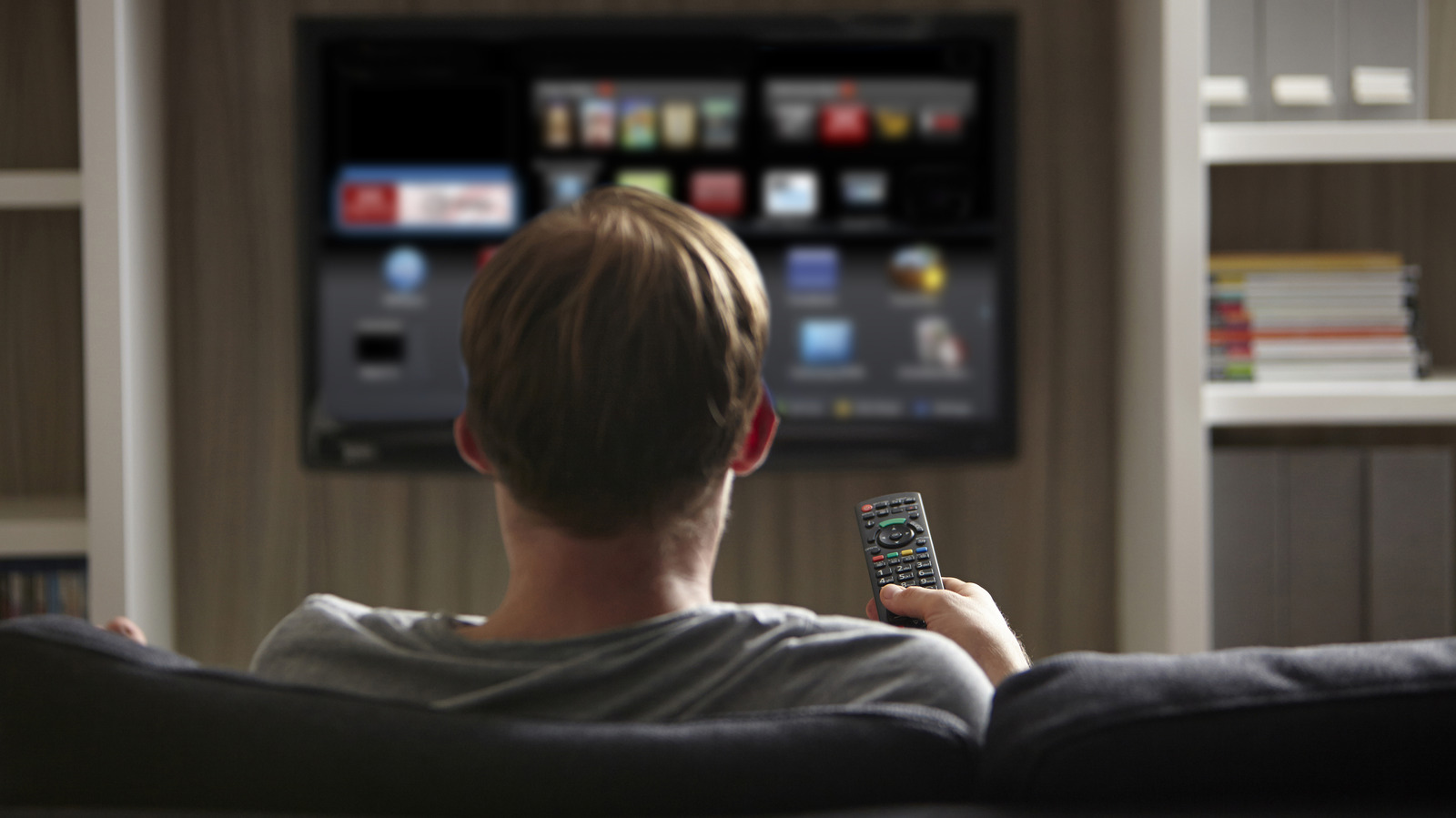
Smart TVs have become a fixture in households worldwide, and by the end of 2026 more than half of all households globally are expected to own one, up from 34% in 2020. Their appeal comes from features like voice assistants, regular software updates and built-in internet access for streaming without extra hardware. Running all of this, however, requires an operating system, and that system needs storage space on the TV itself.
Why space is so limited
Typical new smart TVs ship with only around 8GB of built-in storage. A large portion of that is already claimed by system files — on Samsung TVs, for instance, the OS can take up as much as 20% of total storage. Manufacturers also preload TVs with apps such as YouTube, Netflix or Prime Video before they ever reach a store shelf, taking up space regardless of whether the owner wants them. On top of that come apps the user installs personally, plus cache and temporary data that apps generate, such as show thumbnails saved by streaming services to speed up loading in a watchlist.
How to reclaim storage
The simplest fix is clearing app cache and temporary data through the TV's settings, which doesn't delete the app itself, though the data will gradually rebuild with continued use. A more lasting solution is uninstalling apps that go unused, particularly any not opened in the past three months. Removing pre-installed bloatware is trickier, since some manufacturers restrict or block this entirely. For those who'd rather skip the hassle, an alternative is plugging in a separate streaming device, such as a Fire TV Stick, Roku or Google TV Streamer, each of which brings its own storage, operating system and app ecosystem.