What is Android System Intelligence, and what happens if you disable it?
Android System Intelligence is a Google system component powering several everyday Android features. Turning it off won't break your phone, but it will remove a number of convenient tools.
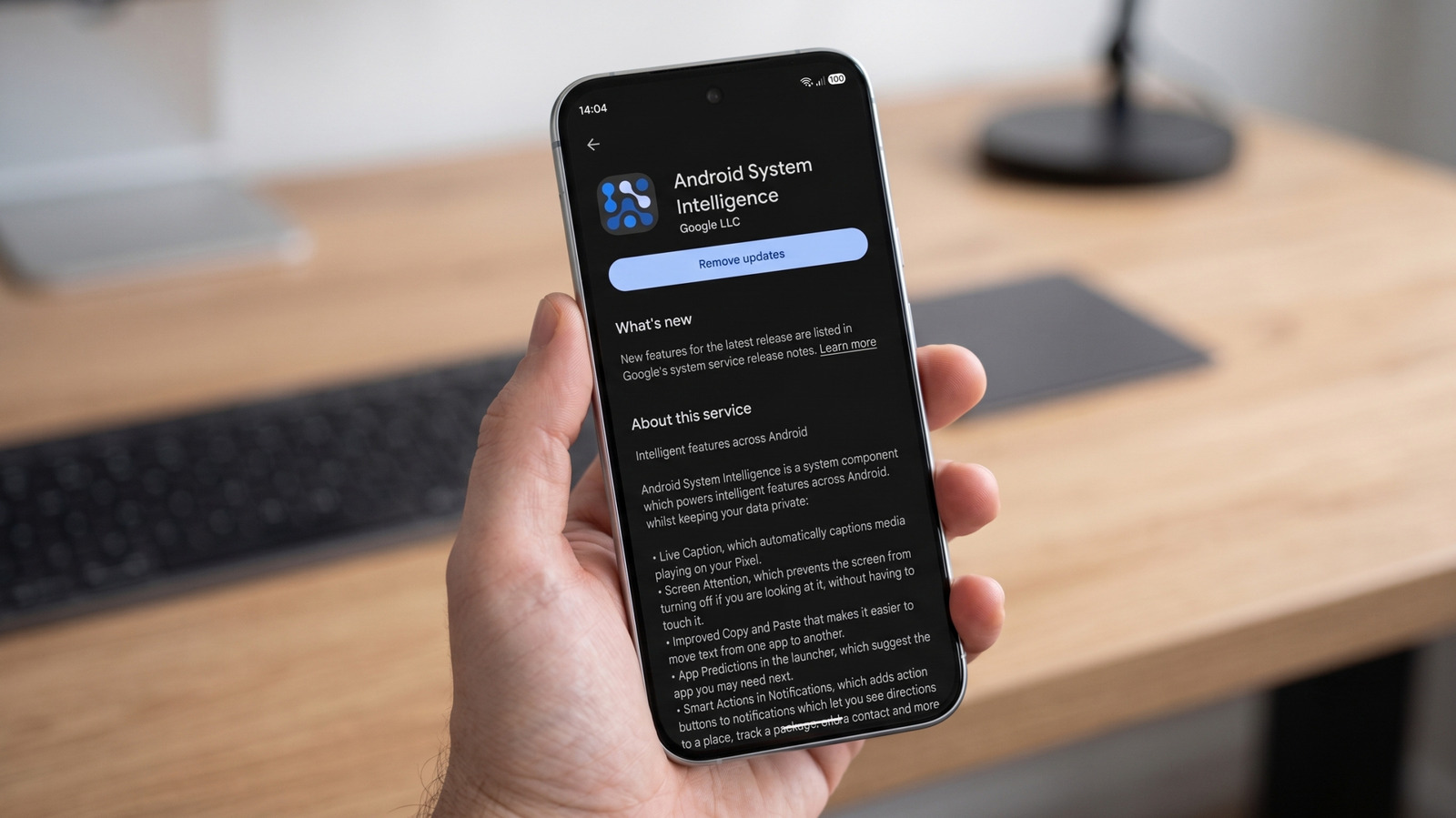
Deep in an Android phone's app list sits a component called Android System Intelligence (ASI). Despite its imposing name, its job is fairly specific: it powers a range of contextual features that many users rely on daily, often without realizing it.
What ASI actually powers
On Pixel devices, ASI supports features such as Live Caption, Now Playing, Smart Autorotate, Screen Attention, app predictions, smarter copy-and-paste, and notification actions. The exact lineup depends on the device manufacturer. ASI runs inside Android's Private Compute Core, introduced in 2021 alongside Android 12. Its machine-learning features don't have direct internet access; Private Compute Services acts as the bridge whenever a cloud connection is needed.
Google says ASI and Private Compute Services collect crash logs, diagnostics, and device identifiers for app analytics, though usage and diagnostics collection can be turned off. The company explains that system permissions are used to provide smart predictions, but it doesn't clarify why ASI sometimes requests location access. It's also worth noting that ASI is distinct from Gemini — Google's Gemini Nano models run in a separate Android service called AICore.
What happens when you turn it off
Because ASI is a system component, it generally can't be uninstalled like a regular app, though some Android phones allow disabling it under Settings > Apps. In January 2026, Android Authority reported that core phone functions kept working even after ASI was disabled, with only ASI-dependent features like Now Playing and Live Caption disappearing. Google doesn't claim disabling the component causes instability, but it also hasn't published a complete list of everything affected across every device.
For most users, the more practical approach is to leave ASI enabled and instead disable the specific feature or permission causing concern. If ASI repeatedly crashes, Google recommends restarting the phone, installing available updates, and clearing the app's cache or data if necessary. According to Google Play, Android System Intelligence has been downloaded more than 5 billion times.