What is a VESA mount and how to find your TV's pattern
VESA measurements define the spacing between a TV's mounting holes, but confirming compatibility also requires checking a mount's weight limit and hardware requirements. Manufacturer specs or manual measurement can reveal the exact pattern.
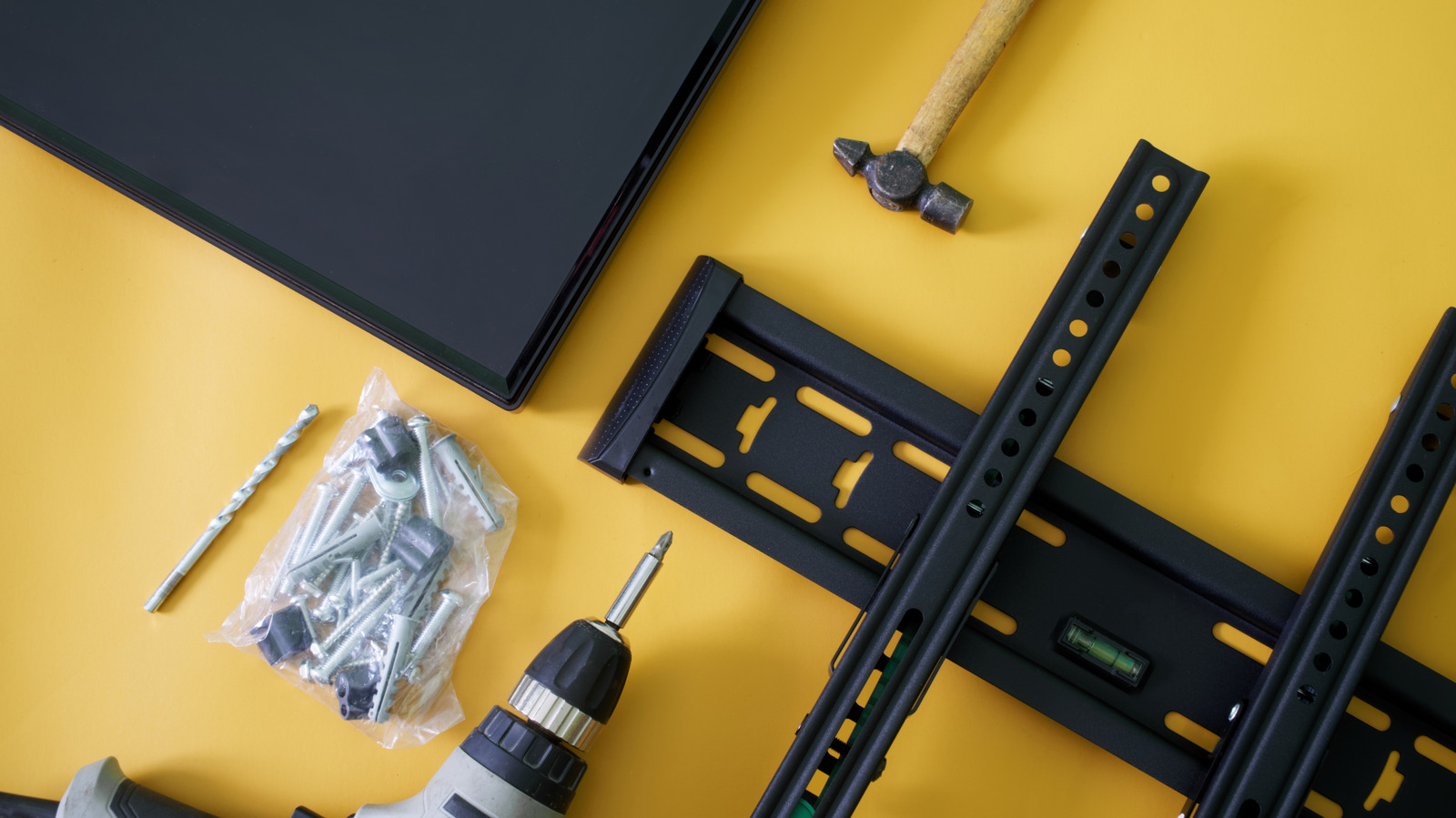
VESA, short for Video Electronics Standards Association, refers not to a TV's resolution but to the spacing between the mounting holes on the back of a television or monitor. A pattern such as 200×200 or 400×200 indicates the horizontal and vertical distance, in millimeters, between those holes.
Screen size alone doesn't reliably indicate which VESA pattern a TV uses. While larger televisions often have larger mounting patterns, the only dependable way to confirm the correct spacing is to check the specific model rather than estimate from the display's size.
Finding your TV's exact pattern
The most straightforward approach is to look up the TV model in its manual or on the manufacturer's support page, where wall-mount or VESA specifications are typically listed. If that information isn't available, the holes can be measured directly — from the center of one mounting hole to the center of the corresponding hole, both horizontally and vertically, with the result recorded in millimeters as horizontal × vertical.
Buyers don't necessarily need a mount labeled for their exact pattern, since many brackets support multiple VESA sizes. It's enough for the TV's pattern to appear among those the mount supports.
A matching pattern isn't the whole story
Even when the VESA pattern lines up, that only confirms the holes will align — it says nothing about whether the mount can safely support the TV's weight. The mount's maximum load rating should be compared against the television's actual weight, and the correct mounting screws should be confirmed against the TV manufacturer's instructions. Finally, attaching the bracket to the wall itself should follow the mount manufacturer's own installation guidance.