CarPlay not working? Here are the first things to check
If CarPlay stops working, most issues can be solved with simple steps like restarting devices, enabling Siri, changing the cable, or re-pairing the connection. This article walks through the key troubleshooting checks from basic to advanced.
Basic checks
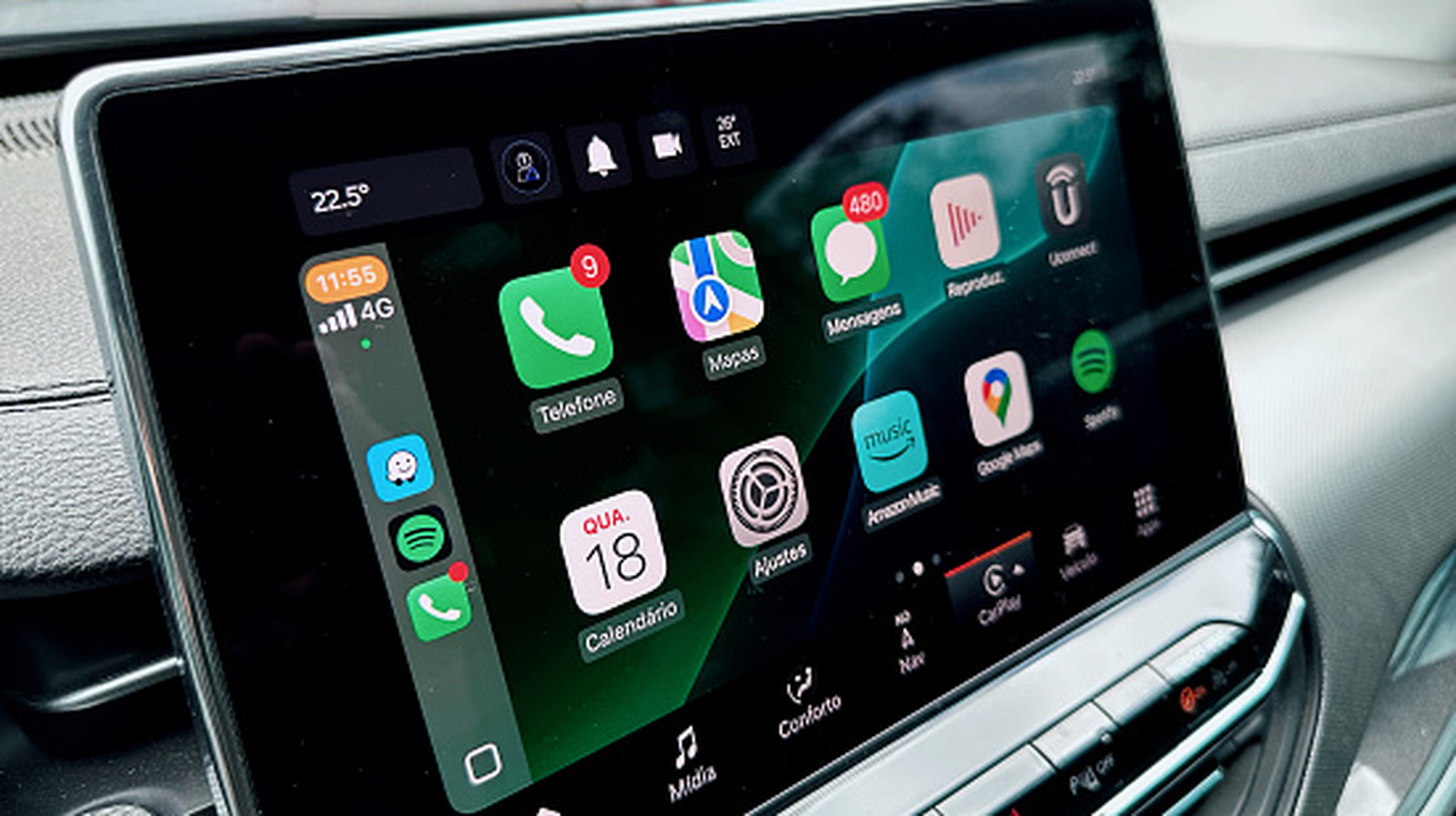
Start by restarting your phone and turning your car off and on. CarPlay may not launch automatically, so look for its icon on the car's infotainment screen. If this is your first time, verify your car is on Apple's CarPlay compatibility list. Every iPhone from the iPhone 5 supports CarPlay, so device compatibility is unlikely to be the problem. Also make sure Siri is enabled, since CarPlay requires it. Updating to the latest iOS can resolve temporary glitches.
Allow CarPlay while locked
By default, CarPlay requires you to unlock your phone once per drive so the two devices can communicate. If you skip this, CarPlay might appear non-responsive when it's just a locked screen. Go to Settings > General > CarPlay, select your car, and enable Allow CarPlay While Locked. Note that this lets anyone with access to your phone and car use CarPlay to make calls, send messages, and access data without your passcode, so consider disabling it in a vehicle you don't own.
Cable and connection checks
If you use a wired connection, try another USB port in your car and check the manual for a CarPlay-specific port. A worn or inadequate cable may be the culprit; replace it with one that supports data transfer, not just charging. Avoid adapters and clean any dust from the USB ports. For wireless CarPlay, ensure Bluetooth and Wi-Fi are on, and enable Auto-join for your car's network.
Restrictions and re-pairing
Check Screen Time settings under Content & Privacy Restrictions to confirm CarPlay is not blocked. Also review your car's settings for a Connections or Devices menu. As a final step, remove the car from your phone's CarPlay list and pair again. If needed, a factory reset of the head unit can help, but this erases your configuration, so export or photograph settings first. If the problem persists, contact your car manufacturer or Apple.