What to Check if Your Nintendo Switch 2 Won't Connect to the TV
If the Nintendo Switch 2 game console shows no picture on a TV, start by checking the power supply, HDMI cable and settings. If that fails, contact Nintendo support.
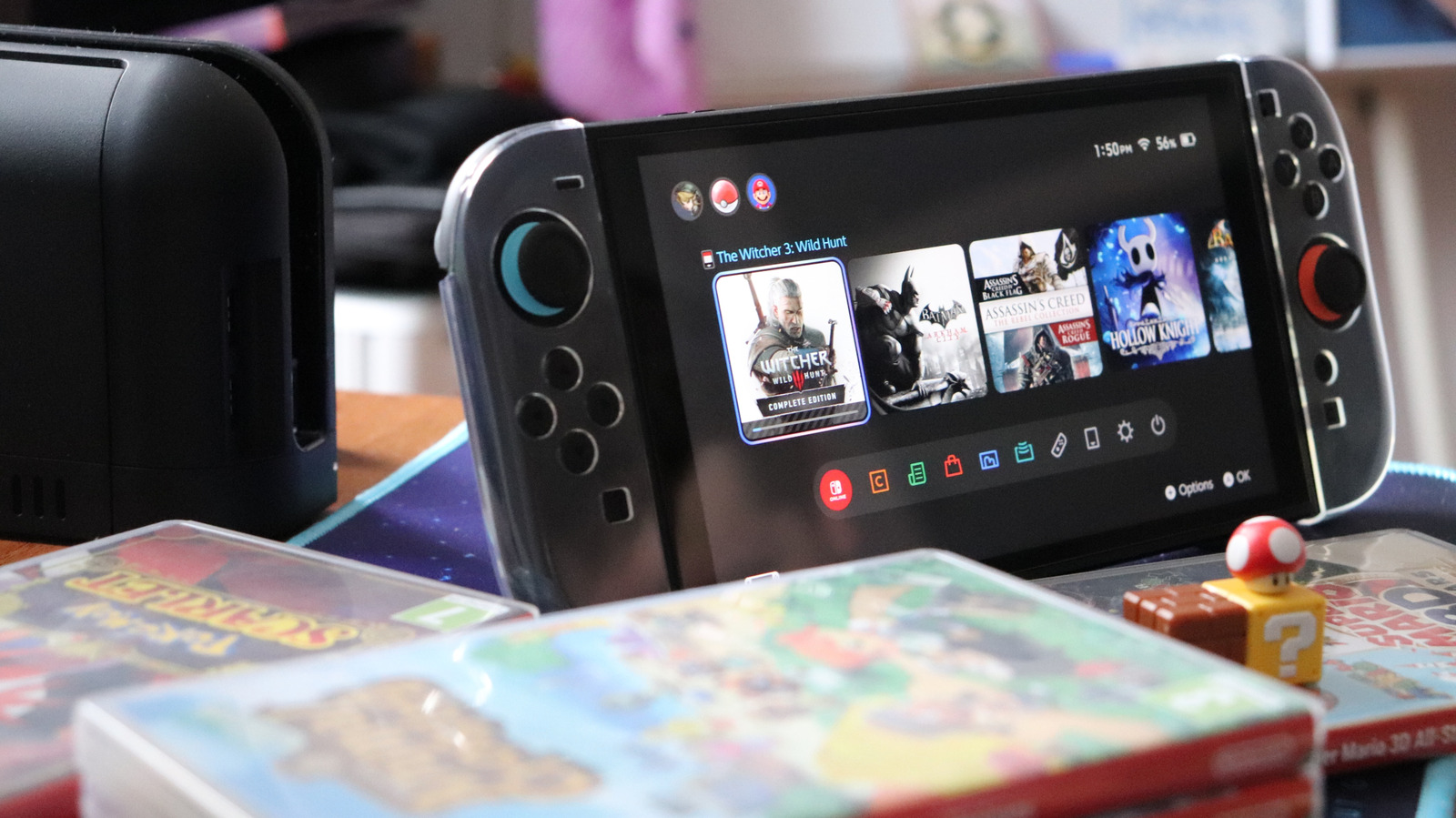
Owners of the Nintendo Switch 2 game console may find that the TV screen stays black or the console is unresponsive when it is placed in its dock. Tech outlet Engadget has compiled steps users can try themselves before contacting the manufacturer, Nintendo, for support.
Power supply
Nintendo recommends turning off the TV and unplugging all cables from the dock. The AC adapter should be removed from both the dock and the wall outlet, and the handheld taken out of the dock. Everything should stay disconnected for about 30 seconds. Afterwards, the adapter goes back into the dock's top port, at the rear, and into the wall, with the handheld's screen facing the front of the dock.
Cables should be checked for fraying or damage. If the wall outlet is suspect, it can be tested by charging another device there. If the console uses a third-party adapter instead of the bundled one, it must deliver at least 54W, since the Switch 2 needs more power than the original Switch. A compatible adapter costs $35 on Nintendo's official website.
HDMI connection
The console needs an Ultra High Speed (UHS) HDMI cable, which supports 48Gbps bandwidth. One is included in the box, and third-party UHS cables also work. Slower cables or the one from the first Switch will not work. An HDMI 2.1 port on the TV is preferable, allowing up to 8K at 60Hz or 4K at 120Hz. Older ports limit picture quality.
TV and console settings
In the TV's menus, users can look for options such as Auto Low Latency Mode (ALLM) or a gaming mode, and select the correct HDMI input. If nothing appears, pressing the handheld's power button while it is docked may help. Nintendo also suggests trying another cable, another HDMI port or another TV.
The console should have the latest system update installed (System Settings > System > System Update). Under Display, TV Resolution can be set to Automatic, and Match TV Power State can be turned on so the TV wakes with the console; older TVs may not support this.
Support
If nothing works, contact Nintendo support. The dock and console may need to be mailed in.