What You Can Do With the Apple Watch Ultra 4 Action Button
The orange action button on the Apple Watch Ultra 4 lets users trigger one preselected function with a press, from a flashlight to automations built in the Shortcuts app. Tech outlet Engadget reviewed the available options.
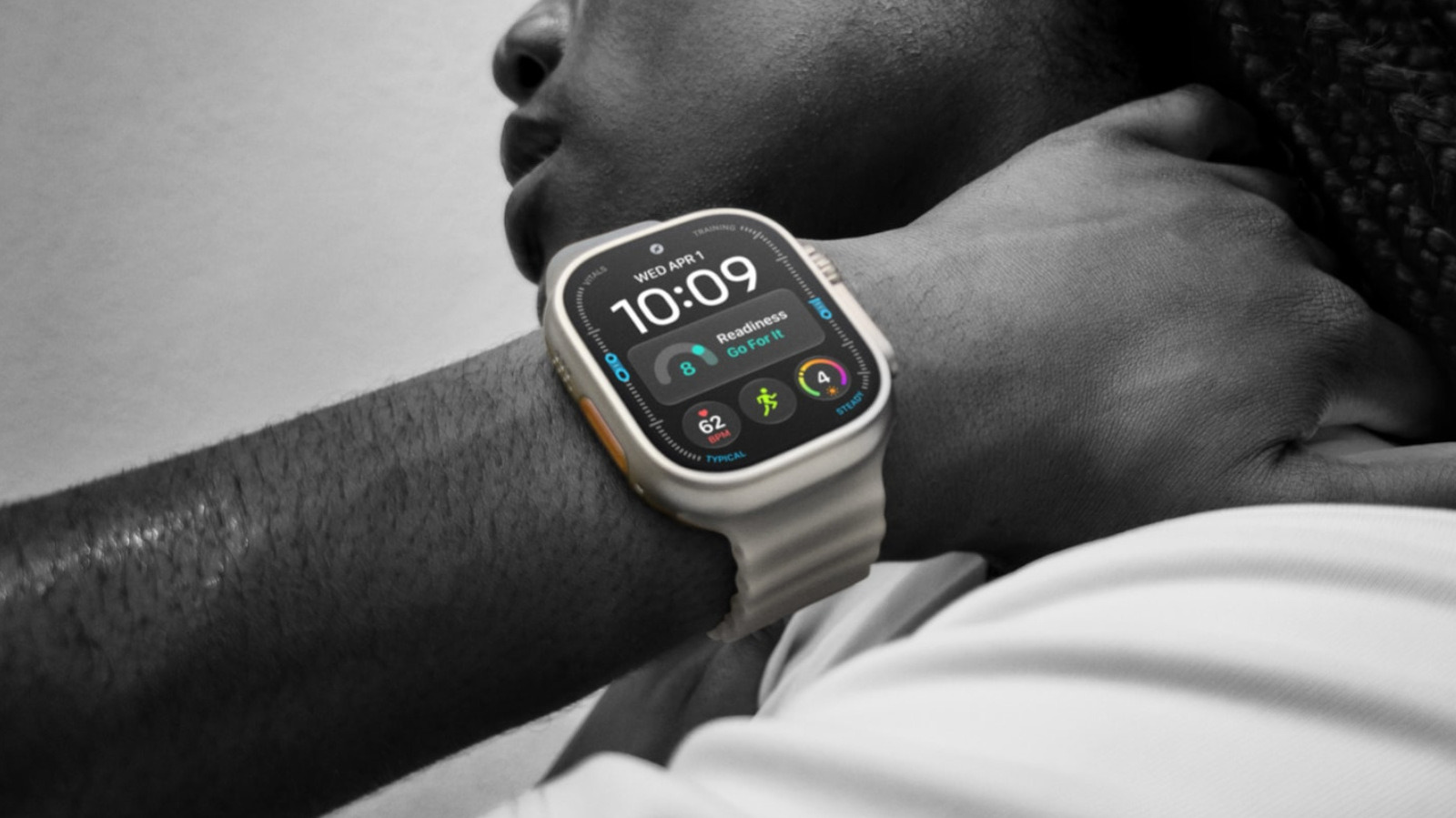
The orange action button on the Apple Watch Ultra 4 is designed for quick access to commands that owners of other Apple Watch models must reach through menus or watch face complications, according to technology site Engadget. The watch costs $800 and lasts up to 50 hours per charge, while the Series 12 needs charging daily.
The button sits next to the speaker grille. It can also activate an emergency siren, which helps draw attention if a person is lost or injured. Only one function can be assigned at a time, but it can be changed by briefly holding the button to open the Quick Switch menu. That can matter for outdoor navigation, for example.
Simple and more complex functions
The simplest choices are Flashlight, Voice Memo, Translate and Recognize Music: one press starts the function and another stops it. Music recognition on the Ultra 4 should be nearly instant thanks to Apple's new Audio Intelligence features, which also support automatic Shazam detection.
With Stopwatch, the first press starts timing and the next marks a lap, while pressing the action and side buttons together pauses it. In Dive, a regular press starts a dive, and the two-button combination launches a secondary function in the app. Workout can open the Workout app or jump straight into a chosen activity, which is set under Settings > Action Button.
Two options cover navigation. Waypoint drops waypoints visible in the Compass app and on the Waypoint watch face, while Backtrack records a precise route that can be retraced later.
Accessibility and Shortcuts
The Accessibility setting can trigger features such as AssistiveTouch and VoiceOver. The broadest option is Shortcuts: one press can run any automation built in the iPhone's Shortcuts app, such as turning on lights, adjusting a thermostat and playing local news on a HomePod.
In iOS 27 on iPhones with Apple Intelligence, shortcuts can be built simply by describing what they should do. The results still need checking so that, for instance, a drive-home message does not reach the wrong recipient.