Which USB adapters to keep (and toss) in 2026
Not all USB adapters are worth holding onto – some are still essential for modern devices, while others belong in the recycling bin.
Most of us have a drawer full of old cables and adapters, just in case. But not all of them are equally useful. To decide what to keep, you need to look at the devices you actually own and how tech standards have evolved.
The most important adapters to keep
Right now, the most relevant adapters are those that convert between USB-C and USB-A. USB-C is the standard for phones, tablets, earbuds, game controllers, and Bluetooth speakers. USB-A, meanwhile, is still around on desktops, laptops, cars, and peripherals like mice, keyboards, and flash drives. Keeping a few adapters for both directions lets you connect older gear to newer devices and vice versa.
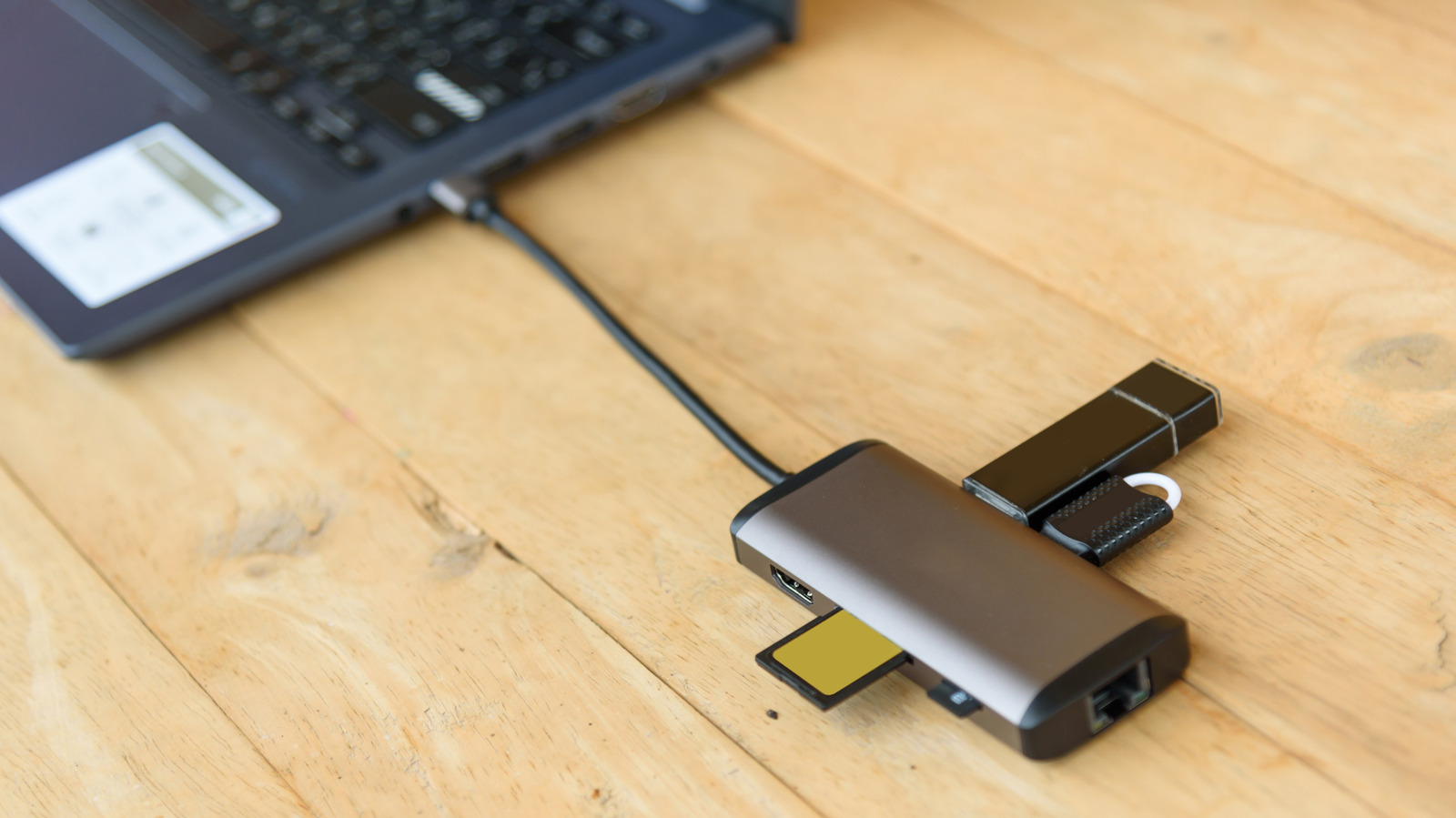
A USB-C hub is also worth keeping. It expands a single USB-C port into multiple options, such as SD card slots, USB-A ports, Ethernet, and HDMI. With many laptops offering few ports, a hub adds flexibility and is easy to carry.
Other adapters to keep
If you own older Apple gear – like iPhones before the iPhone 15 series or iPads before the 10th generation – Lightning-to-USB-C adapters are still handy. They let you plug Lightning cables into USB-C chargers or use USB-C accessories with Lightning devices.
For wired headphones, a USB-C to 3.5mm adapter is useful. Most smartphones no longer have a headphone jack, so this adapter lets you keep using your favorite wired headphones. Look for one that splits into both USB-C and 3.5mm, allowing you to charge and listen at the same time.
Wi-Fi or Bluetooth USB dongles are also worth keeping, especially for desktops that lack built-in wireless support.
What you can toss
Adapters for old connection types – serial, parallel, and PS/2 – are basically obsolete. Unless you're a hobbyist with vintage hardware, you don't need them. Mini-USB and Micro-USB adapters can also go, as these connectors have largely been replaced by USB-C.
Watch the USB specs
Not all adapters are created equal when it comes to data speed. USB 2.0 is fine for low-data devices like mice and printers, but for external drives or flash drives you want USB 3.0 or newer. A blue connector inside a USB-A port usually means USB 3.0 or higher. USB4, the latest standard, uses USB-C connectors, so your existing adapters should work with it.