Mini PC or laptop for your home office? Here's what actually matters
With the right accessories, a mini PC and a docked laptop can feel nearly identical at a desk, making the real decision about portability and cost rather than raw performance. The clearest difference shows up only once the computer needs to leave the desk.
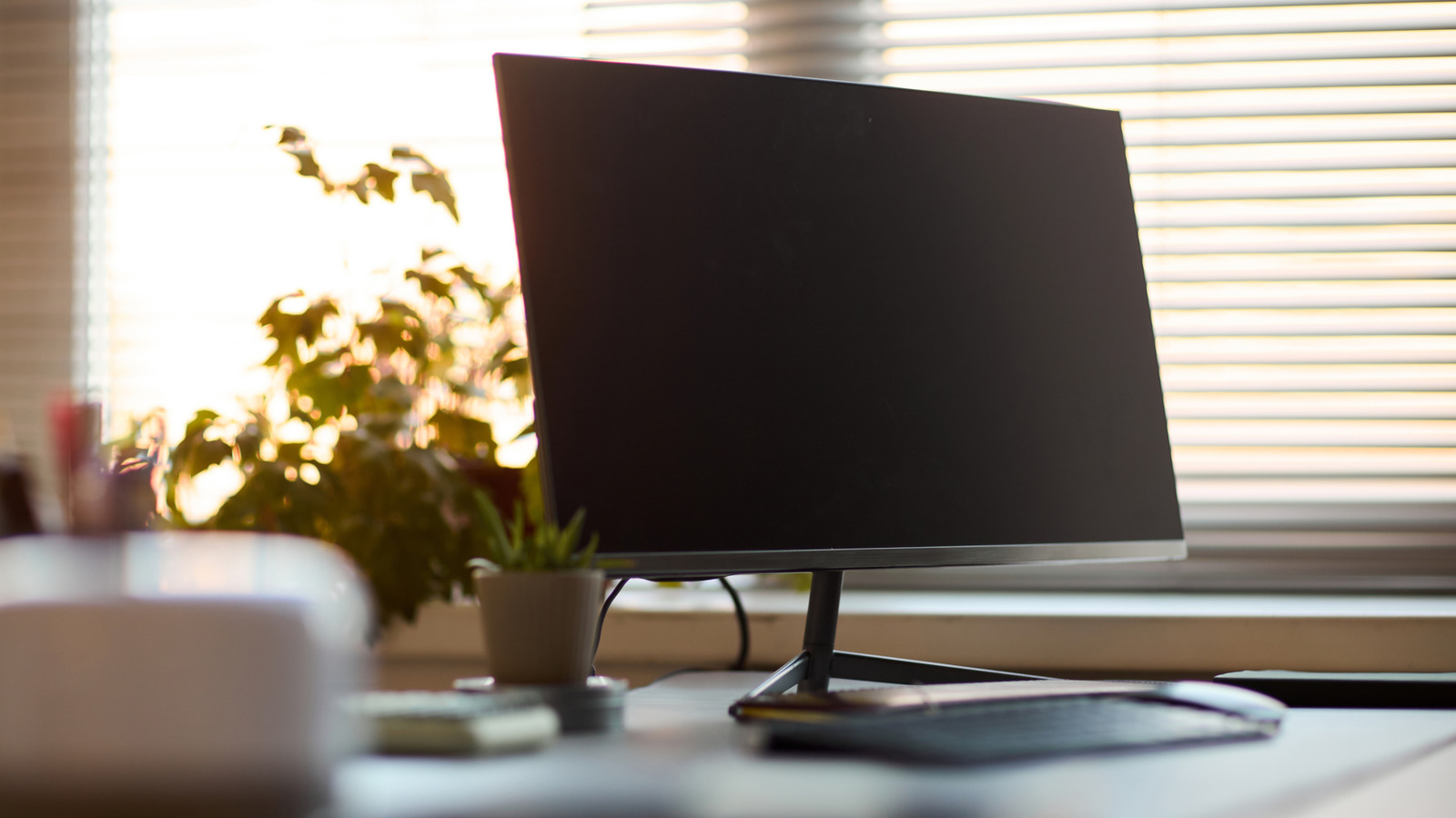
Choosing hardware for a home office often starts from the assumption that a mini PC and a laptop are fundamentally different tools. In practice, connecting a laptop to a large monitor via HDMI and pairing it with a wireless keyboard and mouse gets remarkably close to the mini PC experience — and a compatible USB-C or Thunderbolt dock closes the gap further by handling displays, peripherals, networking and charging through a single connection.
More alike than they appear
A less obvious point is that many mini PCs are built from essentially laptop hardware rather than shrunken desktop parts. Mobile processors, SO-DIMM memory and M.2 storage are common choices, simply because they're the most practical way to pack a full computer into a case small enough to sit behind a monitor. That said, sharing a processor name doesn't guarantee matching performance — cooling design, firmware and manufacturer-set power limits all affect how well a chip holds up under sustained workloads.
Where mini PCs do have an edge is upgradeability: models offering two memory slots and two storage slots give more flexibility than thin laptops with soldered-in memory. But not every configuration ships with memory or storage included, so adding those components — plus an operating system — can erase much of the apparent savings on a barebones unit. Graphics follow a similar pattern: integrated graphics handle email, office software and video calls comfortably, but a compact mini PC shouldn't be assumed to outperform a laptop for demanding video editing or 3D work.
The real dividing line is mobility
Once docked, a laptop's day-to-day desk setup can look identical to a mini PC's. The distinction becomes obvious only when the computer needs to travel — unplugging a laptop brings along the same files, apps, browser sessions and settings, with just one machine to manage. That makes a mini PC a sound, often more cost-effective choice for a desk that rarely needs to move when a monitor and peripherals are already on hand, while frequent travelers or anyone working across multiple locations are generally better served by a docked laptop.