Your PlayStation 5 may be plugged into the wrong HDMI port
Sony's PlayStation 5 console can show a good picture even when connected to an HDMI port that limits its capabilities. Getting 4K at 120Hz requires an HDMI 2.1 port, a suitable cable and the right settings.
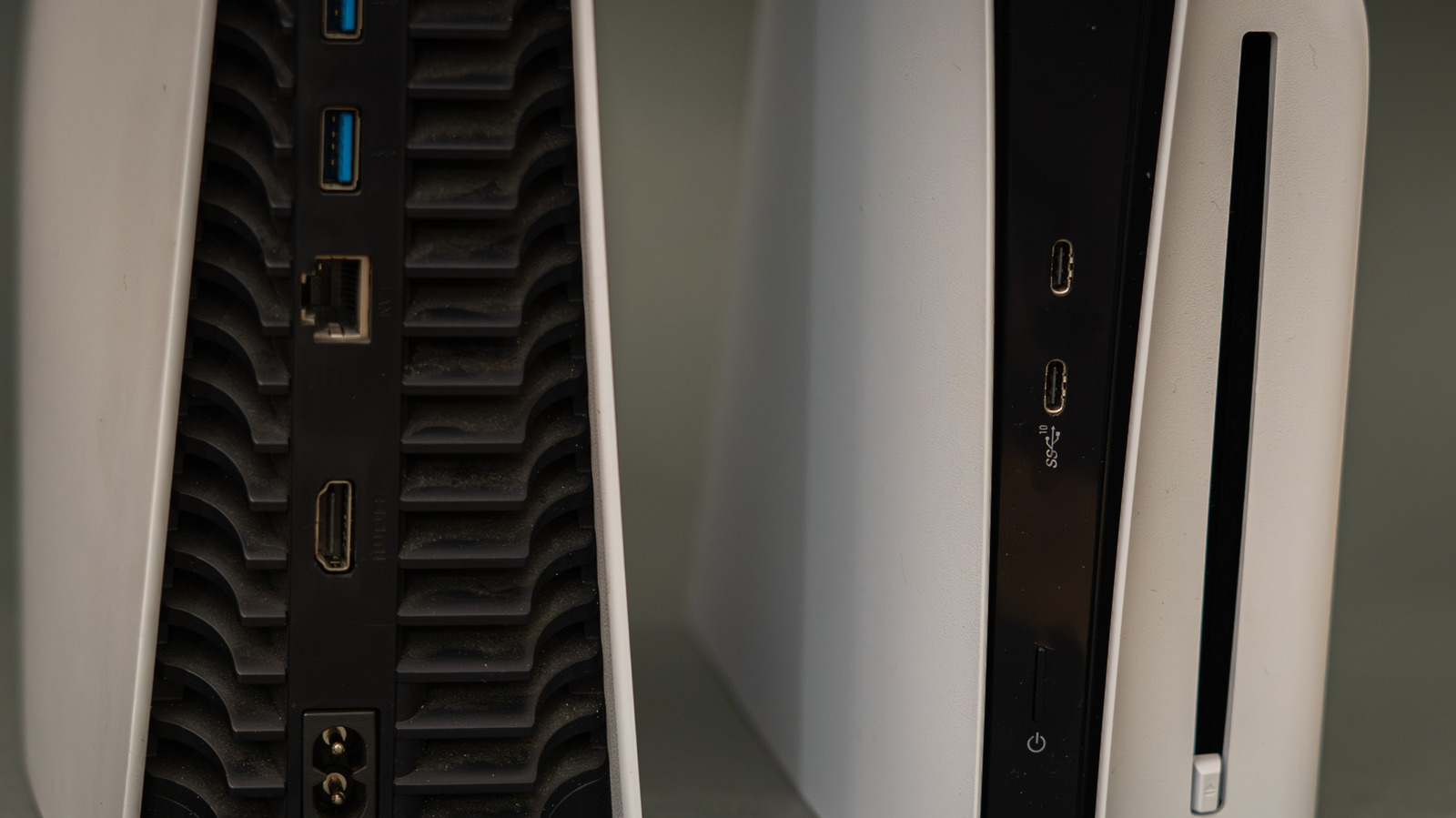
Sony's PlayStation 5 console can output 4K video at 120Hz, but only if the TV or monitor is connected through a suitable HDMI 2.1 port. Technology site Engadget notes that the picture can look good even when the port is limiting the console's capabilities, which makes the mistake easy to miss.
Finding the right port
Most TVs and monitors have several HDMI ports, and their labels are often tiny or missing. Without a label, the specifications must be looked up for the specific brand and model. The article warns against assuming that identical port numbers mean identical capabilities, even when every TV in a home comes from the same brand. This matters most for people who move the console between different TVs.
Port names such as "HDMI 1" and "HDMI 2" are only designators, not version numbers. On most TVs, though not all, the HDMI 2.1 ports are the third or fourth option.
Cable and settings
Sony recommends using the HDMI cable supplied with the PS5 or another high-quality Ultra High Speed (HDMI 2.1) cable. The cable should go directly into the screen, with no soundbar or similar device in between.
Even a port labeled HDMI 2.1 may not deliver 4K at 120Hz. The TV's input settings should be checked, as manufacturers use different names for the feature, such as "Enhanced Features". On the PS5, open Settings > Screen and Video > Video Output, leave the resolution and Video Transfer Rate on Automatic, and set Enable 120Hz Output to Automatic too. The Information option for the connected HDMI device shows the screen's resolution, Variable Refresh Rate (VRR) and HDR support.
What 120Hz offers
A 120Hz display gives smoother motion than a 60Hz one, but the game must also support 120 frames per second, and this is not always enabled by default. Few PS5 games run at 4K/120, since most high frame rate modes lower the resolution. Resolutions of 1080p or 1440p at 120Hz can work over HDMI 2.0.
HDMI 2.1 also brings VRR, which syncs the screen's refresh rate with the console's output to prevent screen tearing, and Auto Low Latency Mode, which switches the TV to its game mode to reduce input lag. If the signal is still not what is expected, the input, cable and display settings should be rechecked before considering a repair.