Roku TVs and Players Turning On by Themselves at Night: Possible Causes and Fixes
Some owners of Roku TVs and streaming devices have reported their units switching on at random during the night in recent months. The cause has not been officially identified, but there are several possible explanations and settings worth changing.
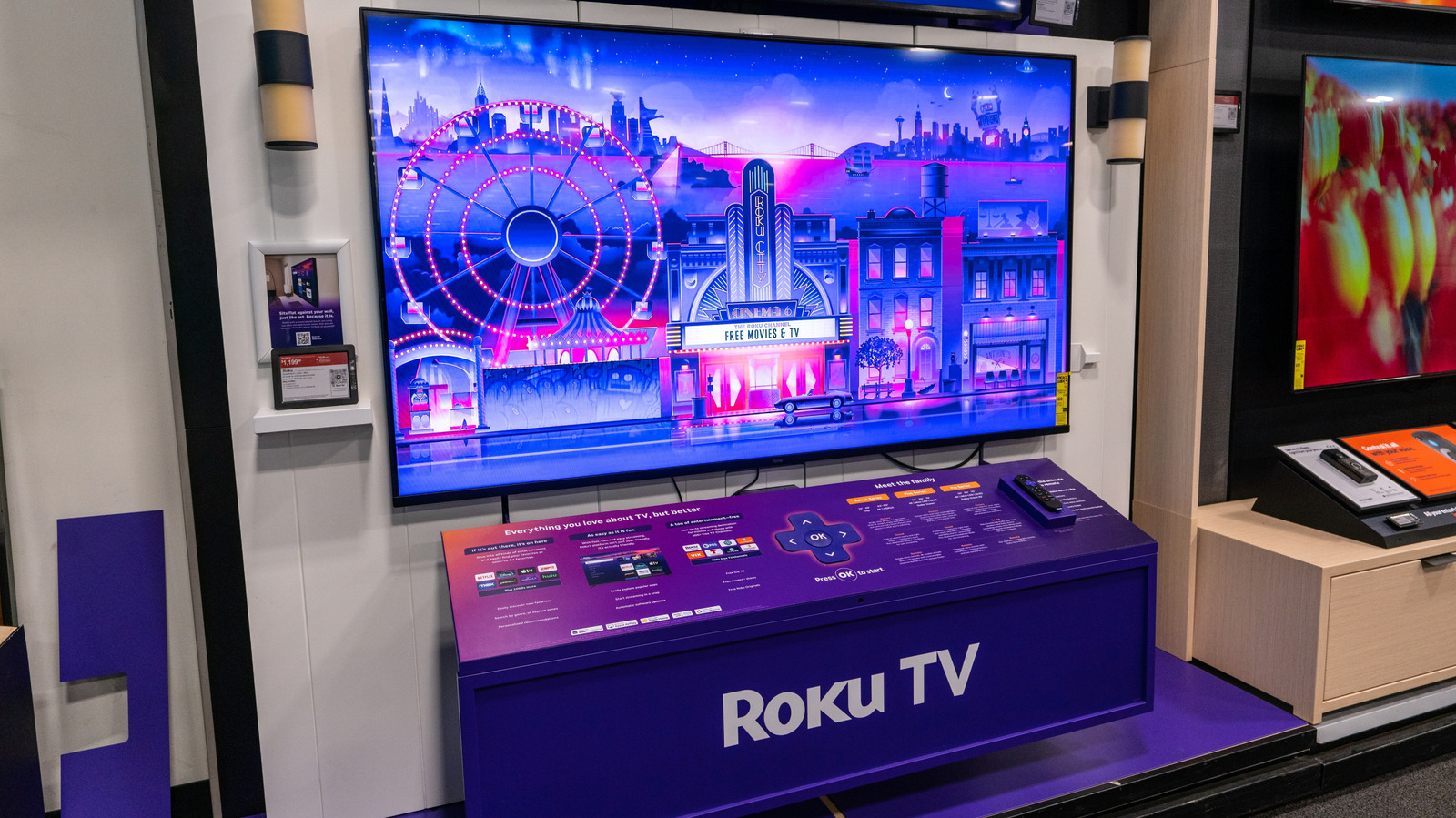
Users of Roku TVs and streaming players, made by the US company Roku, have been complaining in recent months that their devices power on in the middle of the night for no apparent reason, sometimes even starting to play a show or movie. Why this happens is unclear, as neither Roku nor anyone else has officially confirmed the root cause. As a result, there is no guaranteed fix, but there are several steps worth trying.
Possible causes
The first reports appeared after Roku OS version 15.3 was released in August 2026. Not every device is affected, but the timing looks too close to be coincidence. Oddly, that update contained no changes related to autoplay or power management, so a software bug is the most likely explanation.
A second possible culprit is HDMI-CEC. This technology links audio and video equipment, such as soundbars, game consoles and receivers, through HDMI cables so they can be controlled with a single remote. When a TV is switched on, it tells the other connected devices to turn on too. One faulty signal can confuse the whole chain. Manufacturers use different names for the standard: Samsung calls it Anynet+, Sony BRAVIA Sync, LG SimpLink and Roku 1-Touch Play. Compatibility problems can arise when devices come from different makers.
A third factor is the Fast TV Start feature. It keeps the Roku operating system running in the background even when the TV is off, so the set can turn on instantly and respond to voice commands. Together with the OS 15.3 update, this always-on network connection appears to have left the door open to overnight glitches.
What to try
- Update Roku OS to version 16, released in October. There are no reports that it fixes the problem, but trying it does no harm.
- Disable 1-Touch Play (HDMI-CEC) not only on the Roku TV but on all other connected devices: Settings > System > Control other devices.
- Turn off Fast TV Start: Settings > System > Power > Fast TV Start.
- If that fails, unplug the TV at night, use a smart plug, or contact Roku support at support.roku.com.


