Samsung's One UI 9.5 beta build for Galaxy S26 Ultra appears on company servers
A One UI 9.5 beta build for the Galaxy S26 Ultra has shown up on Samsung's South Korean and US servers, typically the last step before registrations open. Samsung has not yet officially announced the beta.
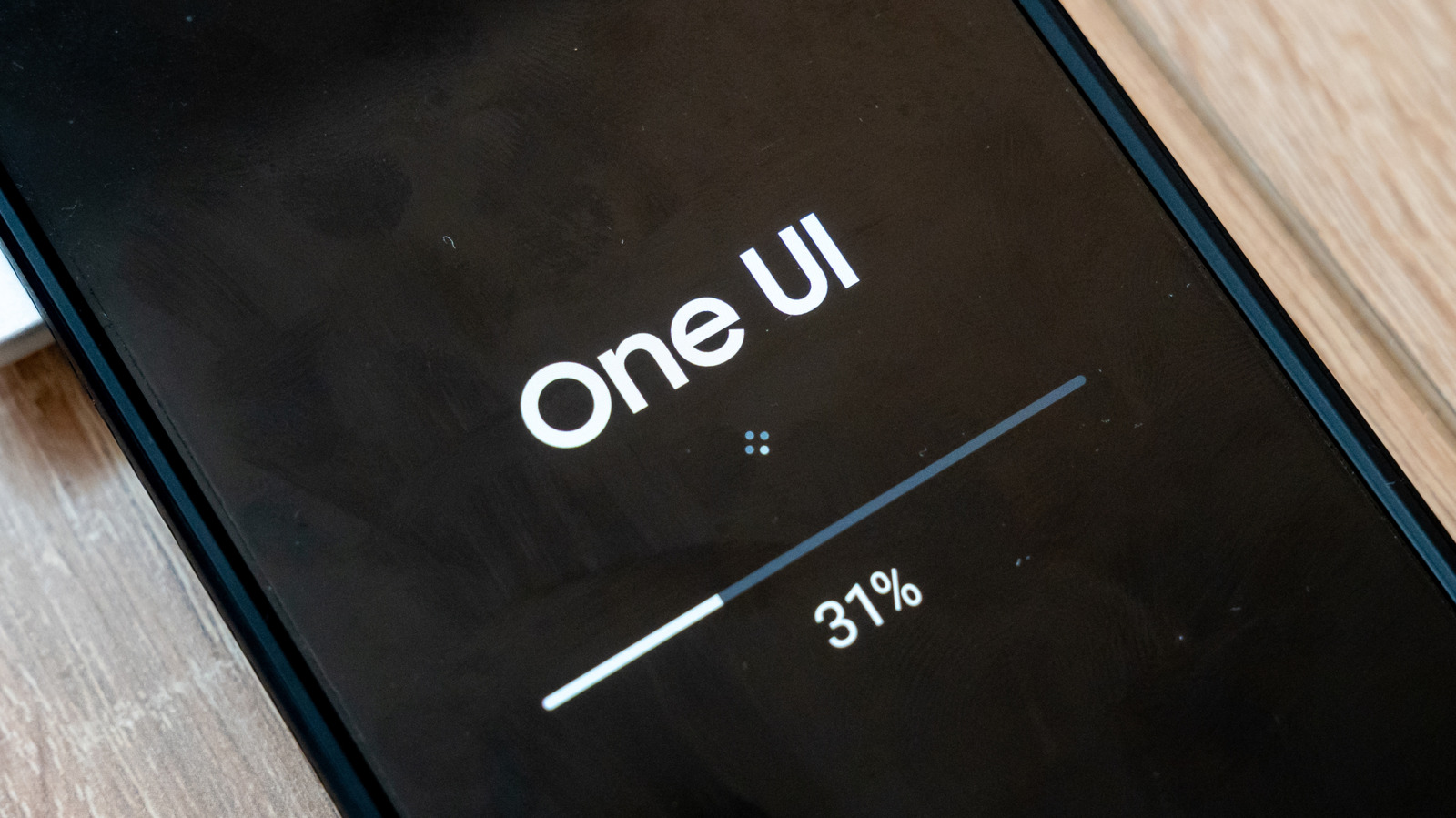
A One UI 9.5 beta build for the Galaxy S26 Ultra smartphone has appeared on the South Korean and US update servers of Samsung, the South Korean electronics maker. One UI is the interface Samsung uses on its Android devices. Such a listing is usually the final step before beta registrations open, but the company has not announced either the beta program or a start date.
What is known about the build
The firmware version spotted is S948BXXU6ZZK3, and it is meant only for the S26 Ultra. Other S26 phones are expected to receive the beta too, and the enthusiast site SammyGuru expects the S25 series, Z Fold 8 and Z Flip 8 to join them.
One UI 9.5 is still based on Android 17. It is a mid-cycle release, filling the same slot that One UI 8.5 did last year. The stable version is expected to arrive with the Galaxy S27 in early 2027.
When the beta could start
Samsung opened the One UI 8.5 beta on December 8, 2025, for owners of the Galaxy S25, S25+ and S25 Ultra. Users in Poland and India got the second build only on December 22. SammyFans suggests the new beta could begin in early December, while SamMobile thinks registrations may open in November. Both predictions rest on a single earlier mid-cycle release.
How to sign up
The beta is available in six countries: Germany, India, Poland, South Korea, the UK and the US. A Samsung account and the Samsung Members app are required. Once the program goes live, users need to open the One UI 9.5 banner or beta card in the app and choose registration for the beta program. The build is then downloaded under Settings > Software update > Download and install.
Last time, the US beta was limited to unlocked phones, so owners of carrier-locked devices may have to wait for the stable release.
Before installing, users are advised to update their apps and back up the phone to a computer with Smart Switch, since beta software can corrupt data. Users can leave the program in the Samsung Members settings, but this does not remove the beta build. Smart Switch must be used to downgrade, which erases everything done during testing.

