Seven ways to watch free movies and TV channels on your smart TV
Despite the growing number of paid streaming services, several legitimate free options exist for watching movies and TV shows on a smart TV. Most are available as apps on major TV platforms and are supported by advertising.
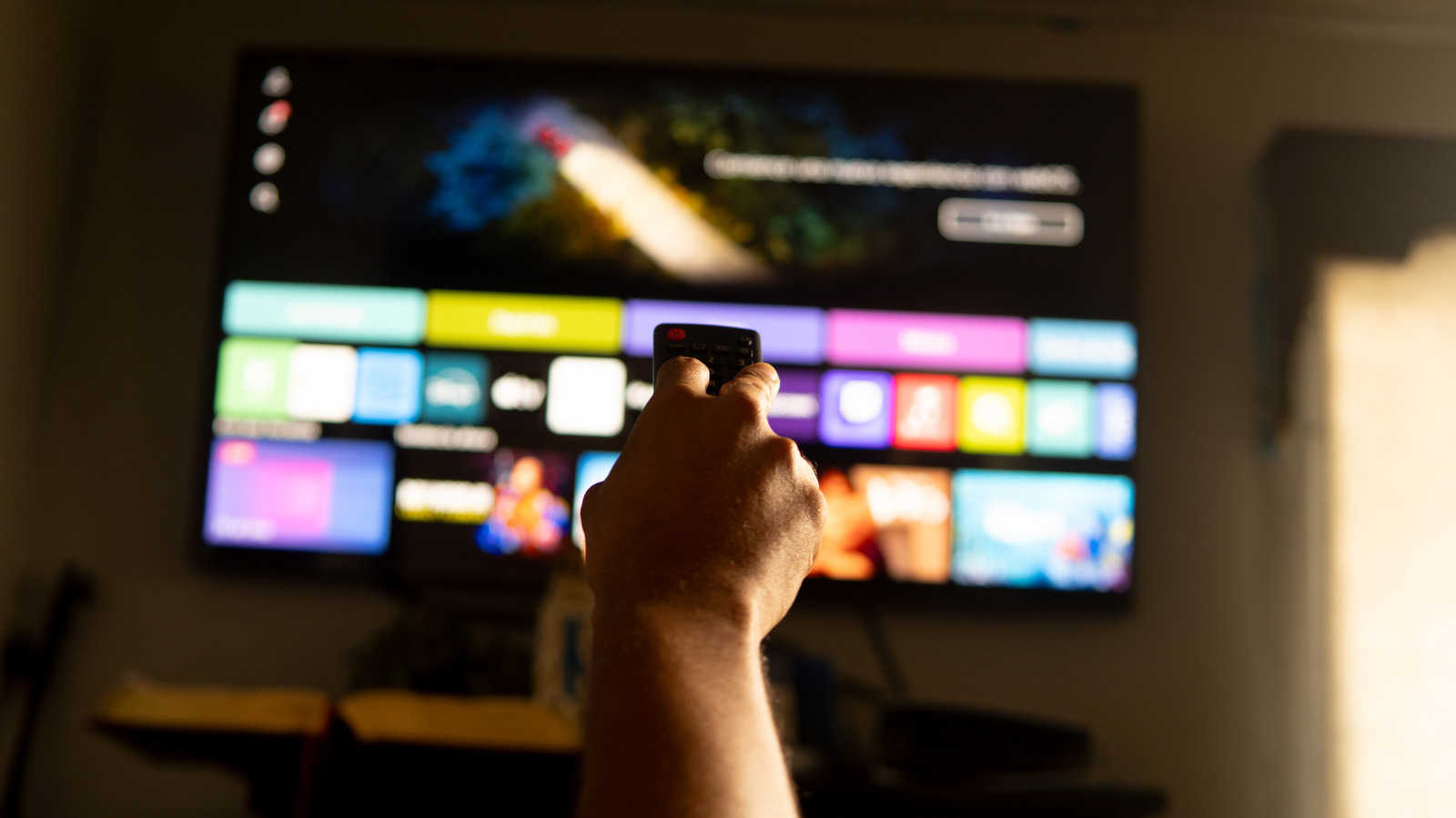
While paid streaming subscriptions keep multiplying, there remain several legal, free ways to watch movies and television on a smart TV. Most of these services offer apps across major TV platforms and combine on-demand libraries with live, channel-style browsing, supported by advertising rather than subscription fees.
Built-in free channels
Many smart TVs already come with a preinstalled FAST (free ad-supported streaming television) app. Depending on the manufacturer, this might be LG Channels, Samsung TV Plus, The Roku Channel, Google TV Freeplay, or WatchFree+ on Vizio sets. These combine on-demand content with live channels covering game shows, news, sports, cooking and movies, though not the latest blockbusters.
Additional apps worth trying
Tubi is a fully free platform with no subscription requirement, offering themed collections and original content. Pluto TV works similarly but leans more heavily into live, always-on channels, including ones dedicated to specific shows or genres.
Library card holders can access Hoopla and Kanopy, both ad-free since libraries cover the costs. Hoopla leans toward TV content, while Kanopy focuses on documentaries and foreign films.
YouTube's Movies & TV section, filtered to Free, hosts an official library of ad-supported movies and shows, alongside public domain films and official studio channels.
Amazon folded its former standalone free service, Freevee, into Prime Video in 2025, offering free movies, shows and live channels alongside paid content. Sling Freestream, meanwhile, is a no-account-required free service from the Sling live TV provider, with an optional free account unlocking extras like a DVR feature.
/nginx/o/2026/09/17/17922745t1hf39e.jpg)