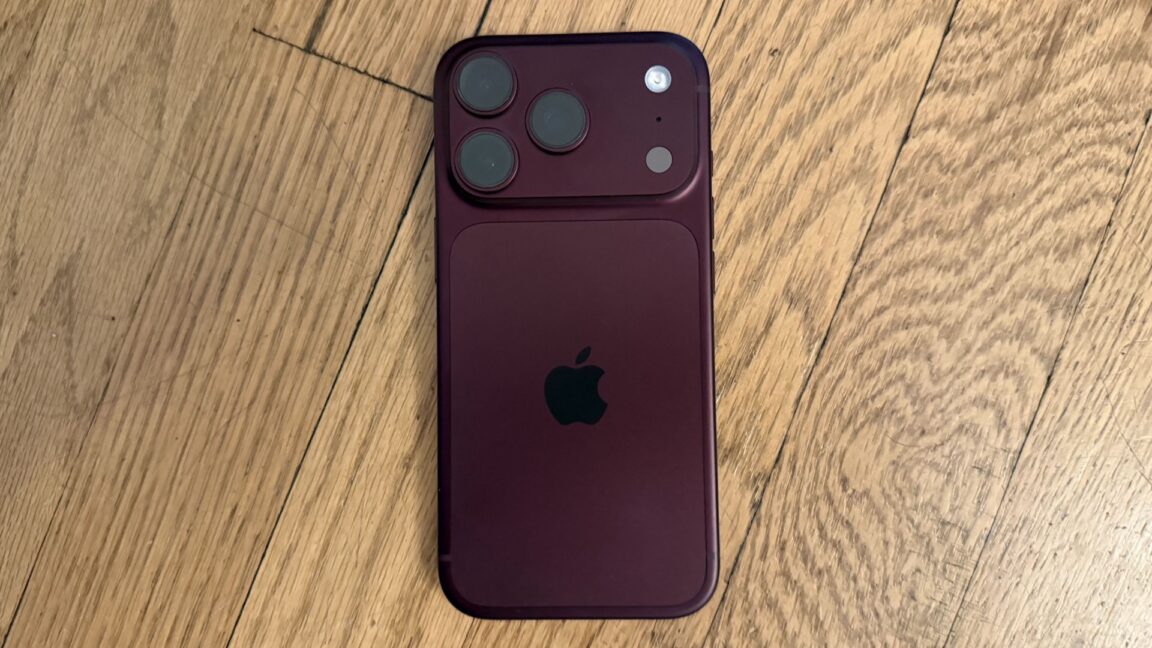
Third-party apps unlock finer aperture control on iPhone 18 Pro
Apple's native camera app limits the iPhone 18 Pro's variable aperture to four fixed settings, but third-party apps are already offering much more granular control using Apple's SDK.
The iPhone 18 Pro's new main camera features a variable aperture, but Apple's native iOS camera app restricts manual control to just four fixed settings: f/1.48, f/1.8, f/2.8, and f/4. The same four options apply even when the app automatically adjusts the aperture in Auto mode. It turns out, however, that this isn't a hardware limitation — Apple's SDK actually allows third-party developers to build in much finer aperture control.
BlackMagic and Moment add more presets
BlackMagic Design's free BlackMagic Camera app for iOS was among the first third-party apps to support the iPhone 18 Pro's adjustable aperture. Rather than offering just four stops, it provides 10 presets with additional in-between values. The YouTube channel iPhoneographers tested the feature last week in version 3.5 of the app and called it "pretty buggy," though the app has since been updated to version 3.5.1 with general performance and stability improvements.
Yesterday, Moment announced on X that its $12.99 Moment Pro Camera II app has also been updated to support the iPhone 18 Pro's variable aperture. The app allows aperture adjustment from f/1.48 to f/4.0 in 1/3-stop increments, resulting in 10 presets — matching BlackMagic's approach and mirroring how most digital cameras handle aperture control.
Given the iPhone 18 Pro's relatively small sensor size, users may struggle to notice differences in background blur or focus depth between shots taken just 1/3 of a stop apart. Still, having more granular control is generally seen as a welcome addition for photographers.