USB 3.0 vs. USB 2.0: What's the Difference and Which Should You Use?
USB 3.0 is much faster than USB 2.0, offering higher data transfer speeds and power output. The article explains key differences, how to spot them visually, and when to use each standard.
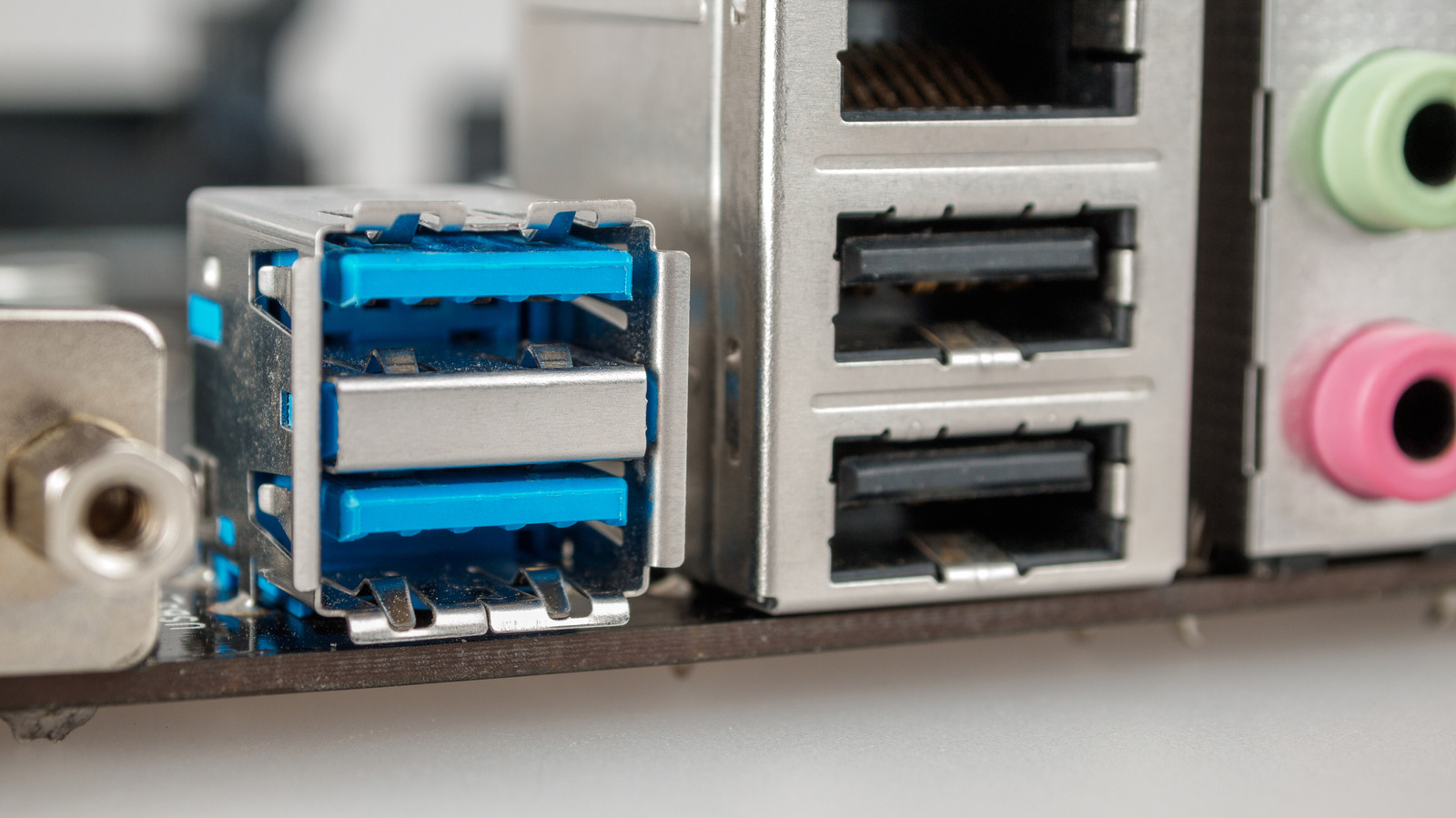
Visual Differences
The easiest way to distinguish USB 2.0 from USB 3.0 ports is by color. USB 2.0 ports typically have a black or white interior, while USB 3.0 ports are often blue. However, this color coding is not universal, and some USB 3.0 ports may be purple.
Speed and Performance
The main difference lies in data transfer speed. USB 2.0 maxes out at 480 Mbps, while USB 3.0 (first generation) reaches 5 Gbps. The newer USB 3.2 standard can achieve up to 20 Gbps. In real-world file transfers, USB 2.0 averages 20-40 MB/s, compared to 300-500 MB/s for USB 3.0.
Power Output
USB 2.0 provides up to 2.5 watts of power, whereas USB 3.0 delivers up to 4.5 watts. This makes USB 3.0 better suited for power-hungry devices like external SSDs or 4K webcams.
When to Use USB 2.0?
USB 2.0 remains widely used for devices that don't require high bandwidth, such as mice, keyboards, printers, Bluetooth speakers, and wireless gamepad dongles. These peripherals see little benefit from USB 3.0's speed, so it's better to reserve faster ports for demanding devices.
Compatibility
USB standards are backward compatible. You can plug a USB 2.0 device into a USB 3.0 port and vice versa. However, connecting a USB 3.0 device to a USB 2.0 port limits its performance to USB 2.0 speeds (480 Mbps), negating the speed advantages for devices like external SSDs.

