USB-A vs. USB-C: What sets these two common connectors apart
Although USB-C is gradually replacing the older USB-A standard, both connector types remain widely used and differ in shape, compatibility and capability. Knowing these differences helps in choosing the right cable for the job.
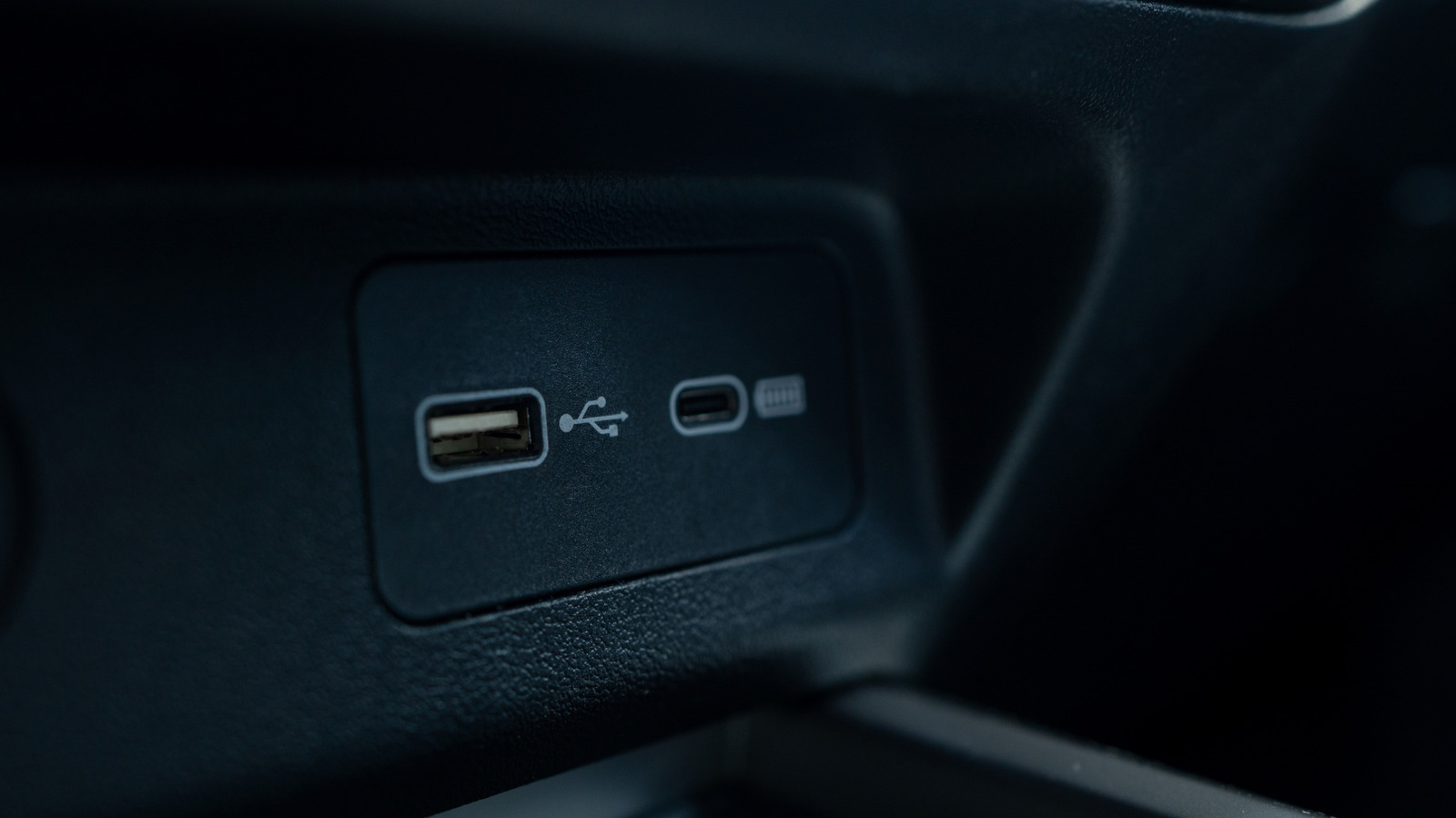
USB-A was one of the original connector types defined back in the USB 1 standard of the mid-1990s. Its rectangular shape places all pins on one side, meaning it only fits into a port one way — something many users have fumbled with over the years. Early USB designated one device as the host and the other as the peripheral, which is why USB-A-to-USB-A cables aren't used to connect two computers directly. Alongside USB-A, older devices also used USB-B, along with the smaller Mini-USB and Micro-USB connectors found on early mobile devices, phones and game controllers. USB-A remains common today on computers, routers, game consoles, cars and various chargers.
USB-C arrived in 2014, with wider adoption starting around 2015. Unlike USB-A, it has an oval, reversible shape, so it can be plugged in either way on the first try. USB-C also does away with the fixed host/device distinction, letting connected devices determine their roles automatically. USB-C has since become the standard for smartphones, tablets, headphones and most modern laptops, and is increasingly replacing USB-A in cars, routers and chargers. Beyond data transfer, USB-C can charge larger devices such as laptops and carry video and audio signals.
Speed depends on the standard, not the shape
The physical connector type alone doesn't determine data transfer speed — that depends on the specific standard supported by the cable and port. The oldest widely used standard, USB 2.0, tops out at 480 Mbps, while newer standards are now named after their maximum speeds: USB 5 Gbps, USB 10 Gbps and USB 20 Gbps. USB-A can reach up to USB 10 Gbps, while USB-C supports the faster USB 20 Gbps standard as well as USB4, which can reach speeds of 40 Gbps or even 80 Gbps. To actually achieve these faster speeds, both device ports and the cable itself must support the same standard — otherwise data will only transfer at the lowest common speed among them.