USB4 vs USB-C: What's actually the difference
USB-C refers to the connector shape while USB4 is the latest data transfer standard — the two terms describe different things, not competing options. USB4 delivers far greater speed and capability than older USB 3.2 ports.
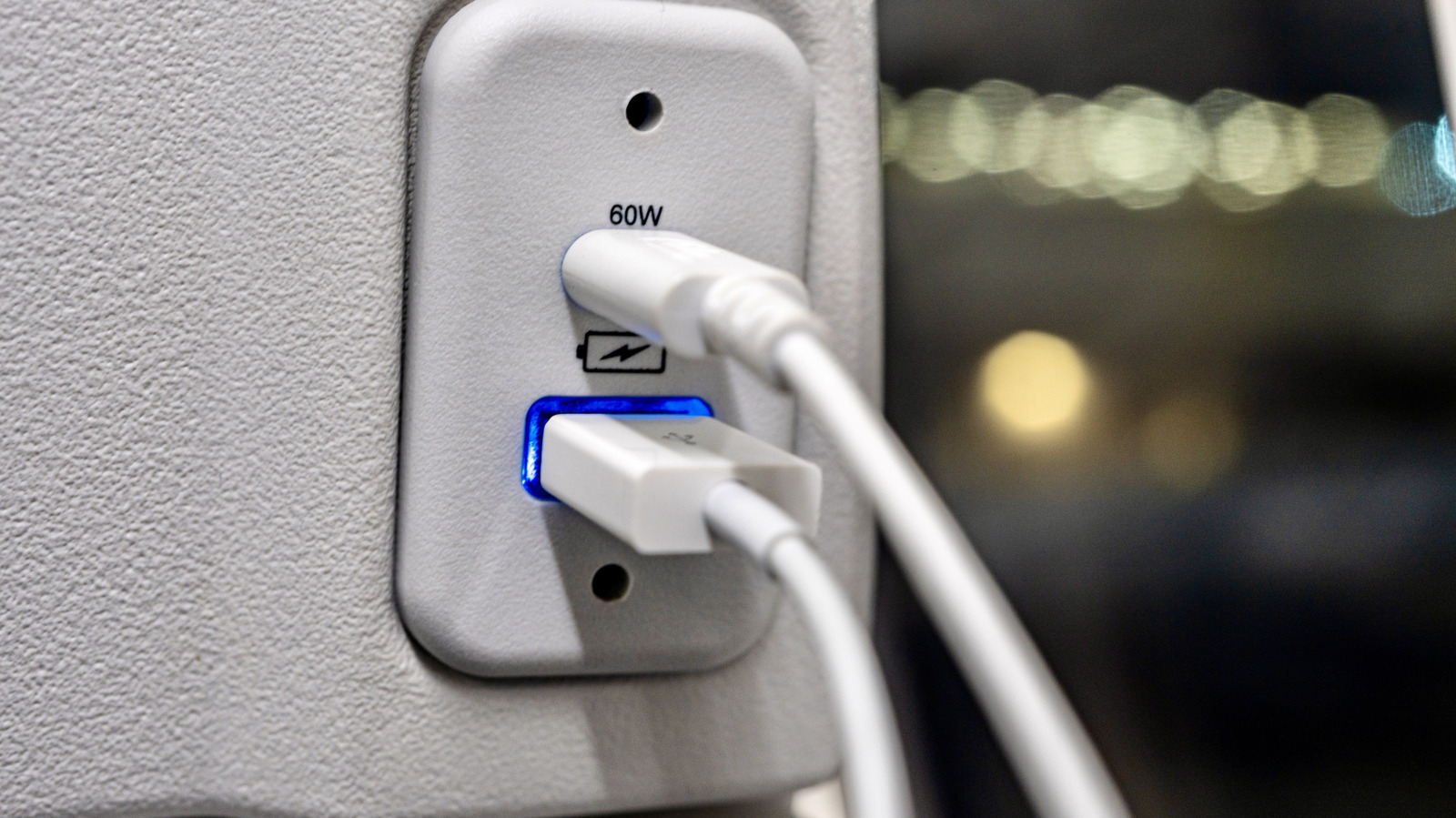
Confusion often arises between USB-C and USB4, but the two terms refer to different aspects of a connection. USB-C describes the physical connector shape used for charging cables and peripherals, while USB4 is the newest transfer standard determining how fast and capable that connection actually is.
Every USB4 cable uses a USB-C connector, but not every USB-C port supports USB4 speeds. Plugging a USB4 device into an older USB 3.2 port limits transfer speed to that standard's maximum of 10 or 20 Gbps, rather than the full 40 Gbps that first-generation USB4 can deliver.
Identifying USB4
The USB4 standard launched in 2019, so laptops or PCs purchased from 2020 onward are likely to support it. To check compatibility, look for a "USB4" label or a lightning-bolt "Thunderbolt" logo next to the port, since USB4 also supports Thunderbolt 3 technology. Because manufacturers label ports inconsistently, checking the device manual is the safest way to confirm USB4 certification.
Speed and features
While first-generation USB 3.2 topped out at a maximum transfer rate of 5 Gbps, USB4 reaches 40 Gbps, a difference that becomes noticeable when moving large 4K video files. Unlike USB 3.2, USB4 also supports video output, letting a single cable simultaneously handle data transfer, video signal and charging, dynamically allocating bandwidth depending on what's needed.
The newer USB4 Version 2.0 pushes bandwidth up to 80 Gbps and supports portable SSD write speeds up to 8,000 MB/s. USB4 also offers stronger support for dual high-resolution monitors through DisplayPort tunneling, and performs notably better with external GPUs. For users who only rely on basic peripherals like a mouse or keyboard, upgrading specifically for USB4 support isn't necessary.