Is it safe to charge your phone at airport USB ports? The risk exists but is overblown
Security researchers say using public USB charging stations at airports is reasonably safe, even though US agencies have warned against it. The risk can be cut sharply by using your own charger or a USB data blocker.
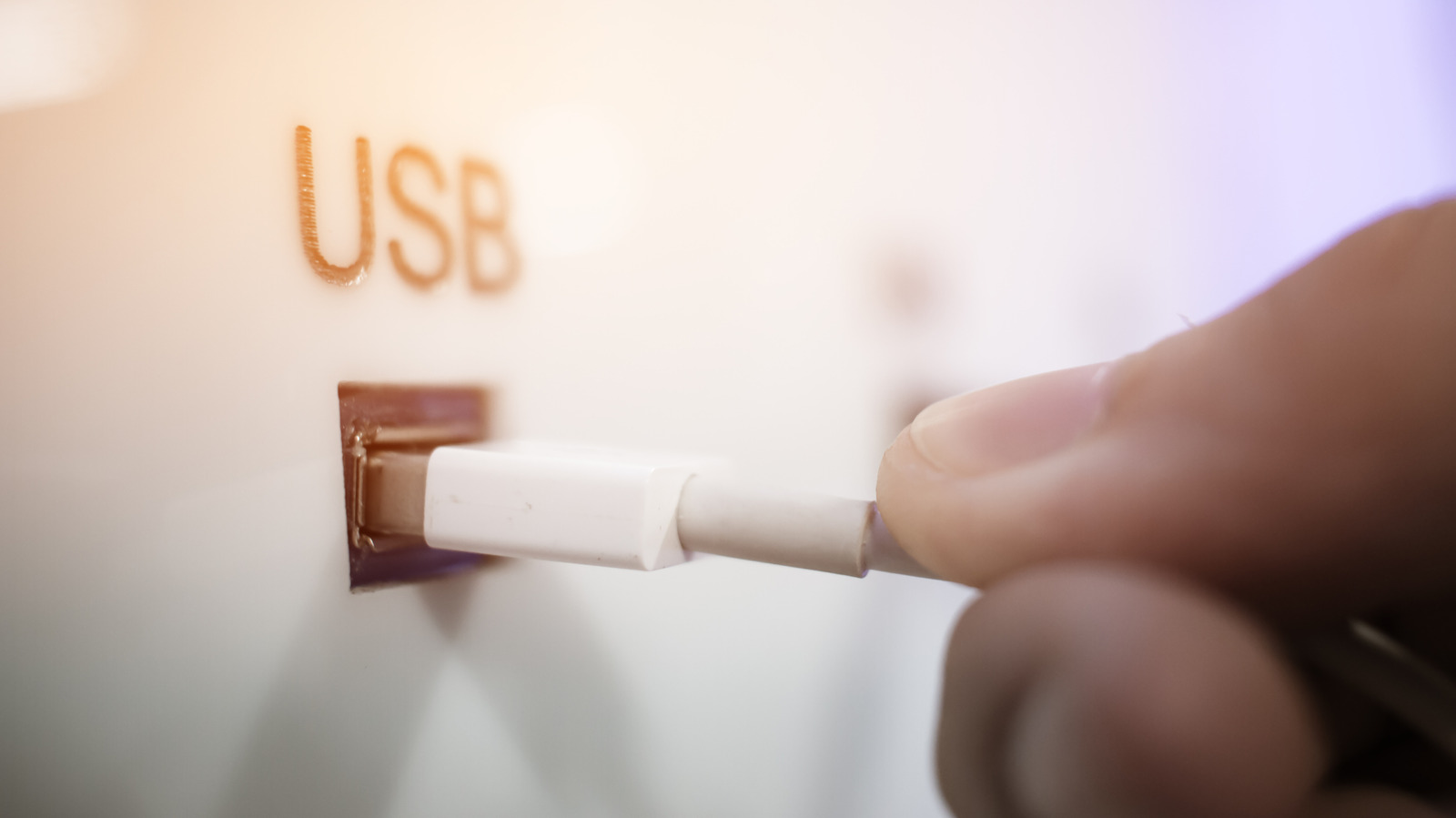
Public USB charging stations at airports and elsewhere are reasonably safe to use, even though US agencies, including the Federal Bureau of Investigation (FBI) and the Transportation Security Administration (TSA), have urged people to avoid them. Security researchers argue the threat is overblown, though it is not entirely absent. Here is what the risk involves and how to guard against it.
What authorities have said
In a March 2025 Facebook post, the TSA advised travelers not to plug a phone directly into an airport USB port and to use their own power brick or battery pack instead. The Federal Communications Commission (FCC) published its own warning about so-called "juice-jacking" or "port-jacking" attacks, but withdrew it after tech experts disputed the scale of the threat. The Los Angeles County district attorney warned about the issue in 2019, then later confirmed it had no such cases on record.
Security professionals say the threat is real in principle, since proof-of-concept demonstrations exist, but there are no credible reports of successful attacks.
How the risk works
The risk stems from the USB standard itself, which carries both power and data through a single cable, using separate internal pins. Proof-of-concept tests have shown that attackers could potentially modify public charging points so they connect to a cable's data pins, allowing malware to be installed or data to be stolen. In 2013 at Black Hat USA, researchers from Georgia Tech presented a malicious charger prototype called Mactans, which could install malware on an iPhone running iOS 6. Apple later hardened iOS with the "Trust This Computer?" prompt. If such a prompt appears, tap "Don't Trust" unless you intend to share data with that device.
How to protect yourself
The safest option is a rechargeable battery pack, or your own power brick and cable plugged into a wall socket. "Secure" charge points that block data transfer entirely can also help. If you must use a public USB port, inexpensive USB data blockers reduce the risk considerably. USB-A blockers prevent fast charging, because chargers use the data connection to manage high-voltage power, so charging takes longer. Modern USB-C blockers do not have this drawback.
General advice still applies: avoid public Wi-Fi for sensitive information, install the latest software updates and enable multi-factor authentication on important accounts.