Oldest Gadget at Home Can Be Your Network's Biggest Security Hole
Outdated devices that no longer receive manufacturer updates put the whole home network at risk. Experts advise regularly auditing routers, cameras and other smart devices and replacing those that are no longer supported.
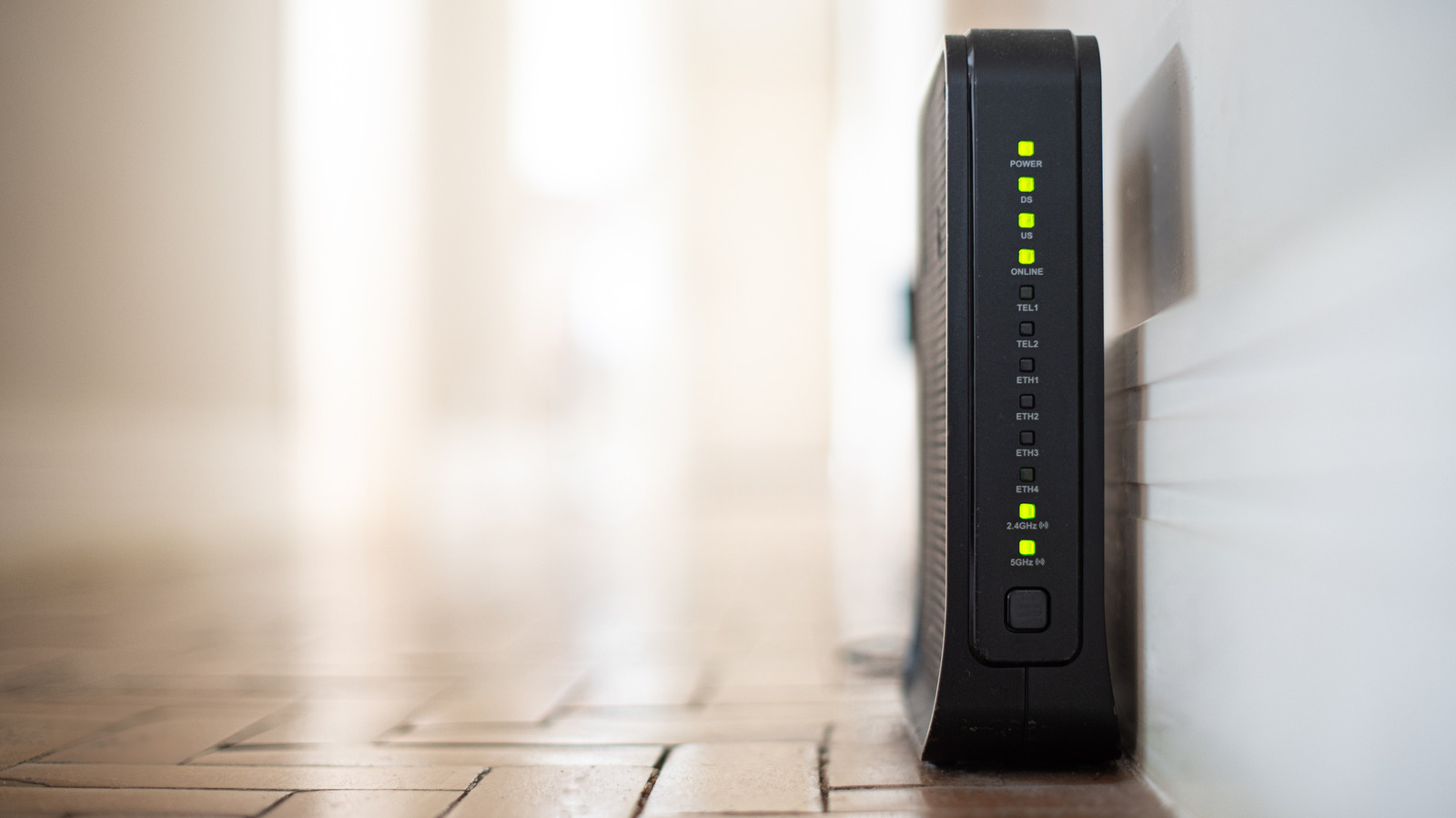
A home network is only as secure as its weakest link, and that is often an old gadget whose manufacturer no longer provides software updates. Technology site Engadget notes that even a fully working ten-year-old connected camera can become an entry point for attackers. The issue matters because a single outdated device can let cybercriminals reach everything else on the same network.
How long devices stay safe
Security cameras should be replaced every five to seven years. Router maker Netgear recommends replacing router hardware every four or five years. Slower connections can be one sign, but security problems may already exist by then.
In 2025 the US Federal Bureau of Investigation (FBI) warned that cybercriminals were compromising end-of-life routers, which no longer receive security patches. The attacks involved malware called TheMoon, which infects routers to install proxies so criminals can operate anonymously. It needs no password, instead exploiting open ports and a vulnerable script. Hacked devices can also be recruited into a botnet, a network used to overwhelm websites with traffic.
A 2024 Consumer Reports study found that of 19 major smart-appliance brands, only three told customers how long they would support their products, and the longest promise was about five years. A Cisco report, focused on businesses, found that nearly 40 percent of the most-targeted vulnerabilities mainly affected end-of-life devices, and about a third of exploited vulnerabilities were at least a decade old.
What to do at home
Start by listing everything on the network through the router's admin page, where forgotten cameras, smart plugs or even a fridge may appear. Then check online whether each manufacturer still issues updates. If a smart appliance can no longer update, its connected features can be switched off.
On the router, choose WPA3 security, or WPA2/WPA3 if older devices fail to connect. If WPA3 is not offered, replace the router. Turn off remote management, replace the default password with a strong one, and enable automatic updates. Old devices can be placed on a separate network, but data stored on them remains vulnerable, so replacement is the safest option.

