Simple tweaks that can make Android Auto work better for you
Android Auto offers many customization options that most drivers never touch, from cleaning up the home screen to switching to Google's Gemini assistant. A few easy adjustments can reduce distractions and make the platform feel more personal.
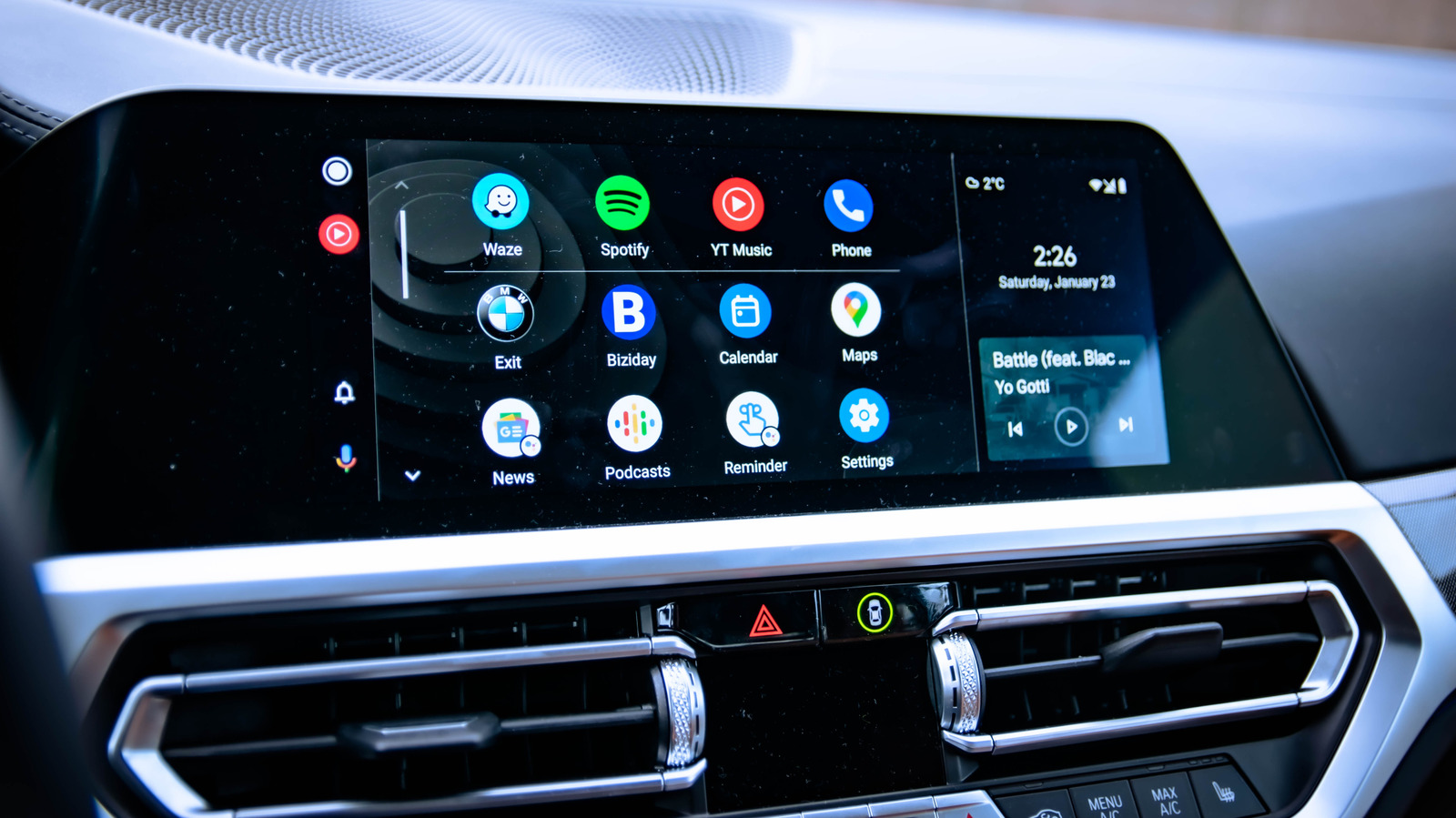
Most drivers use Android Auto exactly as it comes out of the box, but the platform — used in more than 250 million cars worldwide — hides a range of settings that can make daily driving smoother and safer.
Tidy up the home screen
Android Auto often fills the home screen with apps drivers never use in the car. Under "Android Auto > Customize launcher," unwanted icons can be hidden and the remaining ones reordered so the most-used tools, like navigation and messaging, sit at the top.
Unlock developer settings
Tapping the "About" or "Version" entry repeatedly in the Android Auto app reveals hidden developer settings. These allow forcing a wireless connection to the car — though this drains phone battery faster — and adjusting video resolution for a sharper display.
Force a display theme
By default, Android Auto switches automatically between day and night modes to match the Maps app. Through developer settings, users can lock the interface into either dark or light mode permanently, for example keeping dark mode on during the day.
Auto-start and media playback
The app can be configured to launch automatically as soon as a driver gets in the car, without unlocking the phone, which helps get moving faster. There is also a toggle to control whether music or podcasts resume automatically on connection, which can prevent an unexpectedly loud playback.
Switching to Gemini
With Google planning to retire its older Assistant this fall, drivers can already switch to Gemini through the "Digital Assistant" menu, where they can also pick a voice. Custom voice shortcuts can be created, such as automatically texting an ETA to a family member, checking traffic, or controlling smart home devices before arriving home.