WAN vs LAN: what the router ports on the back of your device actually do
Router ports may all look identical, but WAN and LAN serve very different purposes, and plugging a device into the wrong one can leave it without internet access.
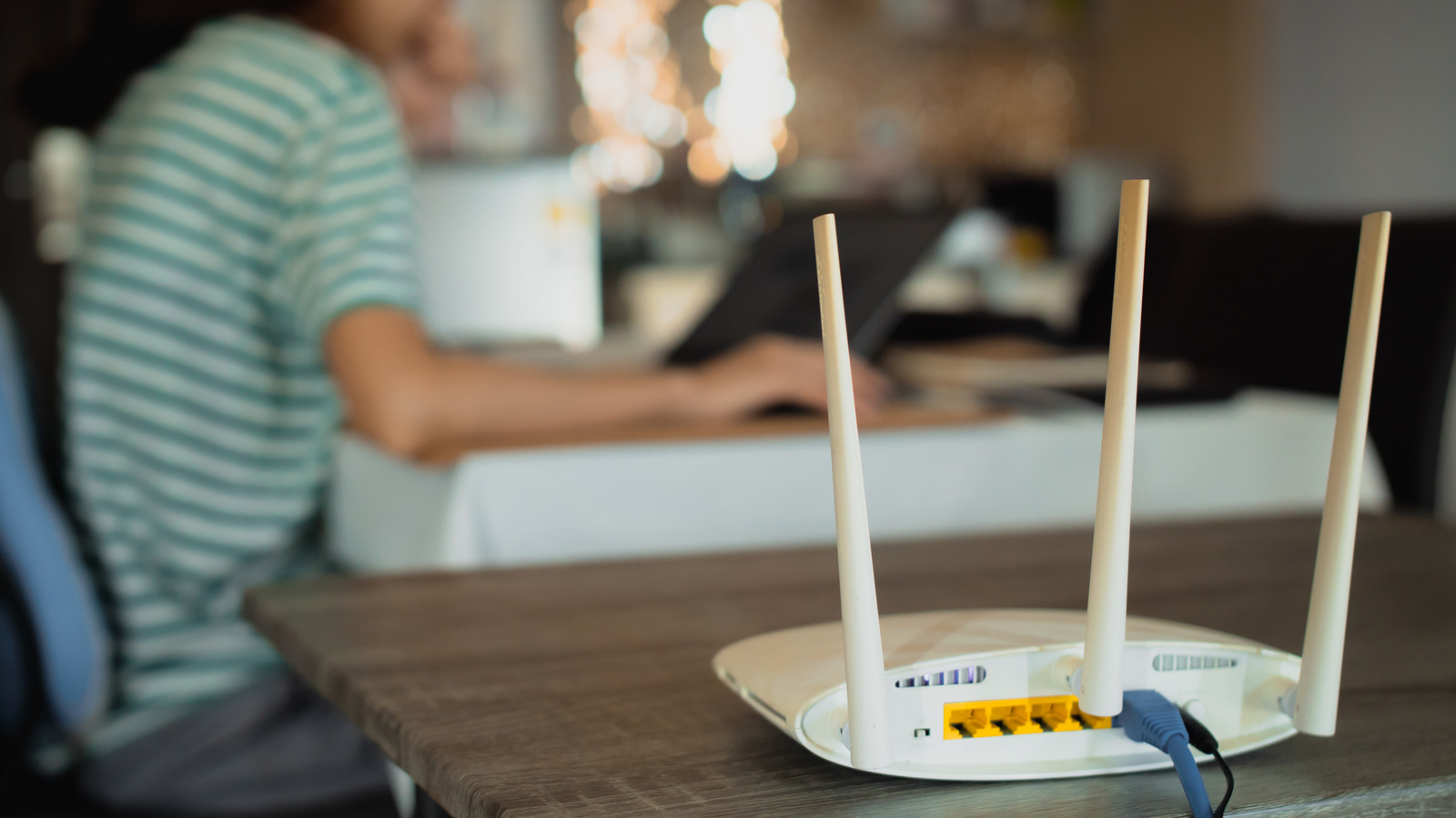
Every router and piece of networking gear has a row of RJ45 ports on the back that look nearly identical, but they are not interchangeable. Typically, one or two ports are labeled WAN, while the rest are marked or numbered as LAN. Although both types of ports look the same and use the same Ethernet cables, they perform entirely different jobs.
This distinction becomes especially important when setting up a new router or connecting devices such as TVs, game consoles or PCs, which benefit from a wired connection for faster and more stable internet access. Plugging a device into the wrong port can leave it unable to reach the internet.
What separates WAN from LAN
LAN, or Local Area Network, refers to the network created within a home or other local environment. Any device connected to it can communicate with other devices on the same network, which is the basis for features like Apple AirPlay, Google Cast and Roku screen mirroring.
WAN, or Wide Area Network, is the physical link to the outside world — typically the internet. The cable from an internet service provider plugs into the WAN port, and with proper configuration, the router routes traffic from LAN devices out to the internet through it. The router assigns each connected device its own private IP address while receiving its own IP address from the provider's network, effectively acting as a bridge between the local network and the wider internet.
Some router brands use color coding to distinguish WAN from LAN ports, and LAN ports are often numbered. In most cases it doesn't matter which numbered LAN port a device uses, though some routers offer a limited number of faster LAN ports, so it's worth checking the manual if maximizing speed matters.
Where Wi-Fi fits in
Wi-Fi is simply another way to join the local network, without a physical cable. That's why devices often stay connected to Wi-Fi even when the internet itself goes down — they can still reach other devices on the local network, such as a networked printer or storage server.
Many modern routers also let users set up a guest Wi-Fi network, which functions as a separate LAN. Devices on a guest network can access the internet but cannot see or communicate with devices on the primary network, a form of isolation that helps protect against unknown or untrustworthy devices attempting to exploit vulnerable equipment on the main network.