Wireless Android Auto: A Tiny Adapter Makes Your Commute Easier
A small adapter converts your car's wired Android Auto to wireless using Bluetooth and 5GHz Wi-Fi Direct, but it has some trade-offs like slower speed and faster battery drain.
Simple Upgrade to Wireless Android Auto
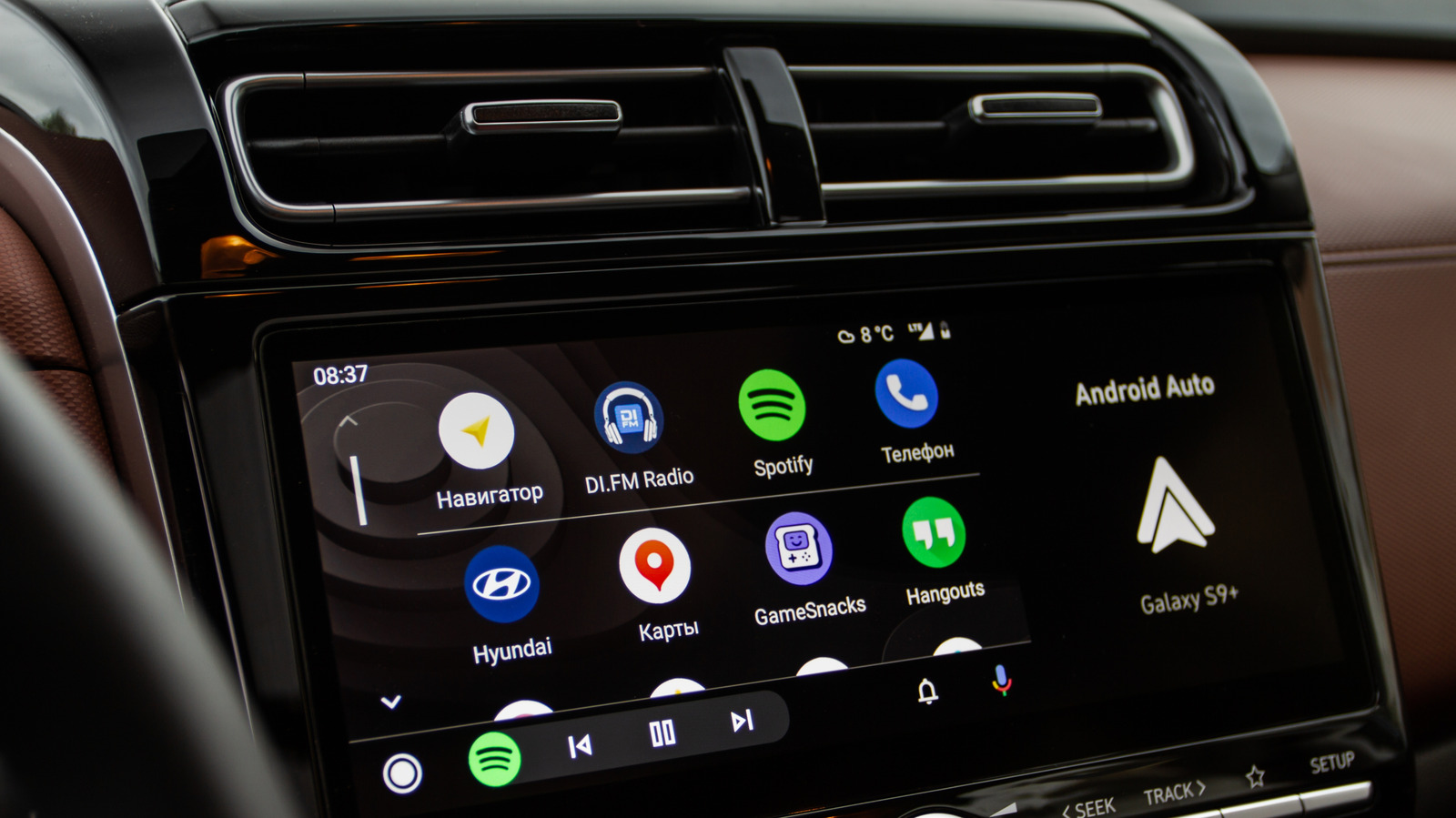
If you're tired of plugging in your phone every time you get in the car, a wireless Android Auto adapter might be the solution. These palm-sized devices turn your car's wired Android Auto system into a wireless one, but only if your car already supports wired Android Auto—they don't work as a retrofit for older vehicles without it.
How It Works
The adapter plugs into your car's USB port and acts as a translator. When you get in, your phone connects via Bluetooth for authentication and hands-free calling. Then, a 5GHz Wi-Fi Direct network is created to handle navigation, music streaming, and real-time screen data. The connection happens automatically every time you enter the car.
Pros and Cons
The main advantage is convenience—no more fumbling with cables. However, wireless connections are slightly slower than direct wired ones, though the difference is minor. Also, maintaining the 5GHz Wi-Fi connection along with GPS and audio streaming drains your phone's battery faster. For longer trips, you'll need a separate charging cable.
Choosing the Right Adapter
Several brands like Carlinkit, AAWireless, Ottocast, and Motorola offer adapters. Look for one that supports 5GHz Wi-Fi to avoid lag and slowdowns. A detachable USB cable is also recommended, as adapters with fixed connectors may block other ports or stick out awkwardly in some car consoles.
A wireless Android Auto adapter is a relatively inexpensive upgrade that takes minutes to set up and can significantly improve your daily driving experience.