Common Home Network Setup Mistakes and How to Avoid Them
Tech site Engadget has outlined frequent home network setup errors, including poor router placement, relying too heavily on Wi-Fi and weak security settings. Its advice aims to prevent slowdowns and security risks.
Small shortcuts when setting up a home internet network can cause slow speeds and dropped connections later. Technology website Engadget has compiled the most common mistakes people make with home networks and how to avoid them.
Router placement and choice
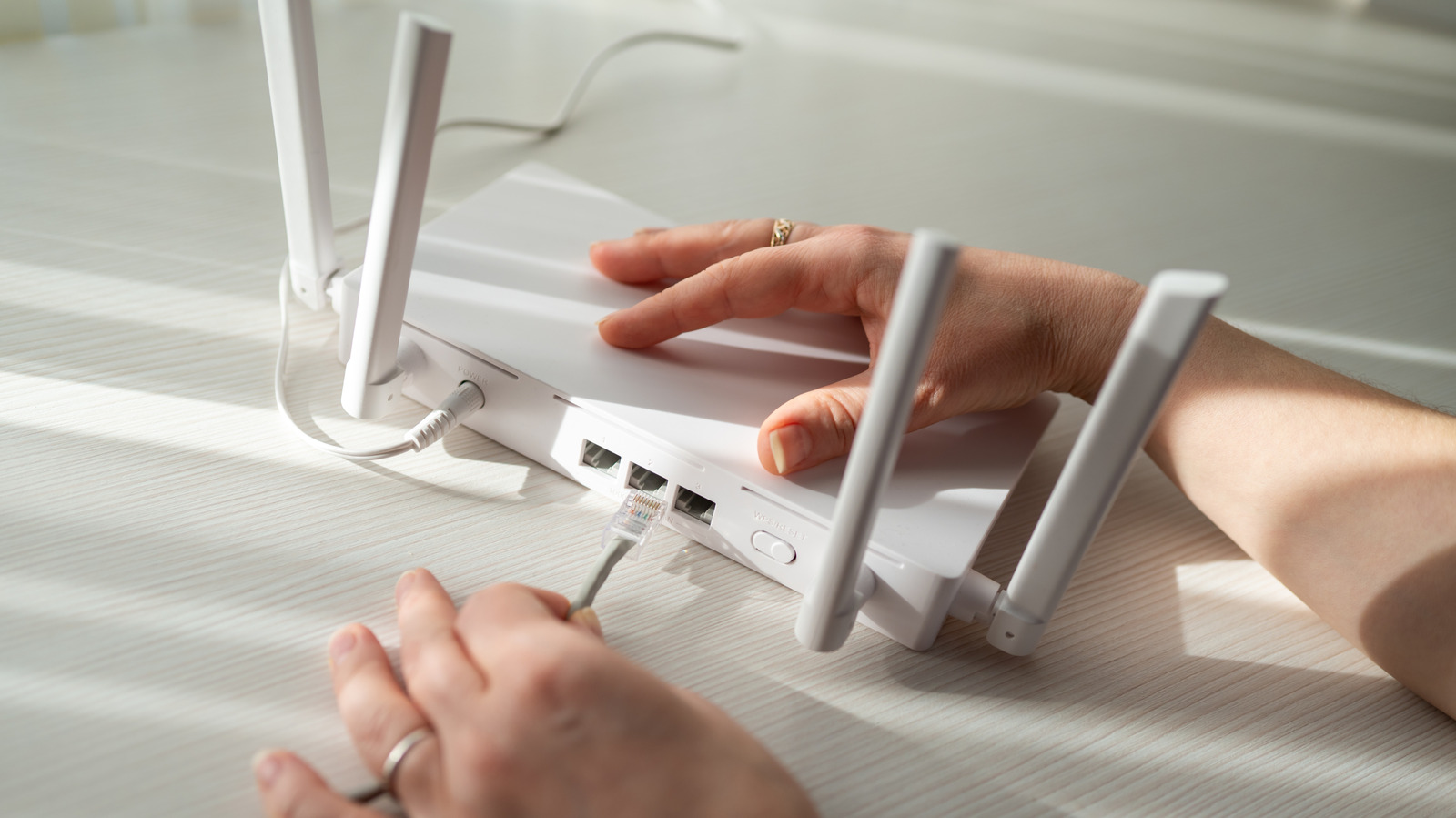
One of the most frequent errors is putting the router, the device that shares an internet connection with household gadgets, in the wrong place. It should sit in a central spot rather than hidden in a far corner. It should not be next to a microwave, and cordless phones and baby monitors can also disrupt the Wi-Fi signal. If the internet line enters the house in a corner, an additional access point can be set up elsewhere and linked with an Ethernet cable.
When buying a router, it should suit the internet plan. In rural areas where DSL or satellite internet is the best option, a high-speed gaming router is overkill. Larger or multi-story homes may benefit from a mesh system, though placement of each unit is critical.
Wired or wireless
Wi-Fi is not ideal for everything. Online gaming needs a stable, low-latency connection. With many smartphones, TVs, tablets, smart speakers, consoles and a gaming PC competing for bandwidth, it makes sense to connect the PC to the router by Ethernet cable. This gives higher speed, lower latency, resistance to wireless interference and better security. Cat6a cable supports 10-gigabit connections over distances up to 100 meters. When adding equipment, do so one piece at a time, check each stage and label cables.
Software and security errors
Weak security settings are among the most damaging mistakes. WPA3 Personal should be enabled where the router and devices support it; if older devices cannot connect, WPA2/WPA3 transitional mode is an option. Outdated WEP and TKIP should be avoided. Both the router's administrator credentials and the Wi-Fi password should be changed, and the router's firmware kept up to date.
Another mistake is buying a new router or mesh system without checking compatibility with existing equipment. Two DHCP servers on one network can conflict, so an added router should run in bridge or access point mode.