Dolby Vision is on Netflix — but here's what you need first
Netflix supports Dolby Vision streaming, but viewers need a specific subscription tier, compatible hardware, and correct settings to actually access it. Missing even one link in the chain means picture quality may fall short of expectations.
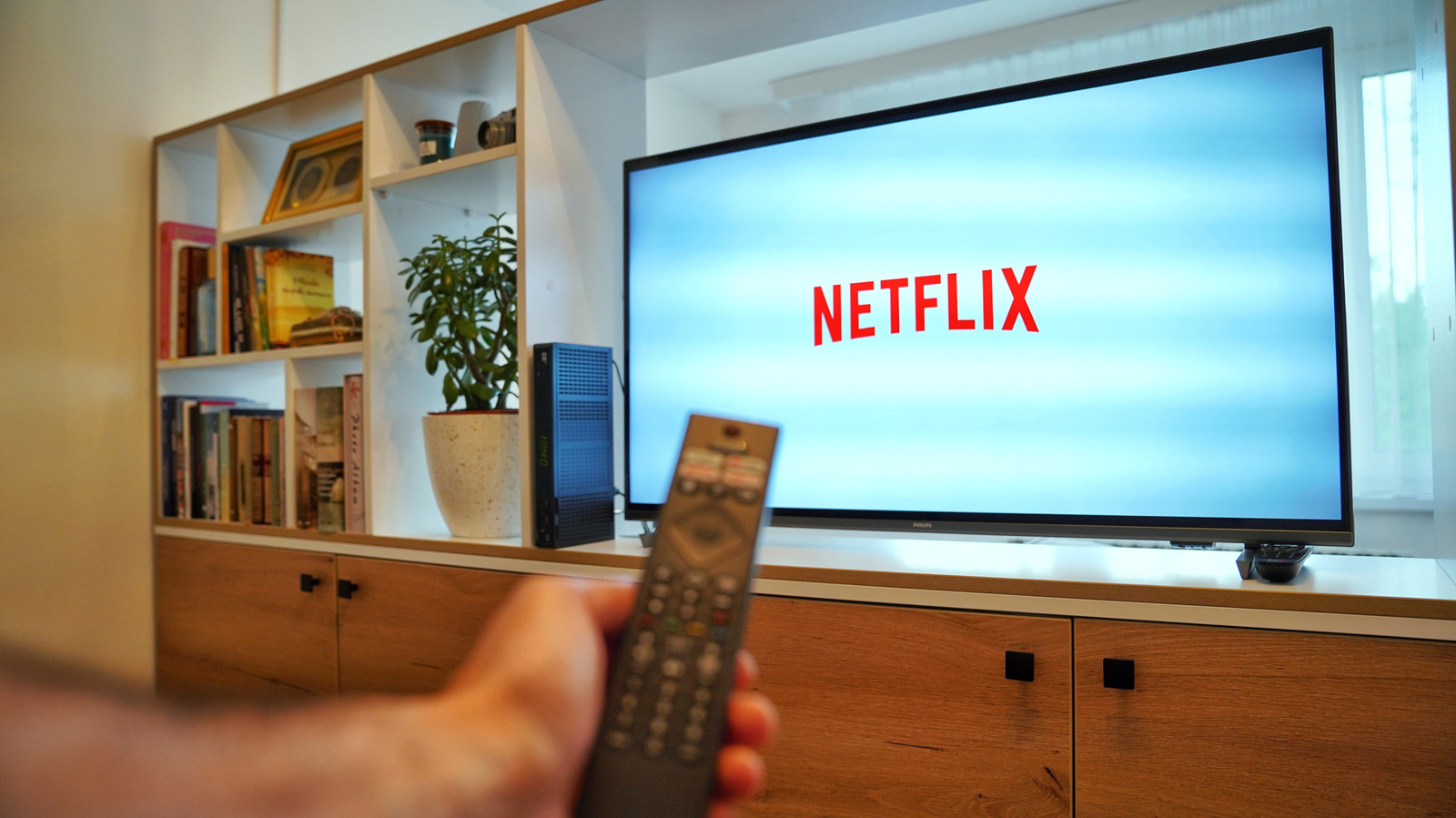
Netflix has offered HDR10 and Dolby Vision content for some time, adding HDR10+ support in March 2025. Dolby Vision, introduced by Dolby Laboratories in 2014, improves picture depth, contrast, and color, and is supported by many TVs, home theater devices, laptops, and game consoles. Titles supporting the format are marked with a Dolby Vision logo, but watching in true Dolby Vision quality requires the right subscription, device, and settings.
What's required
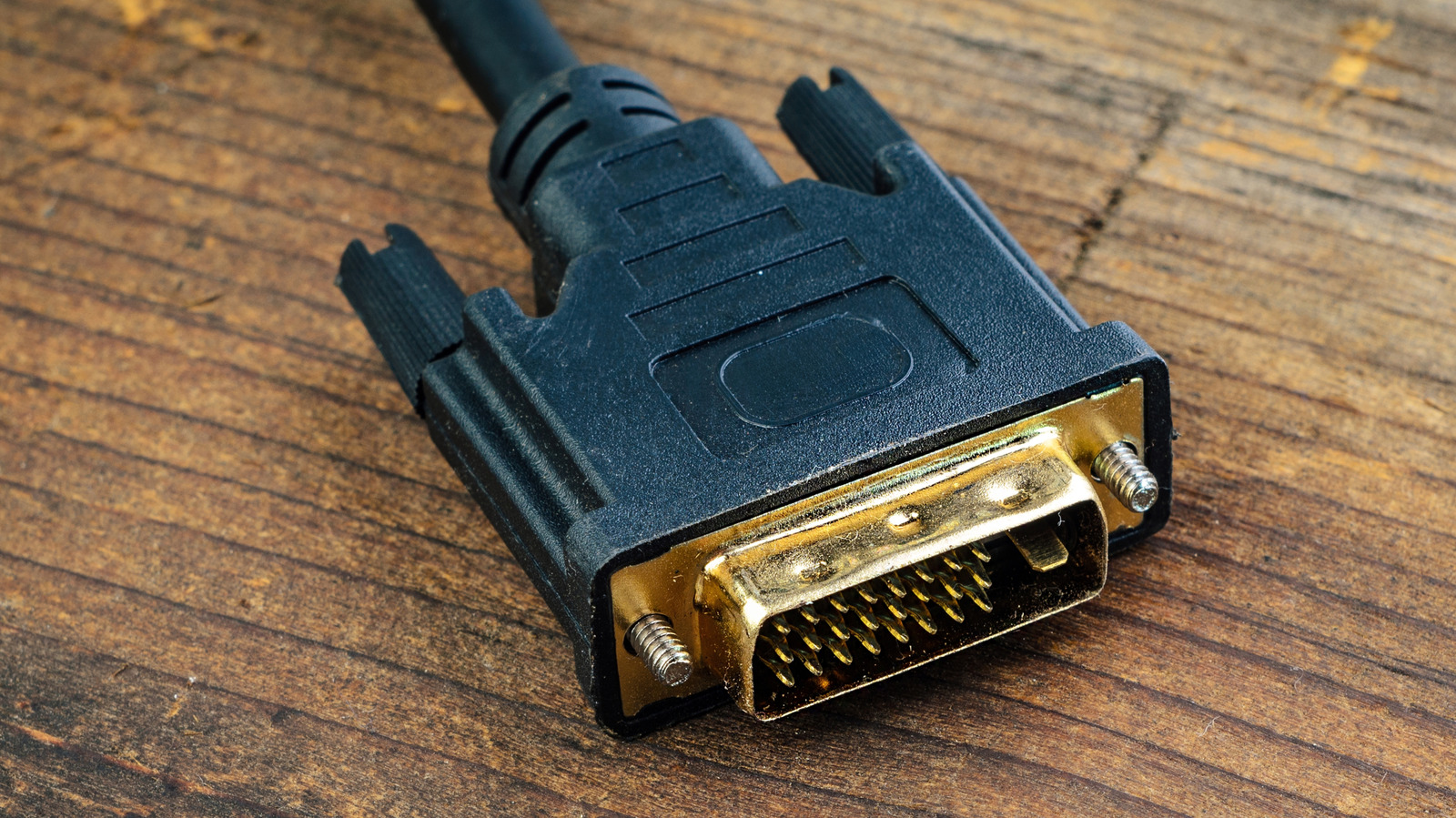
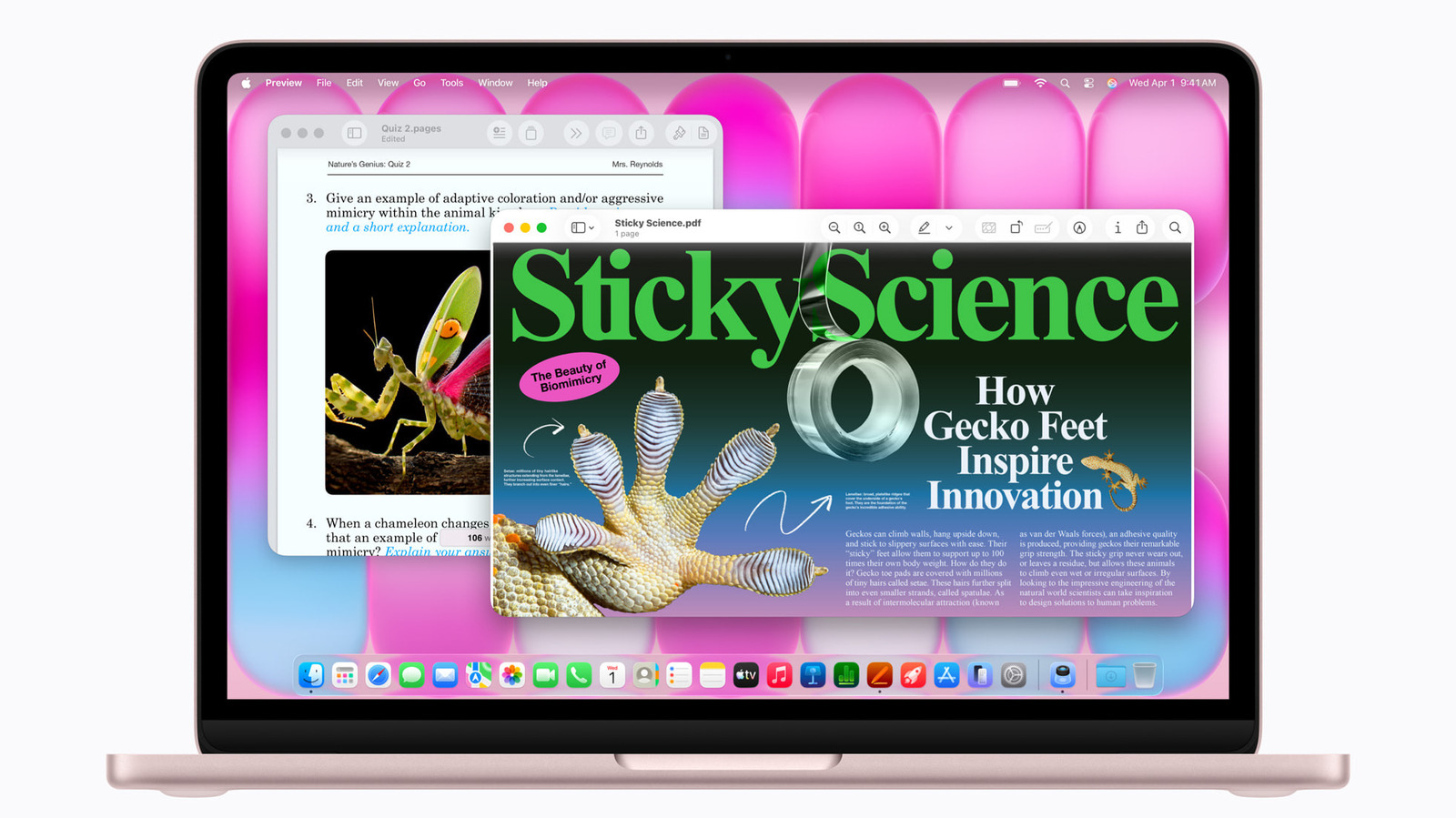
First, viewers need a Netflix Premium subscription, priced at $26.99 per month, which unlocks the best available video quality. Second, a display supporting Dolby Vision is required — available on select LG, Sony, TCL, and Amazon Fire TV models, as well as compatible set-top boxes, game consoles, a Windows PC using Chrome or Edge, or a Mac using Safari. A high-quality HDMI cable supporting the HDCP 2.2 spec is also necessary. Streaming from a mobile device to a TV via Chromecast is possible, though a wired connection or streaming directly from a smart TV app typically yields better results. Certain soundbars from Bose, Sony, Denon, and Hisense also support Dolby Vision passthrough.
An internet connection of at least 15 megabits per second is recommended, and users should confirm in the app's settings that streaming quality is set to High and HDR is switched on.
Benefits and available titles
Dolby Vision and HDR10+ rely on dynamic metadata that adjusts the HDR effect scene by scene or frame by frame, delivering more accurate detail in both dark and bright scenes. Shows supporting the format include Stranger Things, Bridgerton, The Crown, The Sandman, and Outer Banks, along with films like The Gray Man, Enola Holmes, and Glass Onion. Viewers unsure whether they're actually watching in Dolby Vision can check via the info button on a smart TV remote, the Ctrl+Alt+Shift+D shortcut on a Mac or Windows computer, or the Playback Specification section in a mobile app's settings.