A Simple Ethernet Cable Can Boost Even the Best Mesh Wi-Fi Systems
Connecting the routers of a home mesh Wi-Fi system with Ethernet cable, instead of relying on a wireless link between them, can improve speeds. The approach has drawbacks, including cable routing, free ports and port speeds.
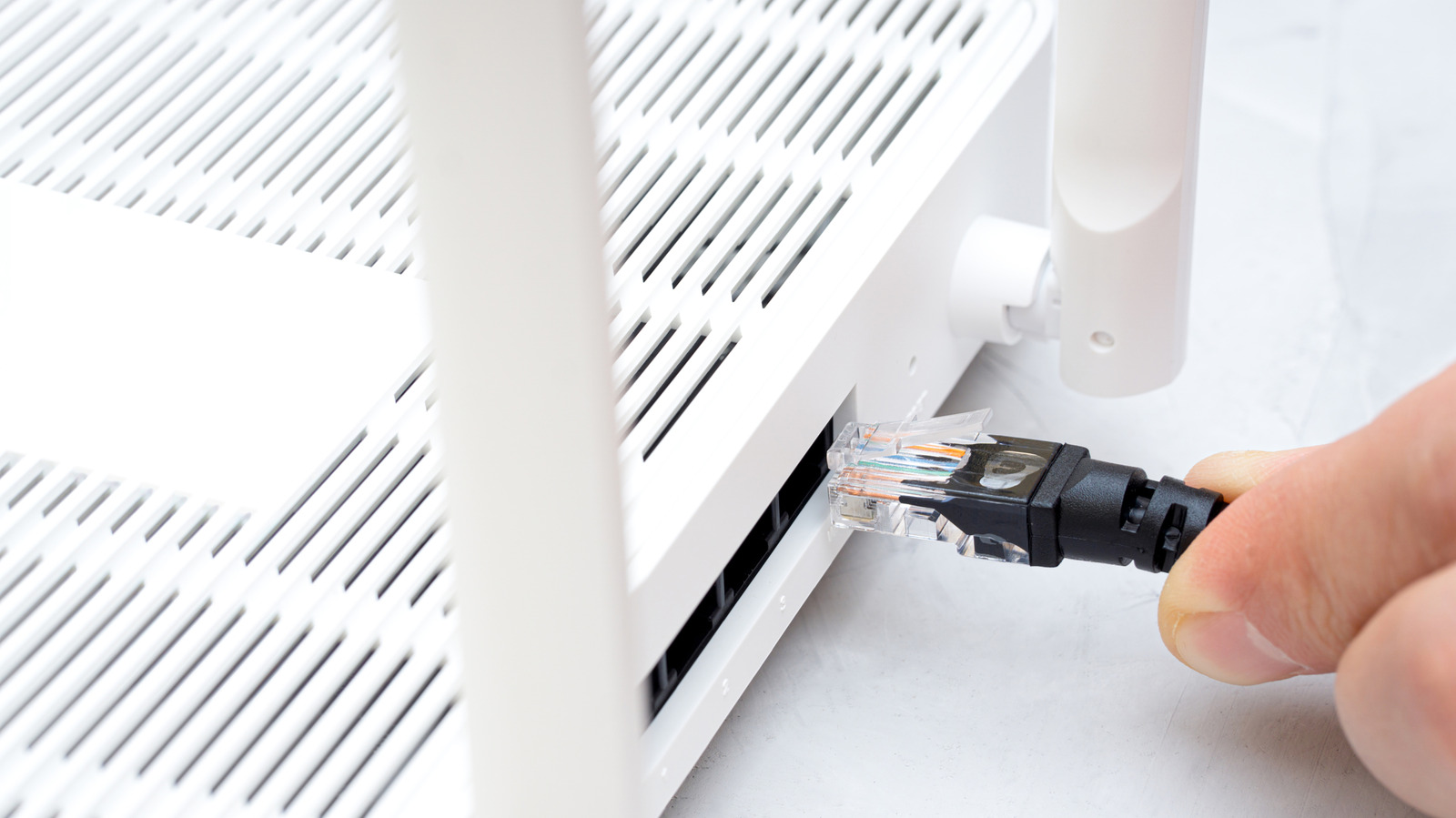
Home mesh Wi-Fi systems, in which several routers work together as one wireless network, can run faster when the routers are linked by an Ethernet cable, according to technology site Engadget. The approach avoids two problems of wireless connections, but it requires extra cabling and compatible hardware.
Why a mesh system benefits from Ethernet
A mesh system eliminates dead zones and typically keeps speeds more consistent than a standalone router. All such systems still need what is known as a backhaul connection: the channel that carries data between the routers themselves, rather than to the user's devices. By default, it is set up wirelessly.
A wireless backhaul has two potential drawbacks. First, as signal weakens with distance, so does the data rate; the gap between routers can cost hundreds of megabits per second, and devices are limited by the bandwidth of the nearest node. Second, some cheaper dual-band models run the wireless backhaul on the same bands that devices use, so both suffer. The source advises against buying dual-band mesh products; a dedicated backhaul link means a system is at least tri-band.
An Ethernet backhaul fixes both issues. Over the distances of an average home, a Cat 6 cable will probably deliver at least 1 Gbps. Wi-Fi devices will likely see only a portion of that bandwidth, but they are not held back before they even connect.
The downsides of Ethernet
The main hurdle is running enough cable through the home. Even apartments may need a few dozen feet, and the need grows in two- or three-story houses. A pair of 50-foot Cat 6 cables costs around $30, but many people dislike wires across the floor, and hiding them can become a serious project.
Compatibility is another matter: every router needs at least one free Ethernet port. If a port is needed for other hardware, an Ethernet switch can help, at added cost. Port speed also has to be checked: a 100 Mbps port is too slow, and even 1 Gbps can feel limiting on a Wi-Fi 7 system. A 2.5 or 10 Gbps port is preferable where available. If Wi-Fi speeds are already good enough, a wired backhaul may not be worth the time, money or effort.