What the Bell Icon on Your Apple CarPlay Screen Means
The bell icon on Apple CarPlay's app switcher panel shows that Siri is automatically announcing incoming messages. The setting can be changed on the iPhone, and drivers are also advised to use the Driving Focus mode.
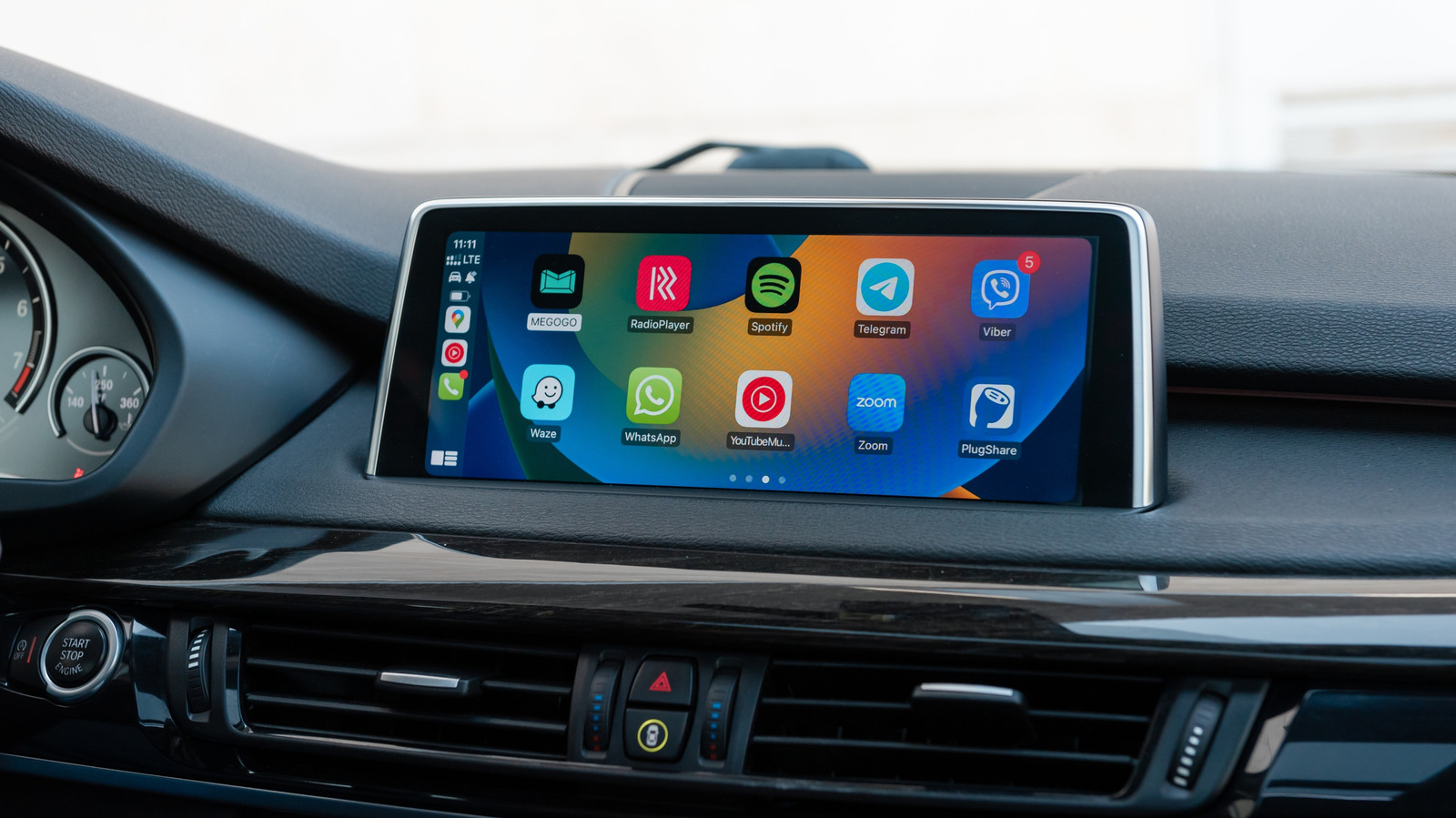
In Apple's CarPlay, the in-car system that displays iPhone apps on a vehicle's screen, a bell icon sometimes appears on the app switcher panel. Its meaning is unclear to many users, because the system is deliberately simplified to reduce driver distraction and comes without a tutorial.
What the bell means
The icon indicates that the Siri voice assistant is automatically announcing incoming messages. This covers both Apple's own apps and third-party ones. The feature lets people keep up with conversations without asking Siri or checking the phone after parking. However, it can become a nuisance with busy group chats, or when Siri repeatedly interrupts music or podcasts. Passengers may also hear the content of messages.
How to change the setting
On the iPhone, open Settings > Notifications > Announce Notifications > CarPlay. When the general Announce Messages toggle is on, three more options appear. Remember Previous Setting is the default, but CarPlay can also be set to always Announce or to Silence incoming messages. Under Announce Notifications, users can also choose which apps may make announcements. Limiting them to apps without group chats is advised, and turning them off for shopping and food apps, for example.
Driving Focus as a better option
For managing alerts on the road, a Focus mode for driving is often the better choice. It can be added under Settings > Focus by selecting Driving. The mode can allow calls and notifications only from chosen contacts and send an automatic reply. The Intelligent Breakthrough & Silencing toggle may let other notifications through if they are judged important. Turning on Activate With CarPlay under While Driving makes the mode switch on and off automatically. Finding the best combination of settings may take some experimentation.