HDMI 2.1 vs USB-C vs DisplayPort: Which connection is better for your monitor?
This article compares the three main video connection standards, explaining their strengths for different use cases.
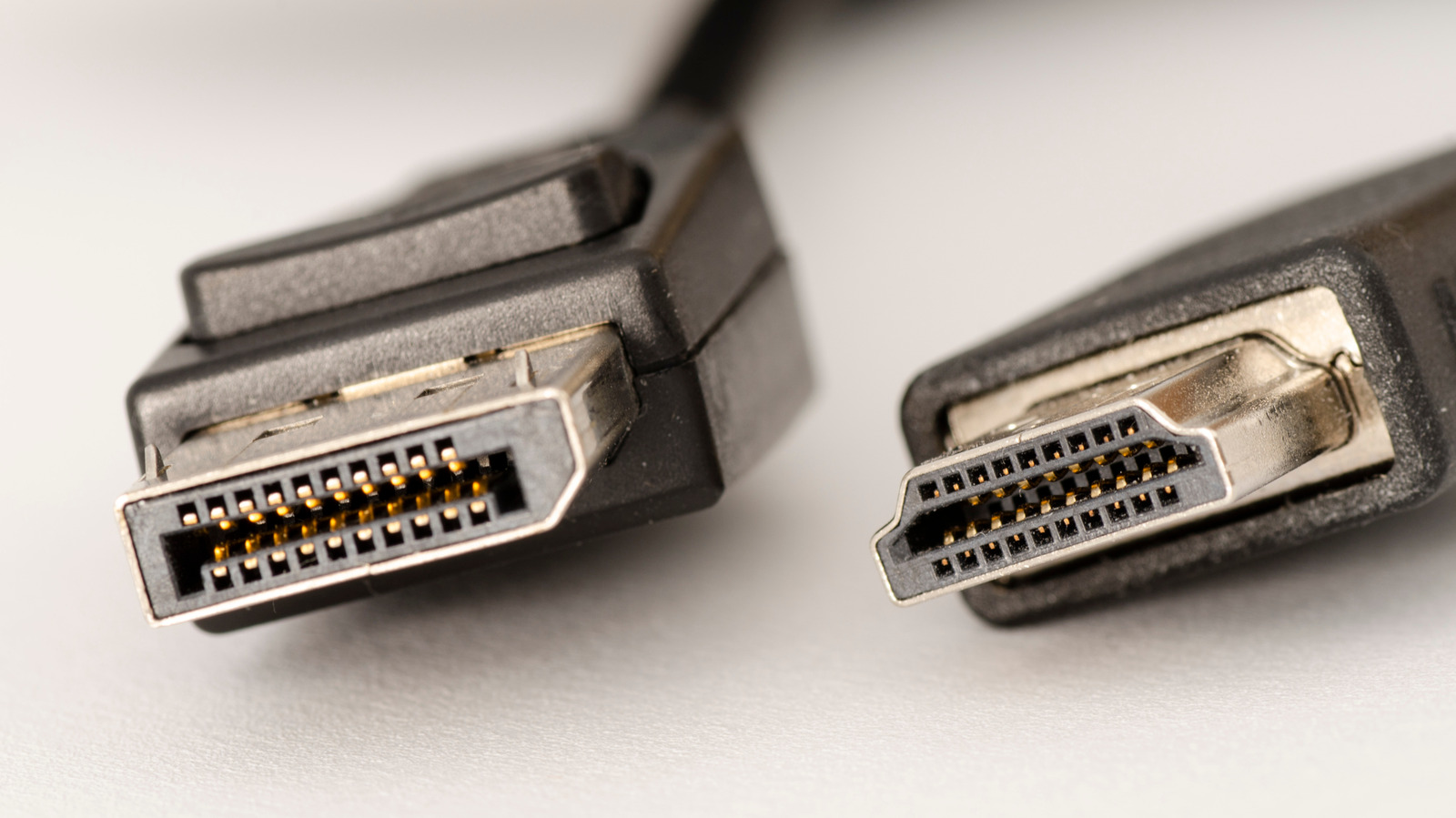
When setting up a monitor, users often face a choice between HDMI, DisplayPort, and USB-C. Each standard has advantages depending on the devices being connected.
HDMI is widely supported in TVs, consoles, and media players, making it ideal for content consumption – watching movies and shows. It supports features like eARC for high-quality audio, HDMI-CEC for device control, and HDCP for copyright protection, which is necessary for streaming services. For example, Netflix 4K content requires at least HDMI 2.0 or DisplayPort 1.4 with HDCP 2.2 support.
DisplayPort is preferred by PC users and gamers because it has long supported variable refresh rate (VRR) technology, which synchronizes frame rates between the GPU and monitor for smoother gameplay. It is compatible with AMD FreeSync and Nvidia G-Sync. DisplayPort also allows daisy-chaining multiple monitors if the first monitor has a DisplayPort output.
USB-C ports on monitors often operate in DisplayPort Alternate Mode (Alt Mode), enabling video transmission over a single cable. However, not all USB-C ports or cables support this mode, so users should check device specifications.
In terms of bandwidth, the latest HDMI 2.2 reaches 96 Gbps, while the more common HDMI 2.1 offers 48 Gbps. DisplayPort 2.1 provides 80 Gbps, and DisplayPort 1.4 offers up to 32.4 Gbps. Higher bandwidth supports higher resolutions and refresh rates.
In summary, if you are connecting a PC with a discrete graphics card or multiple monitors, DisplayPort is recommended. If you are connecting a TV, console, or a Mac with integrated graphics, HDMI is the safer choice.

