How to Make and Receive Phone Calls on a Windows PC
The Phone Link app in Windows 11 lets users place and answer calls from a computer using an iPhone or Android phone. Android users get a wider set of features than iPhone owners.
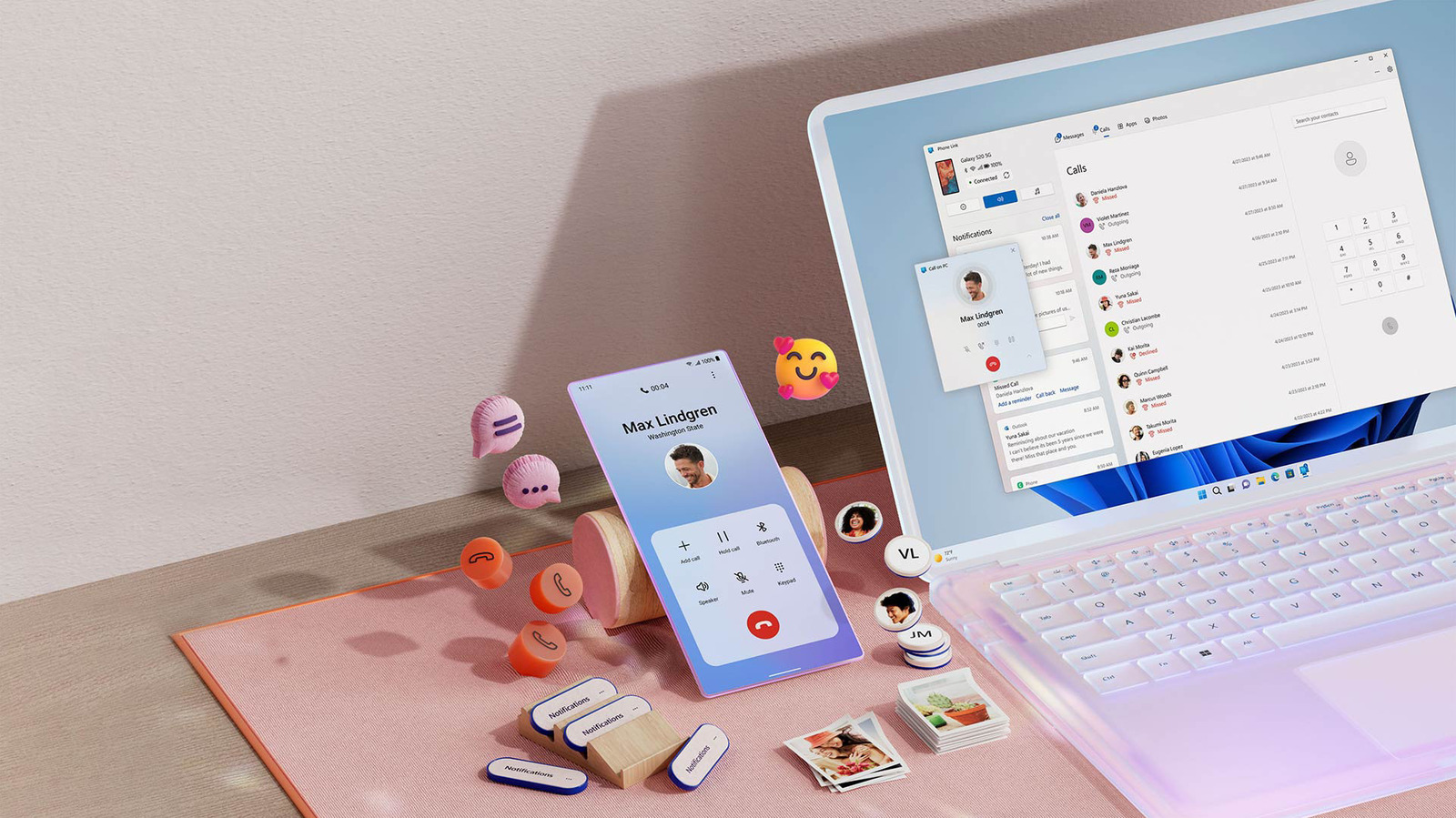
The Phone Link app built into Microsoft's Windows 11 lets people make and receive regular phone calls on their computer without picking up a smartphone. This can be useful when calling an organization or person who doesn't use other chat platforms, particularly for those who already wear headphones at their desk. Phone Link works with both iPhone and Android devices, though the iPhone feature set is more limited.
Preparation and pairing
Before starting, check for updates under the Downloads tab in the Microsoft Store and update Phone Link if needed. It is also worth checking Settings > Windows Update.
For an iPhone, select iPhone in the Phone Link app on the PC and scan the QR code. The phone then guides the user through installing the Link to Windows app and pairing over Bluetooth, which must be enabled on both devices. On the PC, click Pair when the pairing code appears. In the iPhone's Bluetooth settings, options such as contact syncing can be changed.
Android phones pair with Windows over Wi-Fi or cellular, but Bluetooth is still needed for calls. The process can also begin in the Link to Windows Android app. Any permissions the app requests should be granted to use the related features.
Calling and answering
Once set up, calls are made from the Calls tab in Phone Link: users can search for a synced contact or use the dial pad. Incoming calls need no extra steps, but keeping the phone nearby helps maintain a clean signal.
iOS and Android differences
On iPhone, Phone Link covers calling, texting, and viewing and dismissing notifications. Android users also can view and copy the last 2,000 photos in the camera roll, turn on Do Not Disturb, mute the device and use music playback controls.
Under Settings > General, users can adjust how much private data appears in banners and whether numbered badges show unread messages and notifications.