How Does the Apple Watch Water Lock Feature Actually Work?
Apple Watch's water lock disables the screen and ejects water from the device to help it dry faster. Available since Series 2, it activates automatically during water sports.
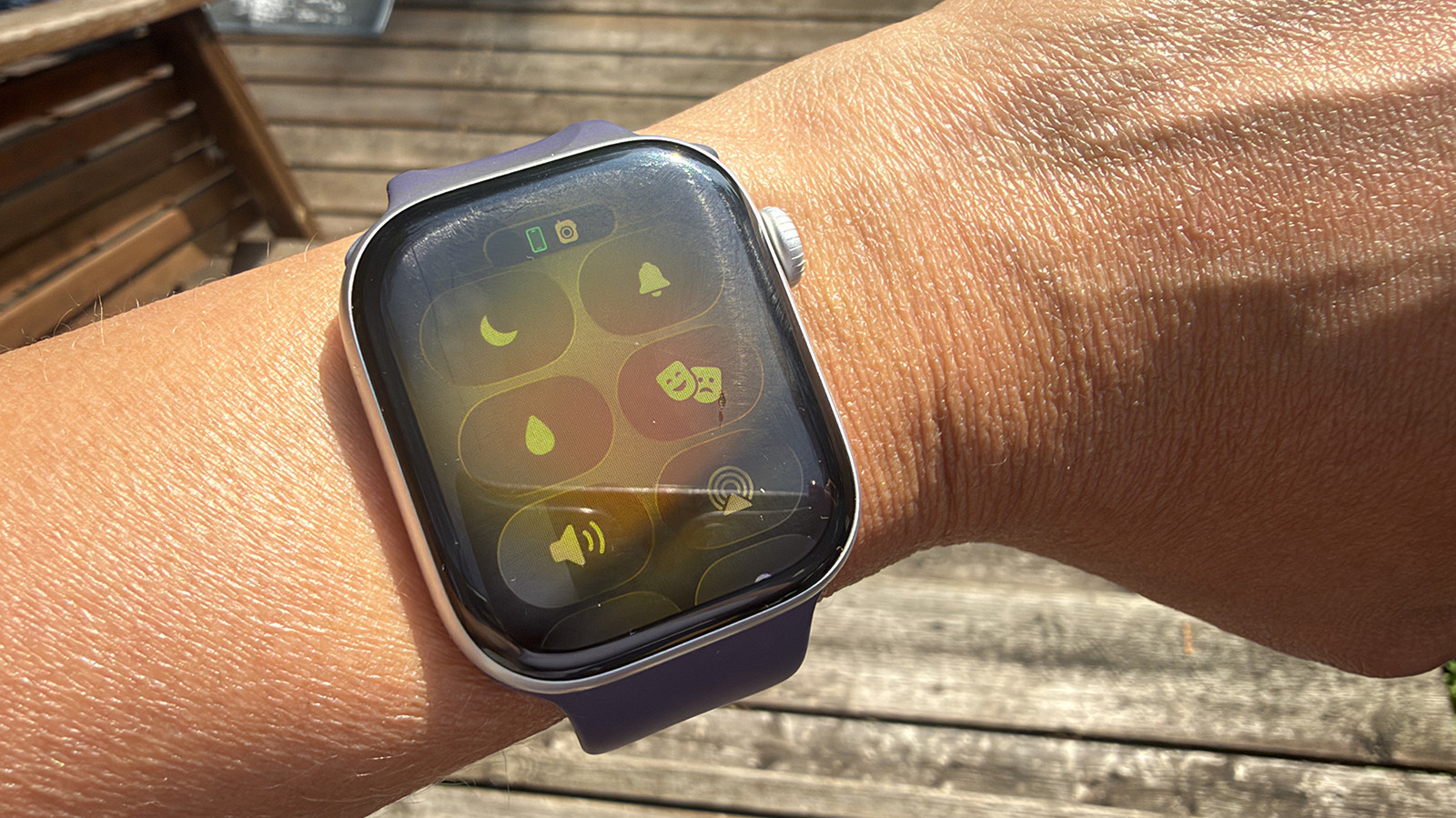
While many smartwatches are water-resistant, few are fully waterproof. Apple Watch's water lock feature is a handy tool that not only disables the screen to prevent accidental touches from water pressure, but also ejects water from inside the device to speed up drying. This feature is available on all Apple Watch models from Series 2 onward.
To manually enable water lock, press the side button to open Control Center and select the water droplet icon. When active, the screen becomes unresponsive. After leaving the water, press and hold the Digital Crown to unlock the watch. A water ejection mode begins, with water streaming out of the tiny speaker holes and a series of tones reminiscent of 1980s video games. This cycle repeats several times, so you must hold the crown for a few seconds to complete the process.
Water lock is especially useful for swimming, as it turns on automatically when you start a water workout like swimming or surfing. It's also recommended for use in the shower, while washing dishes, or running in the rain to remove residual moisture. While the watch will likely be fine without water lock, water pooling inside can cause eventual damage over time. Since water resistance weakens with age, using this feature regularly—especially after swimming in chlorinated pools—can help extend the life of your smartwatch.