How to set up your PlayStation 5 before GTA 6 launches
Ahead of the release of Rockstar's Grand Theft Auto VI, tech site Engadget recommends changing several picture and sound settings on the PlayStation 5 console. They cover variable refresh rate, 120Hz output, HDR calibration and 3D Audio.
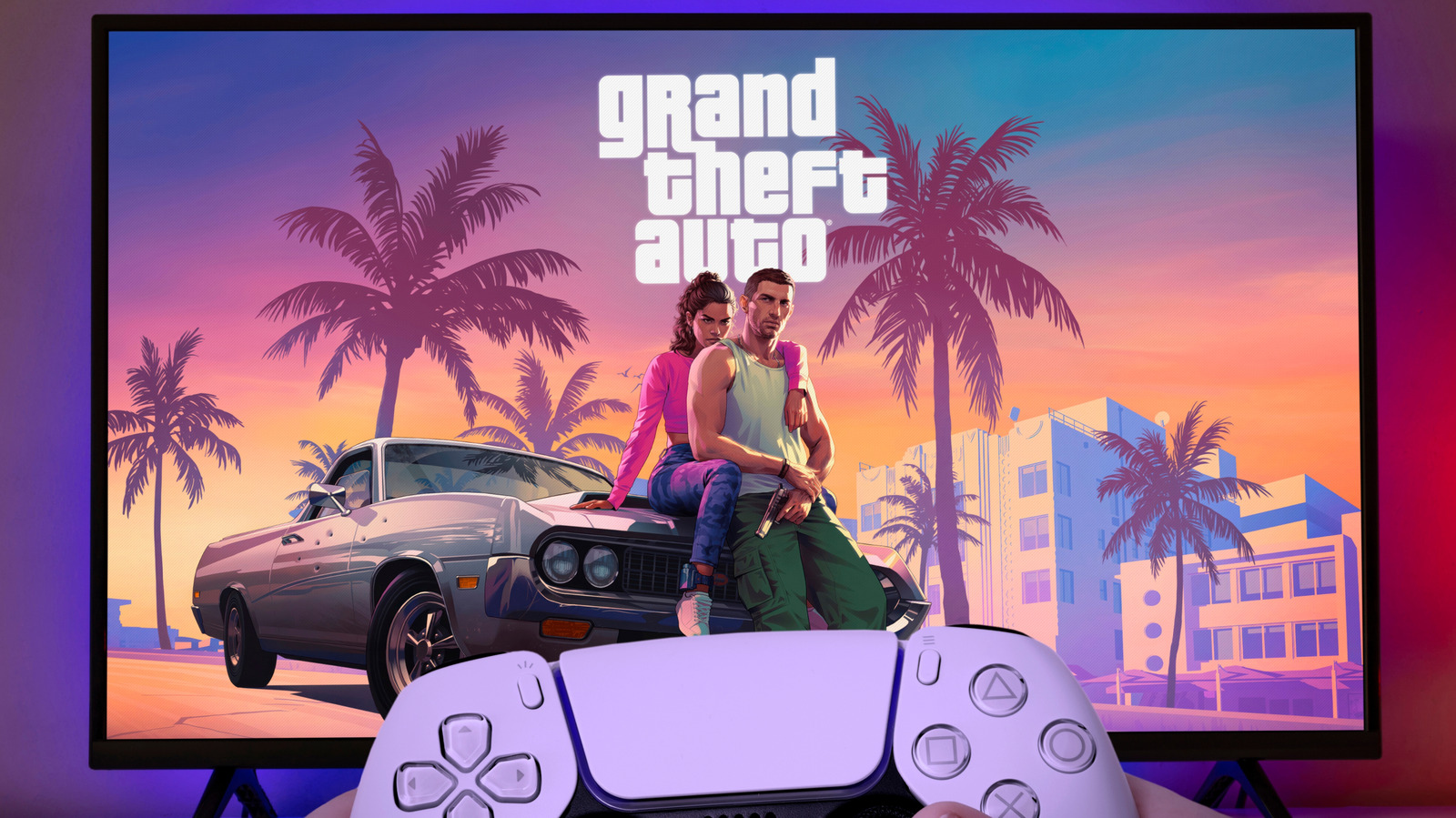
Grand Theft Auto VI, developed by Rockstar, is close to release after a wait of more than 13 years. Tech site Engadget says that, judging by the trailers and Rockstar's earlier games, it may be one of the most demanding and best-looking entries in the series. The outlet therefore offers tips on adjusting picture and sound settings on Sony's PlayStation 5 console.
Picture: VRR and 120Hz
VRR (variable refresh rate) lets a TV adjust its refresh rate to the number of frames the console is actually producing. This reduces screen tearing and stutter when the frame rate dips. The TV must support it, and it usually comes with HDMI 2.1. It can be enabled under Settings > Screen and Video > Video Output > VRR. The same menu has Apply to Unsupported Games, which Sony says can stabilize the frame rate in games without native VRR support. If a game or display starts misbehaving, the feature can be switched off.
The second setting is 120Hz output. The console should be plugged into an HDMI 2.1 input on the TV. Even if GTA 6 is capped at 30fps on consoles, as many expect, the setting is worth enabling: it controls what the console sends to the TV rather than the game's speed, and 30fps fits exactly into a 120Hz signal.
HDR
HDR provides more detail in both dark and bright scenes. HDR must be turned on for the TV's relevant HDMI input, and then in the console under Video Output > HDR. The most important step is calibration in the Adjust HDR menu. If the TV has an HGIG mode, it should be turned on, and calibration should be done in the room lighting used for playing.
Sound: 3D Audio
Sony's 3D Audio provides spatial sound, for example letting players hear footsteps from the direction someone is approaching. It is enabled under Settings > Sound > 3D Audio (Headphones) with headphones connected. Players can create a personalized profile or use one of five presets. The PS5 does not support Bluetooth audio directly, so wireless models need a USB adapter. Sony's Pulse 3D headset was tuned specifically for the feature.