Five Spotify Settings Worth Changing: Sound Quality, Shuffle and Privacy
Spotify's default settings can limit the listening experience, but several can be changed to improve sound, tailor recommendations and hide listening activity. Most are available only to Premium subscribers.
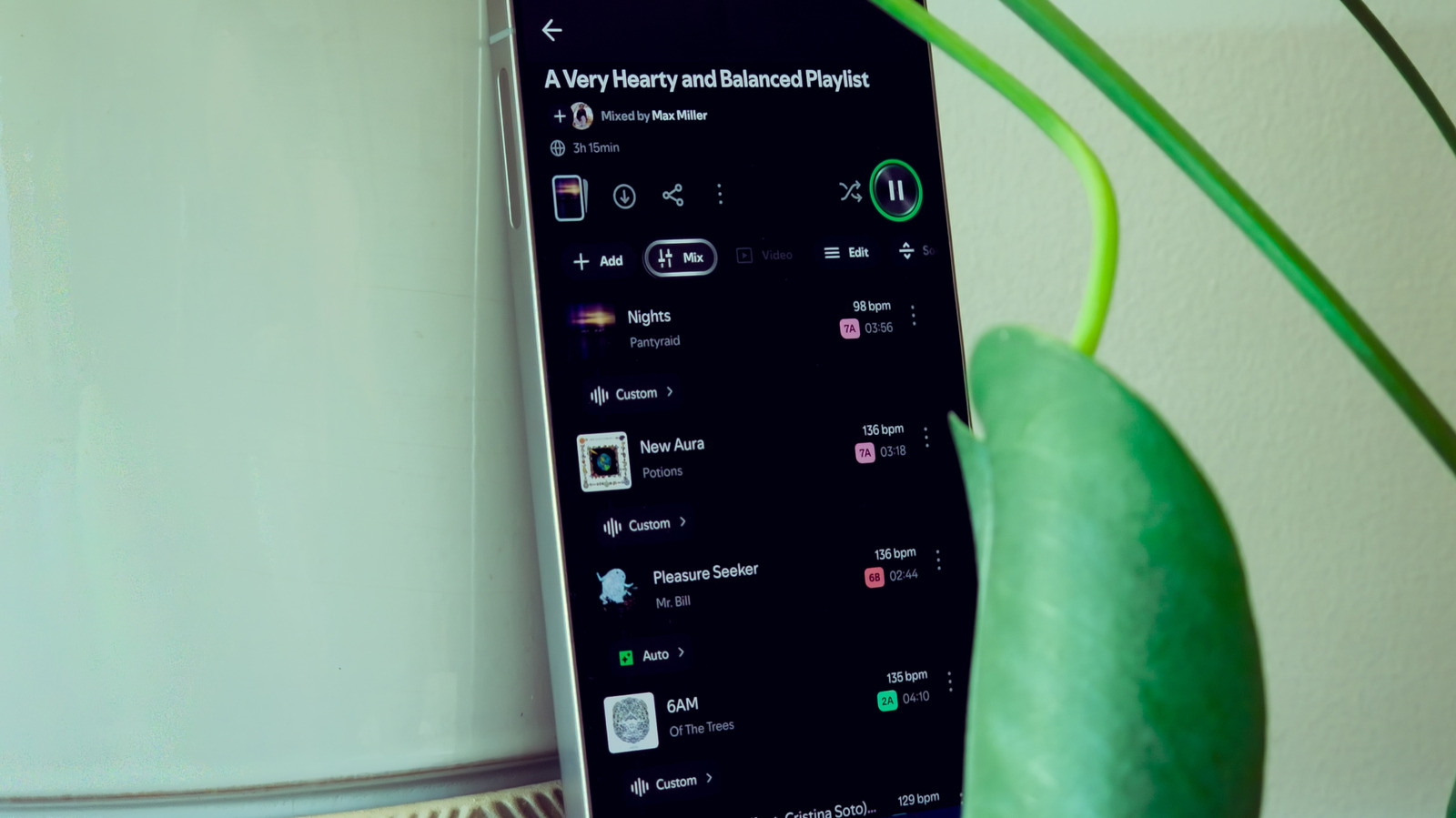
The default settings in the Spotify app, the Swedish music-streaming service, can hold back the listening experience. Tech outlet Engadget has highlighted five settings that affect sound quality, recommendations and user privacy. Most are available only to Spotify Premium subscribers, not free users.
On mobile, settings are opened by tapping the profile picture in the upper left corner, then Settings and privacy. On desktop, the shortcut is Ctrl + P (Cmd + comma on a Mac). Some settings can be changed only in the mobile app.
Volume normalization
Normalization evens out the volume between quieter and louder tracks, but one of the two gets compressed in the process, which slightly reduces quality. The toggle is in Playback, under Volume controls. When it is on, users can choose Quiet, Normal or Loud. Spotify warns that Loud may diminish audio quality.
Shuffle mode
Under Playback > Listening Controls, users can pick “Fewer repeats” or “Standard”. The first is less random, though it may feel the opposite to listeners. Apple introduced a similar fix with the iPod Nano in 2005.
Lossless audio
In October 2025, lossless audio, in FLAC format at up to 24-bit/44.1kHz, became available to Spotify Premium subscribers at no extra charge. It must be enabled on each device separately, under Media quality on mobile or Audio quality on desktop. Reaping the full benefit takes good equipment, and iPhone users on Bluetooth headphones are limited to 320kbps.
Taste profile
In Settings > Content and display, users can stop kids and family music from feeding their taste profile. Individual playlists can be removed by choosing “Exclude playlist from your taste profile”.
Privacy
In Privacy and Social, Private session hides activity for six hours or until the app is restarted. Turning off Listening activity hides it permanently. Public playlists can be hidden by selecting “Make private”.