How to use Google Gemini Spark to automate tasks
Google's AI assistant Gemini Spark can carry out user-assigned tasks in the background across Google apps. It requires a paid subscription and is not available in every region.
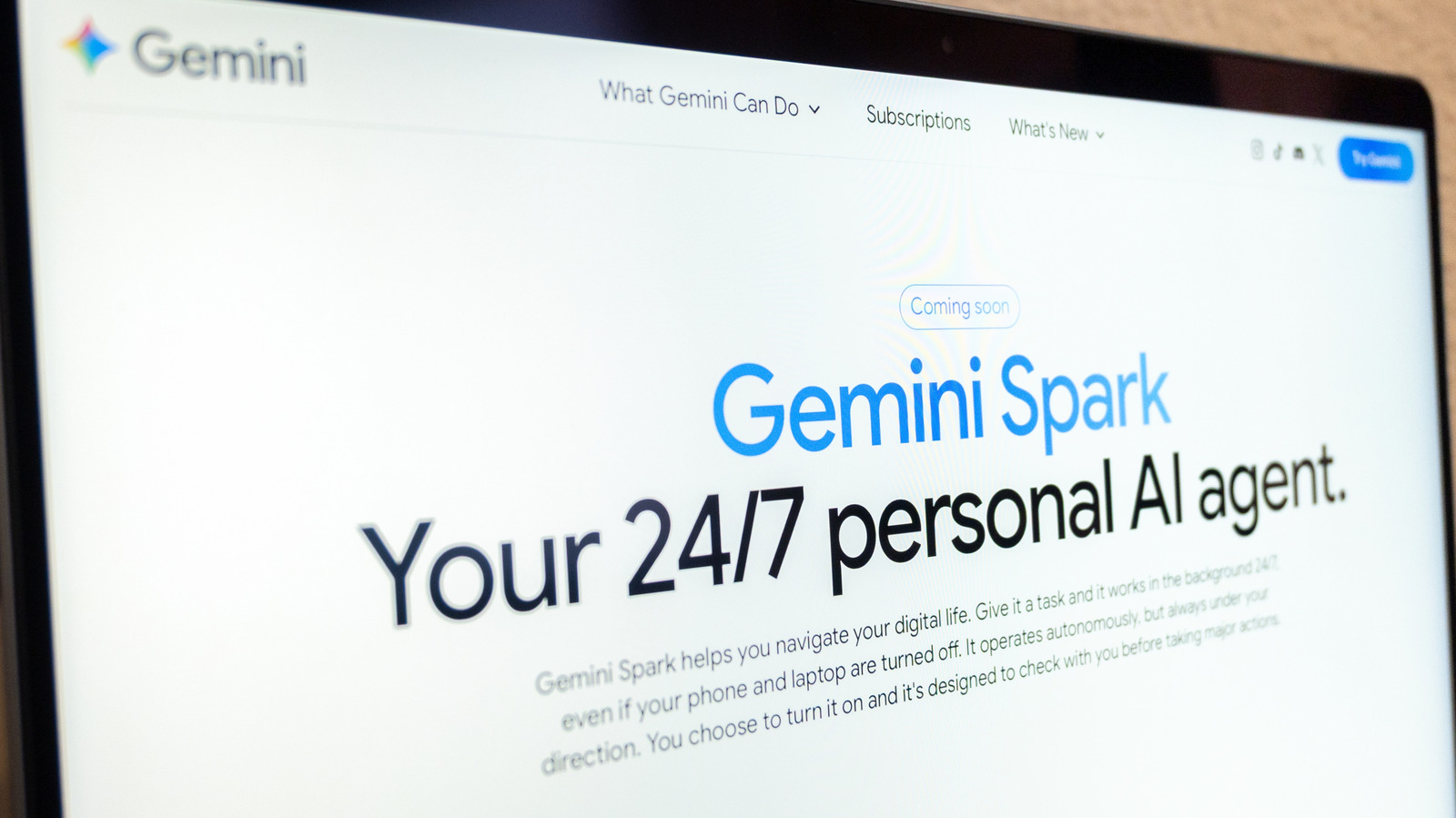
Google offers an AI tool called Gemini Spark, an agentic personal assistant that can perform tasks on a user's behalf. The company announced it in May at its annual I/O developer conference. Spark runs in the background and takes what Google calls "proactive action" while following the user's instructions.
What Spark can do
The product website gives examples such as turning your last 50 email replies into a style guide for how you write, or setting up an internship tracker. The tool is integrated with Google Workspace apps including Docs, Calendar, Slides and Gmail, as well as Personal Intelligence, which Gemini uses to tailor suggestions based on information from Google apps. Together with Gemini in Chrome, Spark can also handle jobs such as booking restaurant tables or travel.
Who can use it
Access requires a Google AI Pro or Ultra subscription, and some business subscribers may also qualify. Spark is not available in the European Economic Area, Switzerland, the UK or Nigeria. The "Keep activity" setting must be switched on. Spark works in the Gemini mobile app, the Gemini Mac app and the web app.
Creating a task
Users select Menu, then Spark, and type the task into the text box. A relevant file from Drive or a Notebook can be attached if needed. After that, they tap or click Submit. Tasks can be monitored under Menu > Spark > Tasks, which shows the task thread and a work panel listing completed, current and planned steps.
Precautions
Google reminds users that AI can make mistakes, so tasks should be checked. Sensitive information such as login or payment details should not be entered into the task thread; it should be typed directly on the relevant website. The company also advises against scheduling highly sensitive tasks, especially ones that run while the user is offline.
In late September, Google said that skills would replace Gemini Gems as the way to give instructions for tasks. A skill might contain steps for preparing presentations or adopting a particular writing style, and it can be called by typing a forward slash followed by the skill's name.