How to pay with Google Wallet using your Samsung Galaxy Watch
Samsung Galaxy Watch users can use Google Wallet for contactless payments, but must meet requirements: Wear OS 2.0 or newer and regional support.
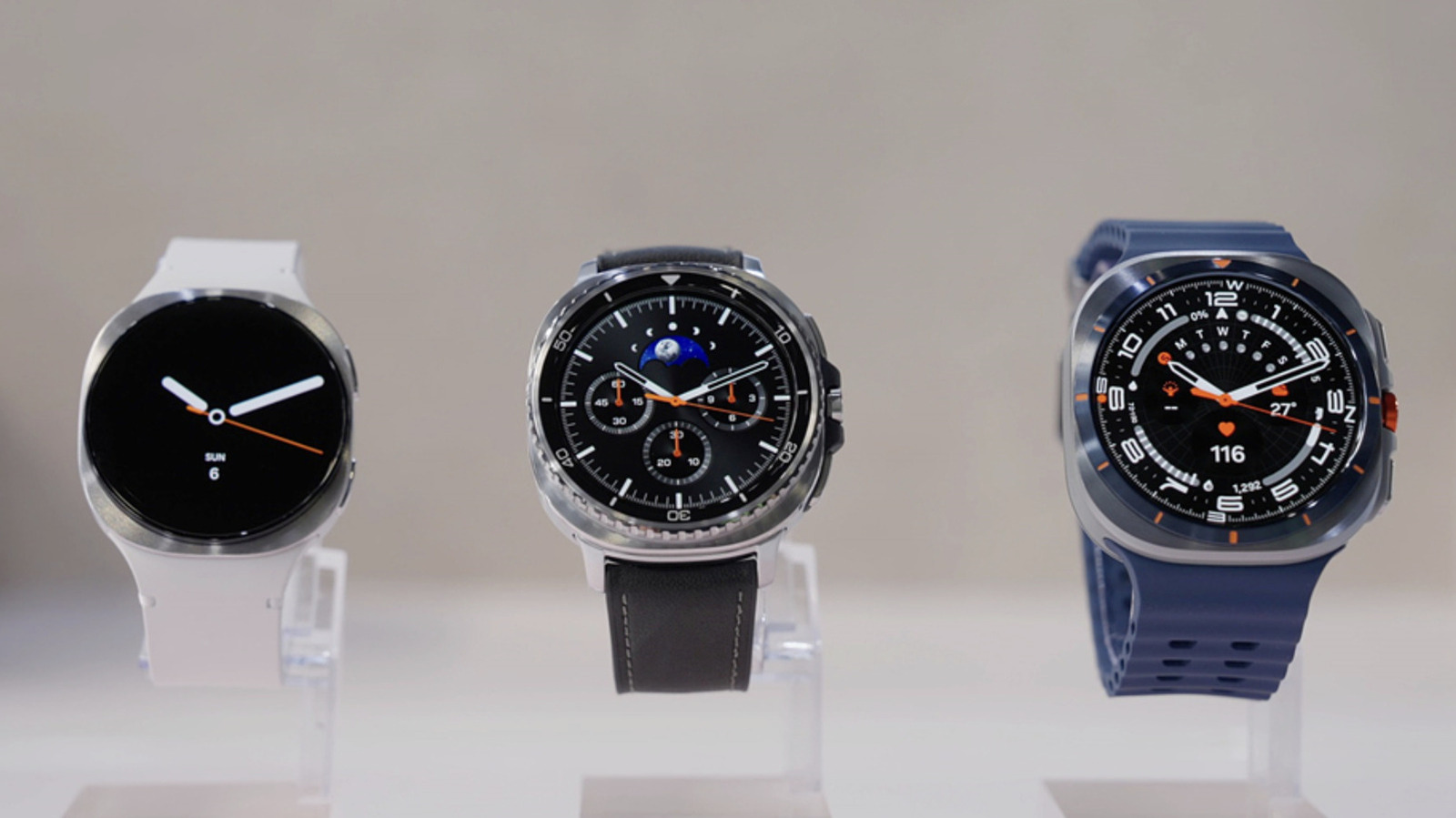
Samsung Galaxy Watch owners can use Google Wallet for tap-to-pay purchases, not just Samsung Pay. The smartwatch must run Wear OS 2.0 or later, meaning only Galaxy Watch 4 and newer models are compatible. Tizen-based Watch 1, 2, and 3 are not supported.
First, install Google Wallet from the Play Store on your watch. If no lock screen is set, you'll be prompted to set one up (pattern or PIN). On the connected Android phone, also install Google Wallet.
To add a payment card, tap the "+" tile on the watch and use the phone's Wallet app. You can select a previously saved card or add a new one. The bank must approve the card for tap-to-pay. The first card added becomes the default, but you can change it.
To pay, unlock the watch, open Google Wallet, turn your wrist, and hold the screen near the card reader. A successful payment triggers vibration, sound, and a blue checkmark. For public transport, the process is similar if the reader supports tap-to-pay.
In Japan, Google Wallet also supports Suica and PASMO cards, but only for watches purchased in Japan that support FeliCa technology. Compatible Samsung models include Galaxy Watch 6, 6 Classic, 7, 8, 8 Classic, and Watch Ultra. Funds can be added directly in the app.