How to jump into VR on Steam without waiting for the Steam Frame headset
While Valve's $1,000 Steam Frame headset rolls out slowly through a reservation lottery, gamers can already play VR titles on Steam using the free SteamVR app with compatible existing hardware.
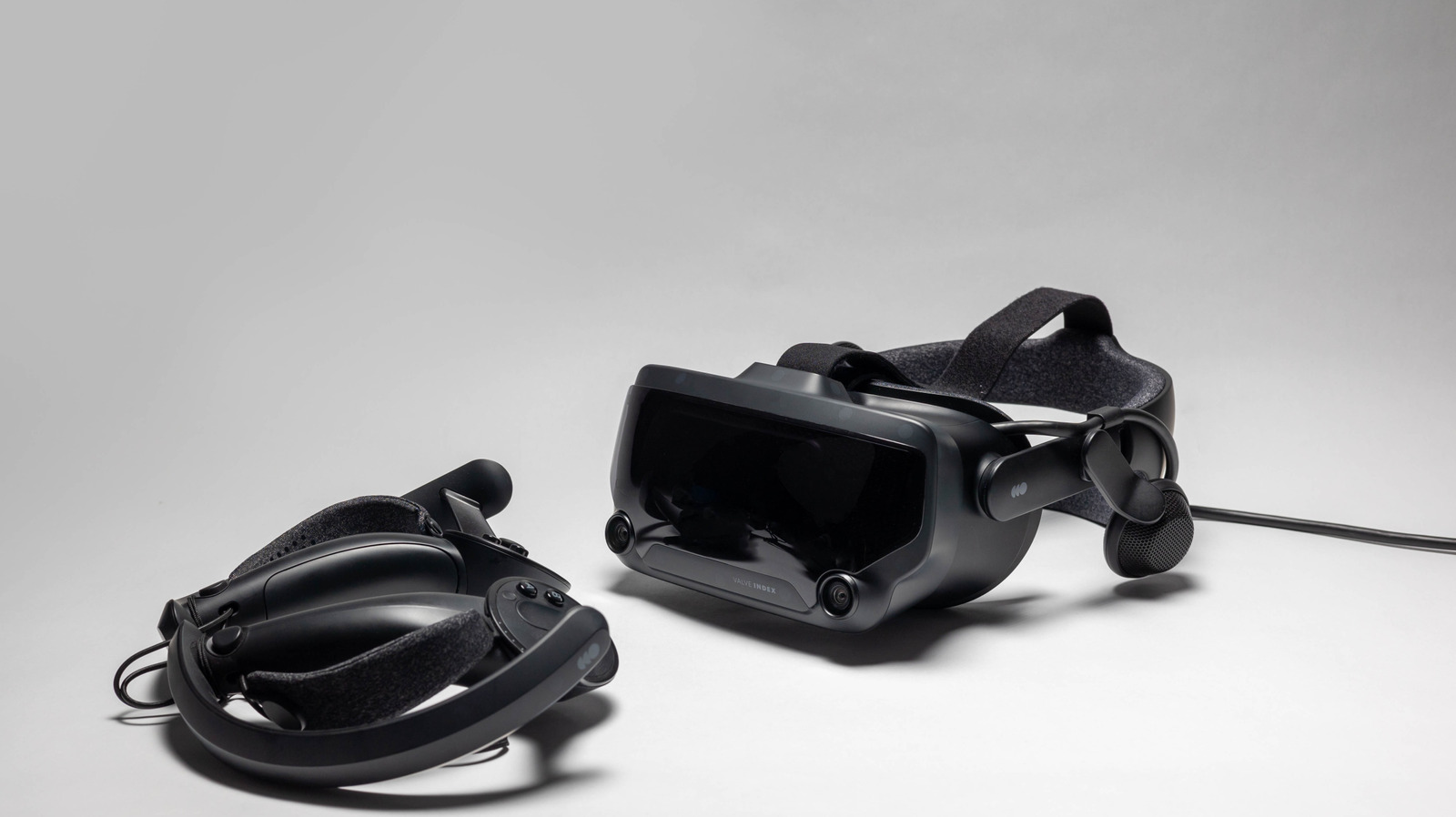
Valve's new Steam Frame VR headset, priced at $1,000, is being released gradually through a reservation lottery similar to the rollout used for the Steam Machine, a move intended to curb scalping.
For those unwilling to wait, VR gaming on Steam is already accessible through SteamVR, a free application that links the Steam client to a wide range of headsets, including models from Valve, HTC, and Meta/Oculus.
Getting set up
SteamVR can be found and installed directly through Steam's search function. Once installed, users log into their Steam account (unless running offline) and connect their headset, controllers, and any required sensors to their PC. A wireless setup requires the Steam Link app, which supports the Meta Quest 2, Quest 3, and Quest Pro, along with the HTC Vive Focus and PICO headsets.
First-time users are asked to choose between Room-Scale or Standing Only tracking. The Room-Scale option requires clearing roughly 6.5 by 5 feet of space, after which SteamVR runs a check of headset and controller tracking. Turning on the Chaperone system in the Play Area settings tab is also recommended to keep track of available movement space.
SteamVR Home and settings
Once running, users land in SteamVR Home, a digital hub for chatting with friends through avatars and decorating a personal space with items bought on Steam or unlocked via achievements. Tapping the menu button on a controller opens the dashboard, where users can browse their VR-compatible library, check out new titles in the store, adjust VR settings, or pull up their desktop within the headset.
The settings menu, accessed via the dashboard's cog icon, includes basic brightness, resolution, and graphics controls alongside more advanced options such as Motion Smoothing, which adjusts frame rate to reduce motion sickness, Controller Bindings, and Advanced Frame Timings, a tool that shows how individual VR apps are performing.