What to do when an Ethernet cable gets stuck in its port
Tech site Engadget explains how to safely remove a stuck Ethernet network cable from a device port without damaging the connector or pins. If simple methods fail, it advises turning to a professional.
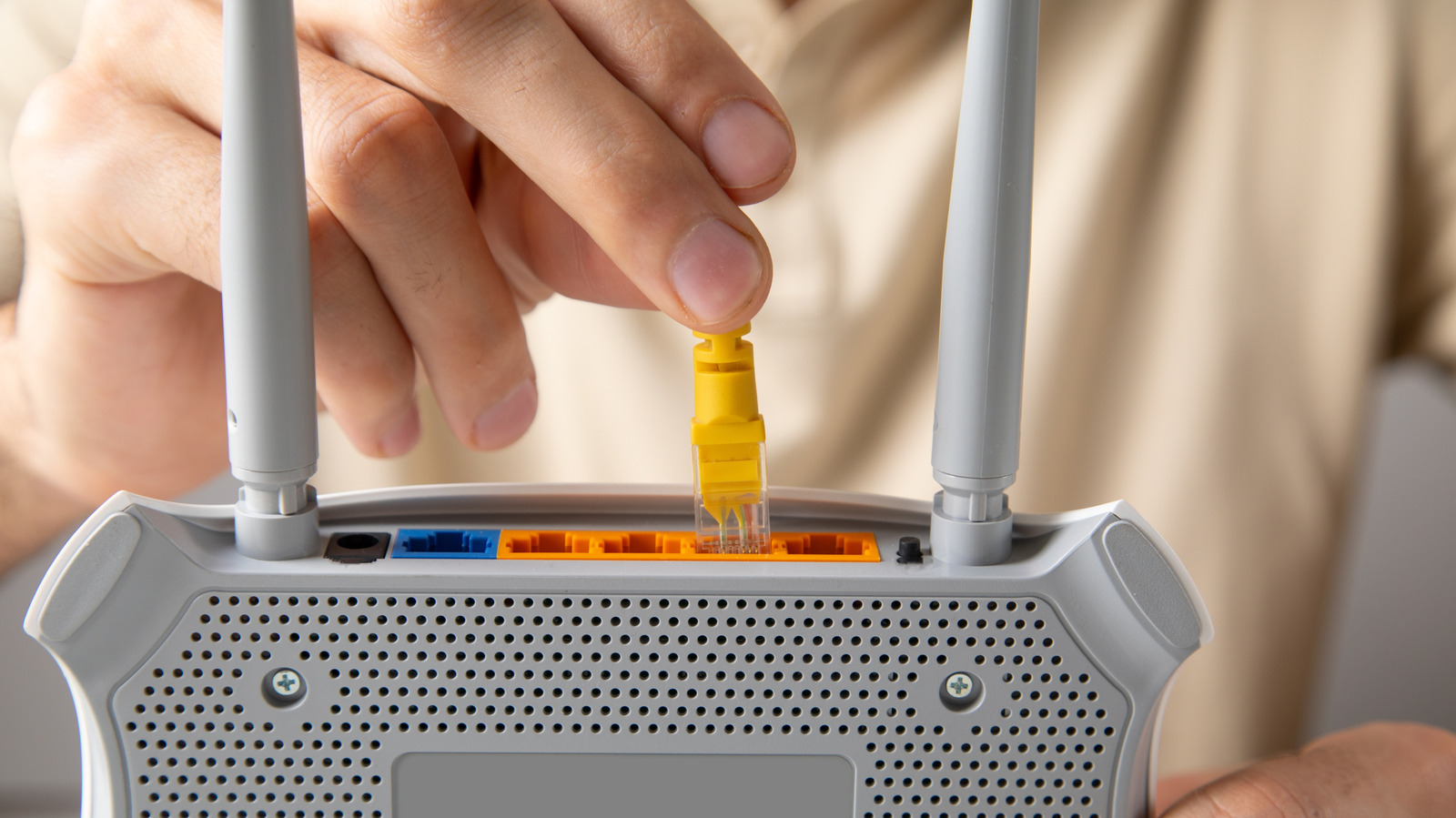
An Ethernet cable, which connects a device to the internet by wire, can sometimes become stuck in its port. Tech site Engadget has compiled advice on removing it without damaging either the cable or the device.
Why you should not pull hard
The connector is usually made of lightweight plastic and is held in the port by a protruding locking tab. Yanking the cable carelessly can break the tab, leaving debris behind and preventing the cable from locking in properly later. The data or power pins can also be damaged. In an extreme case, the tab stays in place while the cable's wiring is torn away.
First steps
The device should be switched off first. Then press down the tab and, while pulling, carefully bend the connector up and down, or the other way round. If that fails, try pushing the connector in further while still holding the tab down. In both cases, hold onto the frame of the device to keep it stable.
If the cable still will not come out
A flathead screwdriver or the tip of a pen can hold the tab down, but care is needed so the pins at the bottom of the port are not scraped. Pliers are discouraged: the pressure can break the connector, and one jaw sits dangerously close to the data and power pins.
Ethernet ports have no emergency eject button. If nothing works, it is better to leave the cable in place unless there are no other free ports or the cable is urgently needed elsewhere. In that case, contact the device's tech support or a local repair shop.
Engadget notes that the problem is rare, since the cables are designed for easy removal. The outlet also points out that Wi-Fi 6 and Wi-Fi 7 can deliver the same gigabit speeds as Ethernet, sometimes even faster, although range and interference problems may be harder to solve.