How to Play GTA 6 on iPhone, iPad or Mac Using Remote Play
Grand Theft Auto 6 can be streamed from a PlayStation 5 or Xbox Series X/S console to a phone, tablet or computer using Sony's and Microsoft's remote play features. A fast, stable internet connection is required.
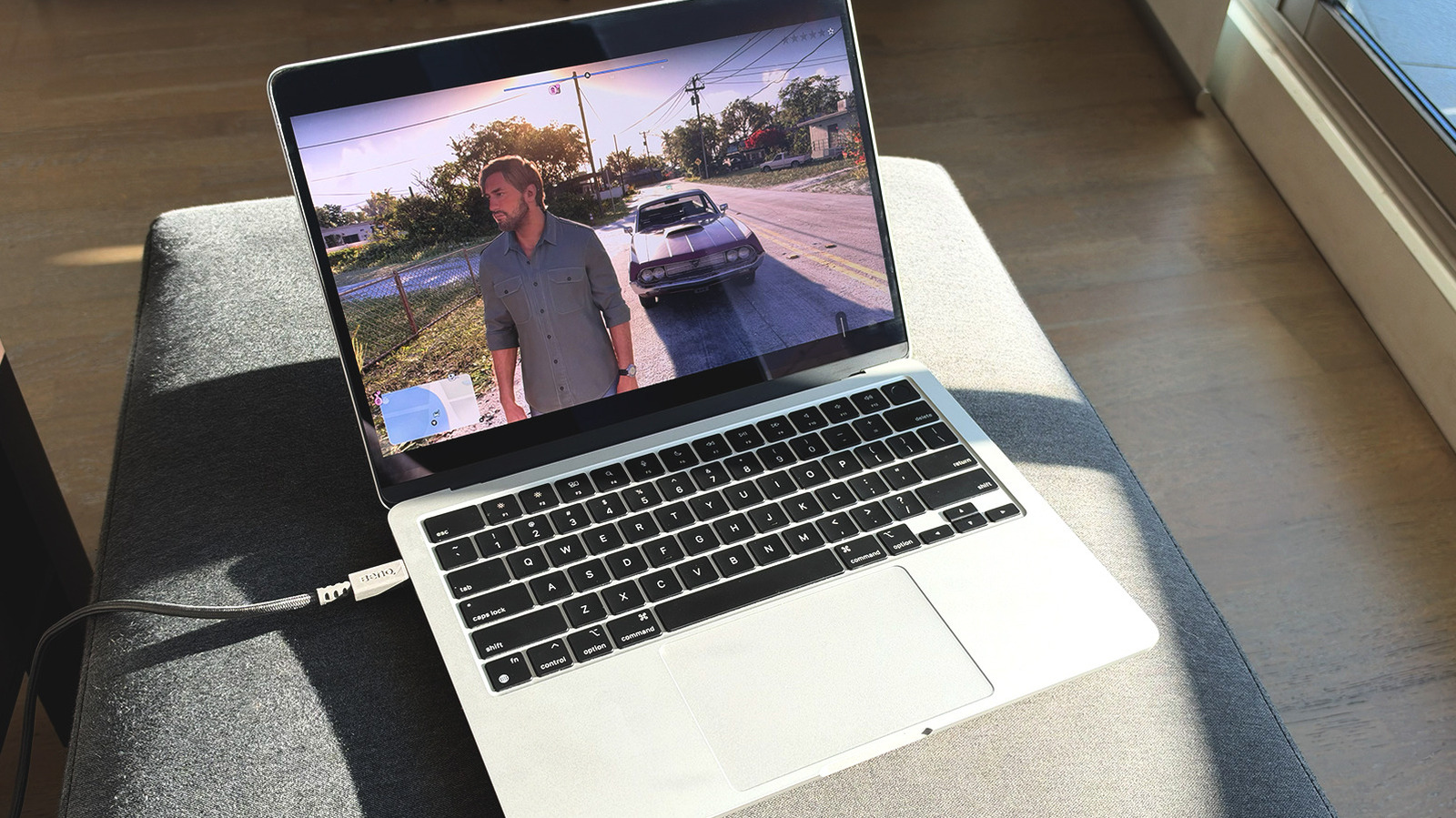
The video game Grand Theft Auto 6 is now available on PlayStation 5 and Xbox Series X/S consoles after a 13-year wait. Players who want to keep playing away from their console can use the remote play features offered by Sony and Microsoft. These allow the game to be streamed to an iPhone, iPad, Mac, Android phone or Windows PC, technology site Engadget reports.
Unlike cloud gaming, which relies on remote servers and often requires a subscription, remote play uses the power of the user's own console. The console sends video and audio to another device. A PlayStation 5 or Xbox Series X/S with the game purchased and downloaded is required, and a compatible controller such as the DualSense or an Xbox pad is recommended. The two devices do not need to share a network, but a fast and stable connection is needed. Sony recommends at least 15 Mbps, while Xbox suggests a 5GHz Wi-Fi network with at least 7–10 Mbps.
PlayStation 5
First, remote play must be enabled on the console under Settings > System > Remote Play. Then, under Power Saving > Features Available in Rest Mode, the options Stay Connected to the Internet and Enable Turning on PS5 from Network should be switched on so the console can be woken from Rest Mode. Next, install the PS Remote Play app, sign in with the same PlayStation account, select the console and launch GTA 6 from the game library.
In Engadget's tests, the game ran well on both Android and iPhone, and input lag was not noticeable. The DualSense controller's haptics and adaptive triggers did not seem to work on phones, but did on Mac and Windows with a wired connection. To pair a DualSense, hold the PS and Create buttons together until the controller flashes blue.
Xbox
On an Xbox, open Profile & system > Settings > Devices & connections > Remote features, turn on Enable remote features and choose Sleep in the power options. Then open the Xbox remote play website in the device's browser, sign in with a Microsoft account, select the console and click Remote play on this device. An Xbox controller is paired by holding the Pair button for three seconds.
Xbox One owners can play the game through Xbox Cloud Gaming, but must buy it digitally. The Game Pass Ultimate tier now includes only 15 hours of cloud play per month, so extra hours may cost more.