Why AirPods won't connect to an iPhone and how to fix it
Connection problems between Apple AirPods and an iPhone can usually be solved by checking the battery, Bluetooth, software versions and automatic switching. If that fails, the earbuds can be reset or Apple Support contacted.
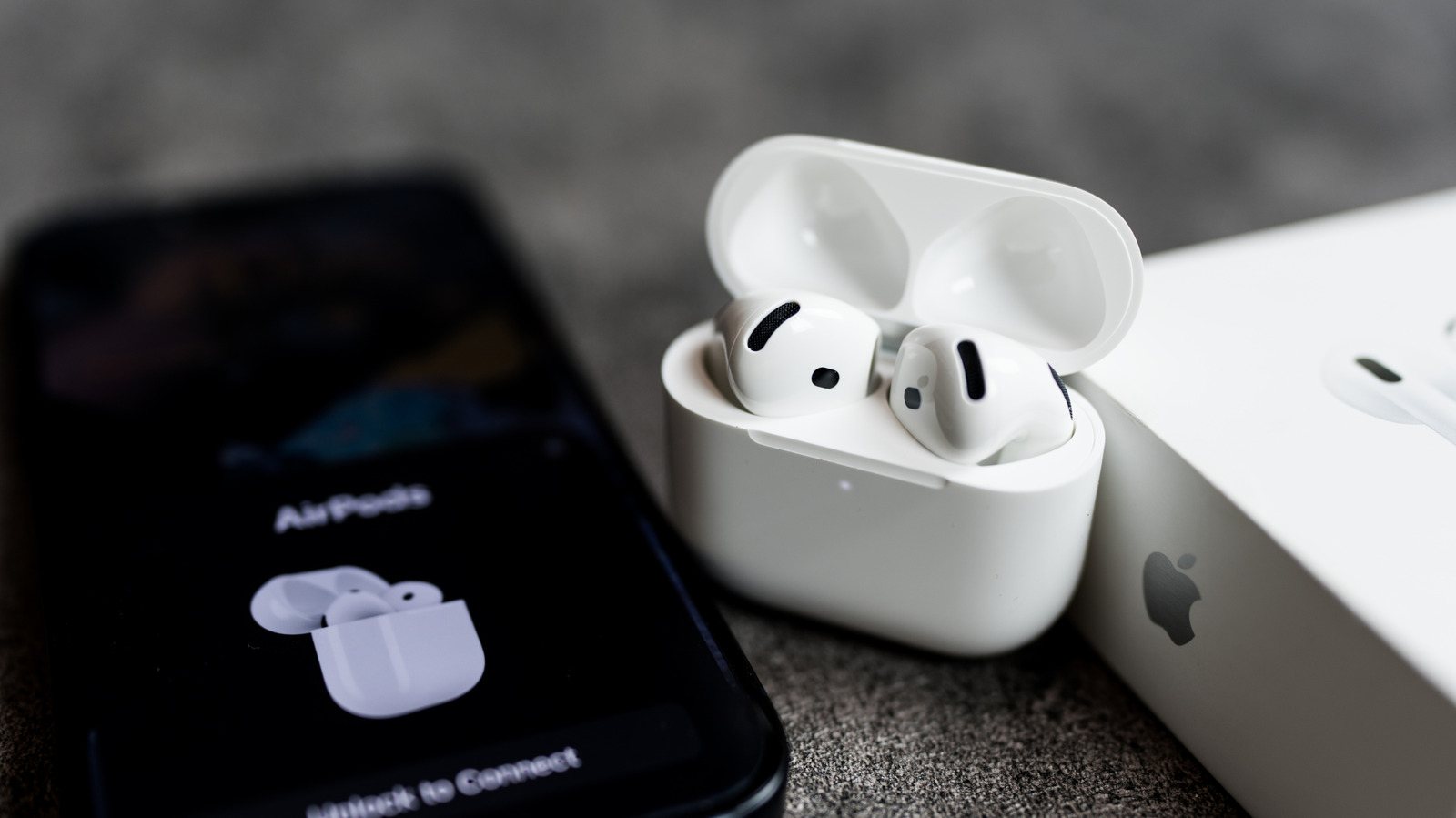
Apple's AirPods wireless earbuds are normally easy to pair with an iPhone, but sometimes they play no sound or fail to connect at all. Tech site Engadget has outlined the most common causes and fixes, which usually involve changing just a few settings.
Common causes
One of the main culprits is the battery. If the earbuds or their charging case are completely drained, the AirPods will not appear on the iPhone, not even with a low-battery warning. Putting the earbuds in the case and charging them for a few minutes is recommended. Dirt and earwax on the charging contacts can also block charging, in which case the earbuds and case can be cleaned with a soft cotton swab.
AirPods signed in to the same Apple Account can switch automatically between an iPhone, iPad and Mac, depending on which device is playing audio. Sometimes they end up on the wrong device; even an email notification on a Mac can trigger a switch. Pressing play on the iPhone usually brings them back.
Outdated AirPods firmware or an older iOS version can also cause problems. Updates can be checked under Settings > General > Software Update, while the AirPods version is listed in the AirPods menu in Settings, under Version. If it is not the latest, the AirPods should be plugged into a charger and left for about 30 minutes to update on their own.
What to do
First, make sure Bluetooth is turned on in Settings. Then put the AirPods in your ears and check whether they appear in the Bluetooth list and in the audio output list in Control Center.
If not, the earbuds can be reset and paired again. Place both earbuds in the case, open the lid and enter pairing mode:
- For AirPods 4, AirPods 5 and AirPods Pro 3, double-tap the front of the case until a white light turns on, double-tap again when it flashes white, and a third time when the flashing speeds up.
- For older models, press and hold the button on the back of the case for about 15 seconds.
- For AirPods Max, hold the Digital Crown and the ANC button together for 15 seconds.
If done correctly, the iPhone will show instructions to finish pairing. If nothing works, the cause may be a hardware failure and Apple Support should be contacted. A replacement may be free if the AirPods are still under the one-year warranty or covered by an AppleCare+ plan.