What the Orange Dot on a Samsung Galaxy Watch Means
The orange dot at the left edge of a Samsung Galaxy Watch screen signals unread notifications. A red dot indicates an urgent message, and the indicator can be switched off in settings.
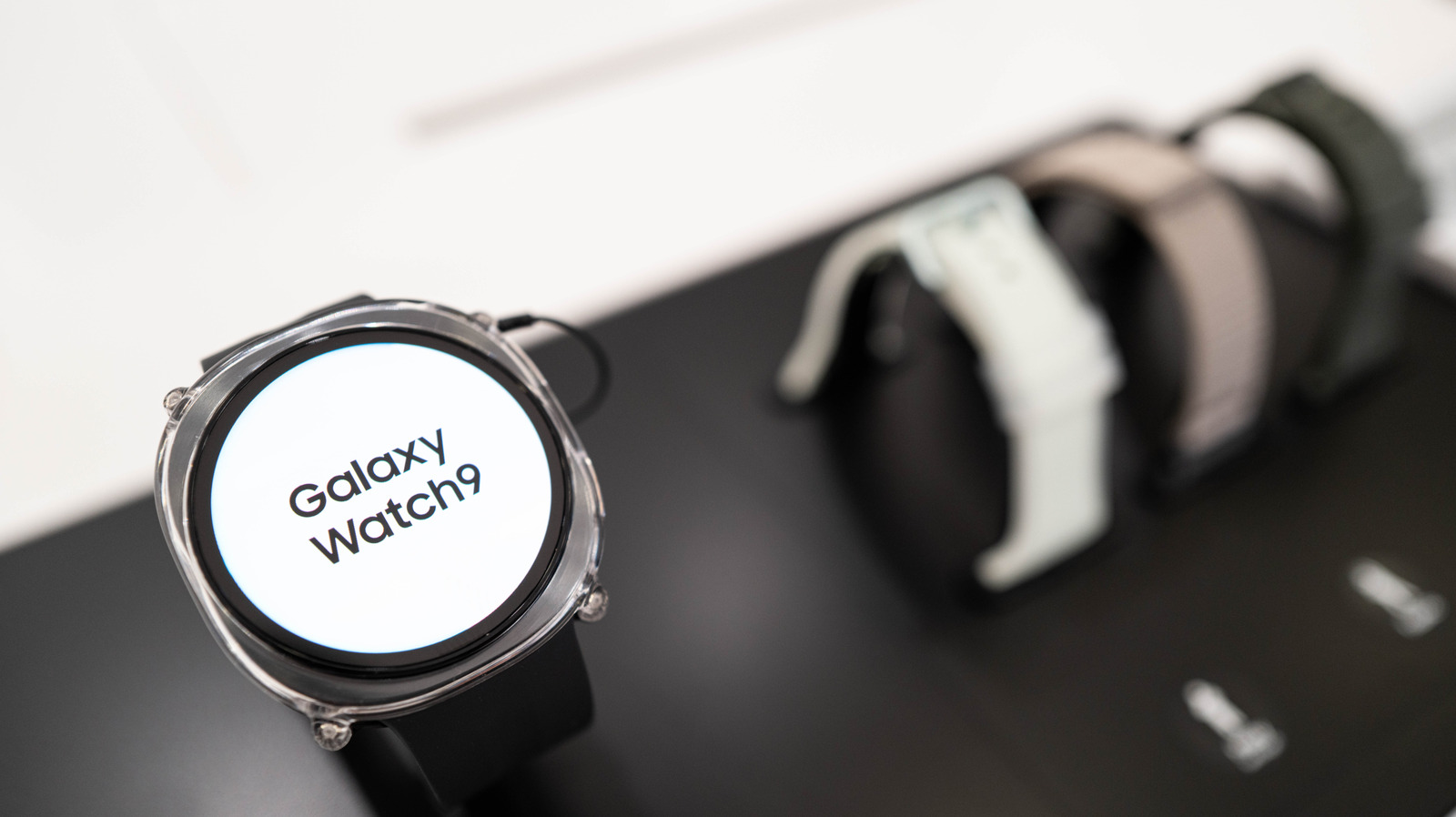
Samsung's Galaxy Watch smartwatches show a small orange dot at the far left of the screen. It is a notification indicator that tells the wearer there are unread notifications. The dot has appeared across the Galaxy Watch line over the years, including the latest models: the Galaxy Watch 8, the Galaxy Watch 9 and the Galaxy Watch Ultra 2. It may be especially puzzling for people switching to Samsung from another brand's smartwatch who are not familiar with the feature.
What the dot means
The orange dot stays on the watch face until all outstanding notifications have been read, and then it disappears. If the dot is red instead, it signals an urgent message that should be checked as soon as possible.
The indicator can be turned off if the wearer does not want it. On the watch, open Settings > Notifications > Advanced Settings and switch off New notification indicator on watch face. The same can be done from a linked Samsung phone: in the Wearable app, go to Watch Settings > Notifications > Advanced notification settings and disable the same option.
Other symbols on the screen
Other icons can also appear on the watch. At the top, a phone icon with a slash means the Bluetooth connection to the phone has been lost. A rectangle with a cloud in the middle shows the watch is linked to the phone via mobile data or Wi-Fi rather than Bluetooth. A padlock means the watch is locked and needs a password or PIN to open.
At the bottom, a blue music note indicates that an app is playing music or that playback is paused, and tapping it lets the user control the audio. A green phone icon can appear in the same place, showing that the watch or a connected phone is being used for a call.