Roku TV Setting Can Match Refresh Rate to a Film's Original Frame Rate
Roku smart TVs have an option that automatically adapts the display refresh rate to the content, so movies play at their native 24fps. Many Roku TVs default to 60fps.
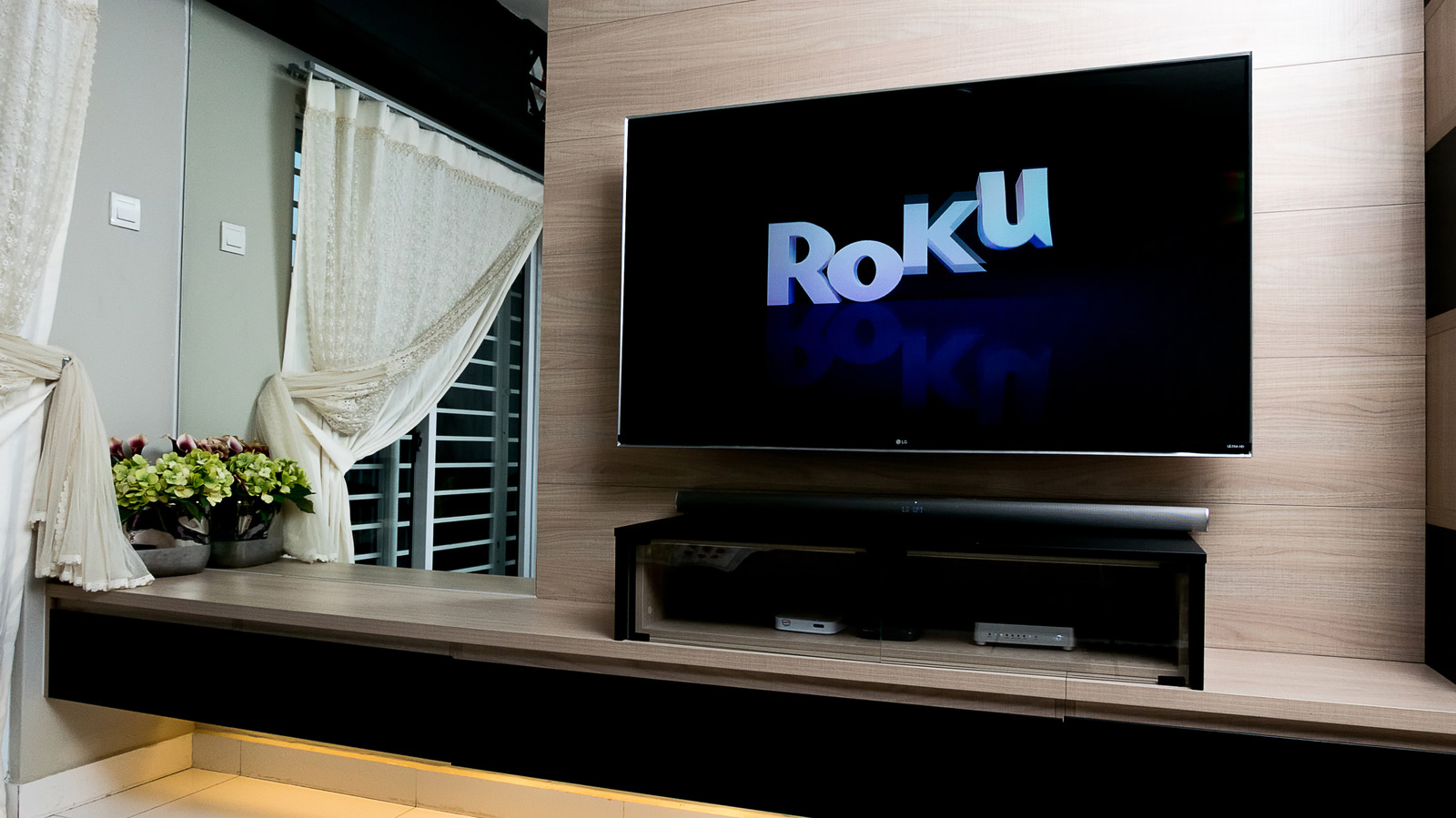
Owners of Roku smart TVs can change the screen's refresh rate so that movies are shown the way they were filmed, according to the technology outlet Engadget.
Most Roku TVs default to a refresh rate of 60 frames per second (fps). That works well enough in some situations, but it is not ideal for watching films. Movies are mostly shot and projected at 24fps. This standard has shaped the look and feel of cinema for decades, and it is the output viewers see in a movie theater.
How to turn it on
Roku lets users adjust the TV to match that frame rate. The article's author notes that most advice on improving picture quality centers on colors and contrast, but achieving a "movie look" also requires changing the refresh rate.
The steps are:
- open the main menu and select Settings;
- go to System;
- open Advanced System Settings;
- choose Advanced Display Settings;
- turn on Auto-adjust display refresh rate.
What it changes
It is a one-step fix: the TV adjusts itself to the native refresh rate of whatever movie or show is playing. Films, which have a native rate of 24fps, will be displayed at that rate. TV shows, which may be filmed at 30 or 60fps, will be shown accordingly.
Engadget describes it as a small adjustment that can make the viewing experience better.