Using your phone as a mobile hotspot: pros and cons
Tech site Engadget reviews the advantages and drawbacks of using a smartphone as a mobile internet hotspot. It concludes the option suits occasional use, while frequent users may be better served by a dedicated device.
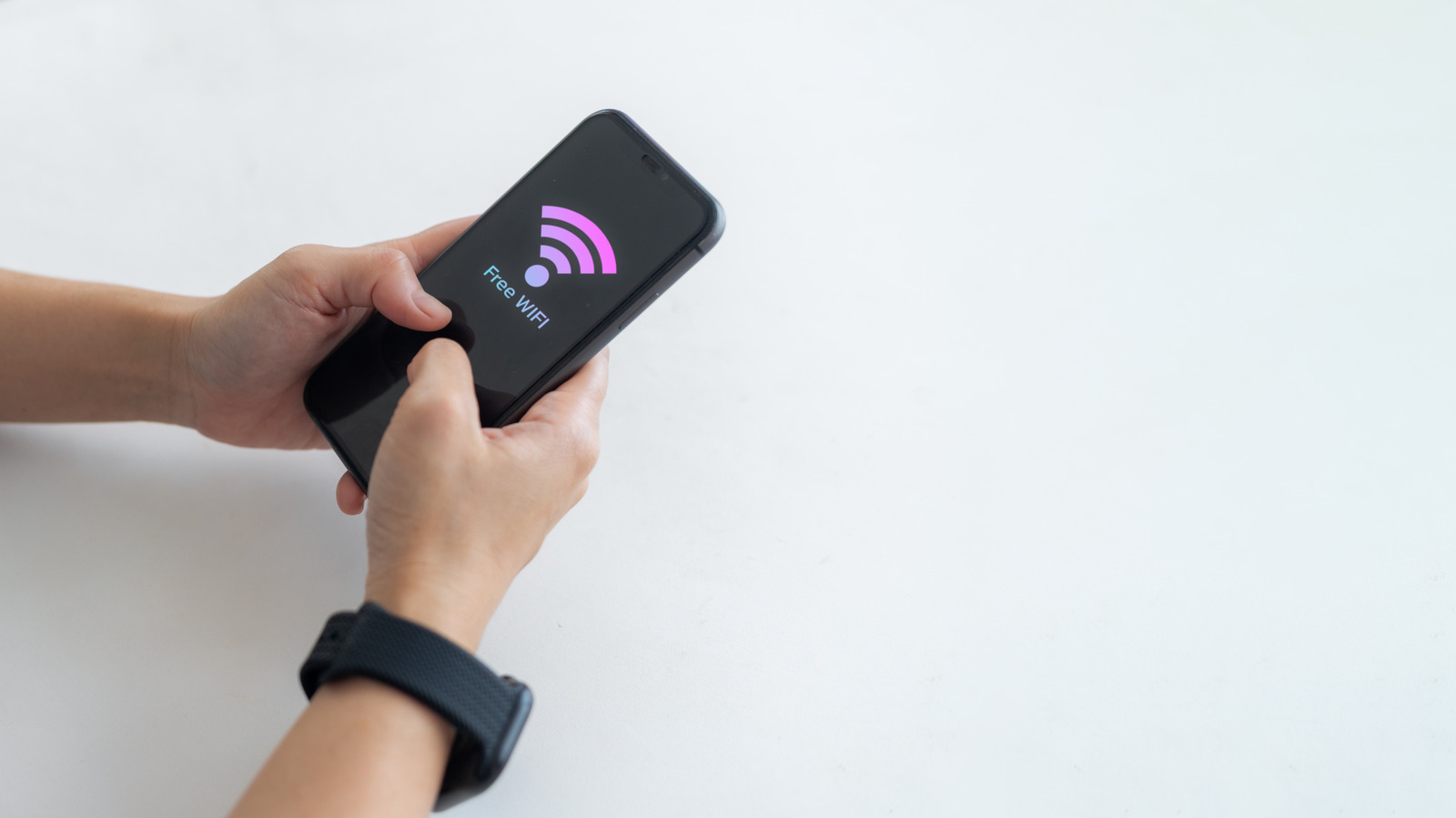
A smartphone can work as a mobile hotspot, sharing its cellular data connection with other devices such as a laptop, a tablet or someone else's phone. The technology outlet Engadget has set out the trade-offs of the feature, noting that remote work and travel are pushing more people to work away from traditional offices and home desks.
On iPhones the feature is called Personal Hotspot, while on Android devices it is usually found under Hotspot & Tethering, depending on the brand.
Benefits
The main advantage is convenience: there is no second gadget to charge, update or pack. The connection can be set up anywhere, whether for your own laptop or for children's devices on a trip. It can also save money, since there is no need to buy a dedicated hotspot device or an extra data plan.
Security is another point in its favour. Because the owner controls who connects, it is a safer choice than open public Wi-Fi. A strong password and WPA2 or WPA3 encryption are still necessary.
Drawbacks
Running a hotspot is power-intensive, so the battery drains noticeably faster; a power bank or a laptop charger can help. If a data plan has a hotspot data cap, exceeding it can sharply slow the connection or raise the monthly bill, and video calls and streaming use up the allowance quickly. When several people connect, speeds can fall for everyone because all devices share one cellular connection. A hotspot without a password is open to anyone nearby.
How to turn it on
On Android, users pull down the quick settings panel and tap the Mobile Hotspot icon; a long press opens the configuration menu, where the network name, password and frequency band (2.4GHz, 5GHz, or 6GHz on some newer phones) can be set. On iPhone, users open Settings, then Personal Hotspot, switch on Allow Others to Join and set a Wi-Fi password.
Engadget concludes that for occasional use a phone is a practical option, provided the plan includes hotspot data. For daily tethering, video streaming or several devices connected for hours, a dedicated hotspot device may be worth the investment. It advises reviewing your data plan and usage habits before deciding.

