Windows PowerToys Can Automate Everyday PC Chores
Microsoft's free PowerToys utility pack can arrange windows, rename files in bulk and remap keys. Its latest release also adds command-line tools for automation.
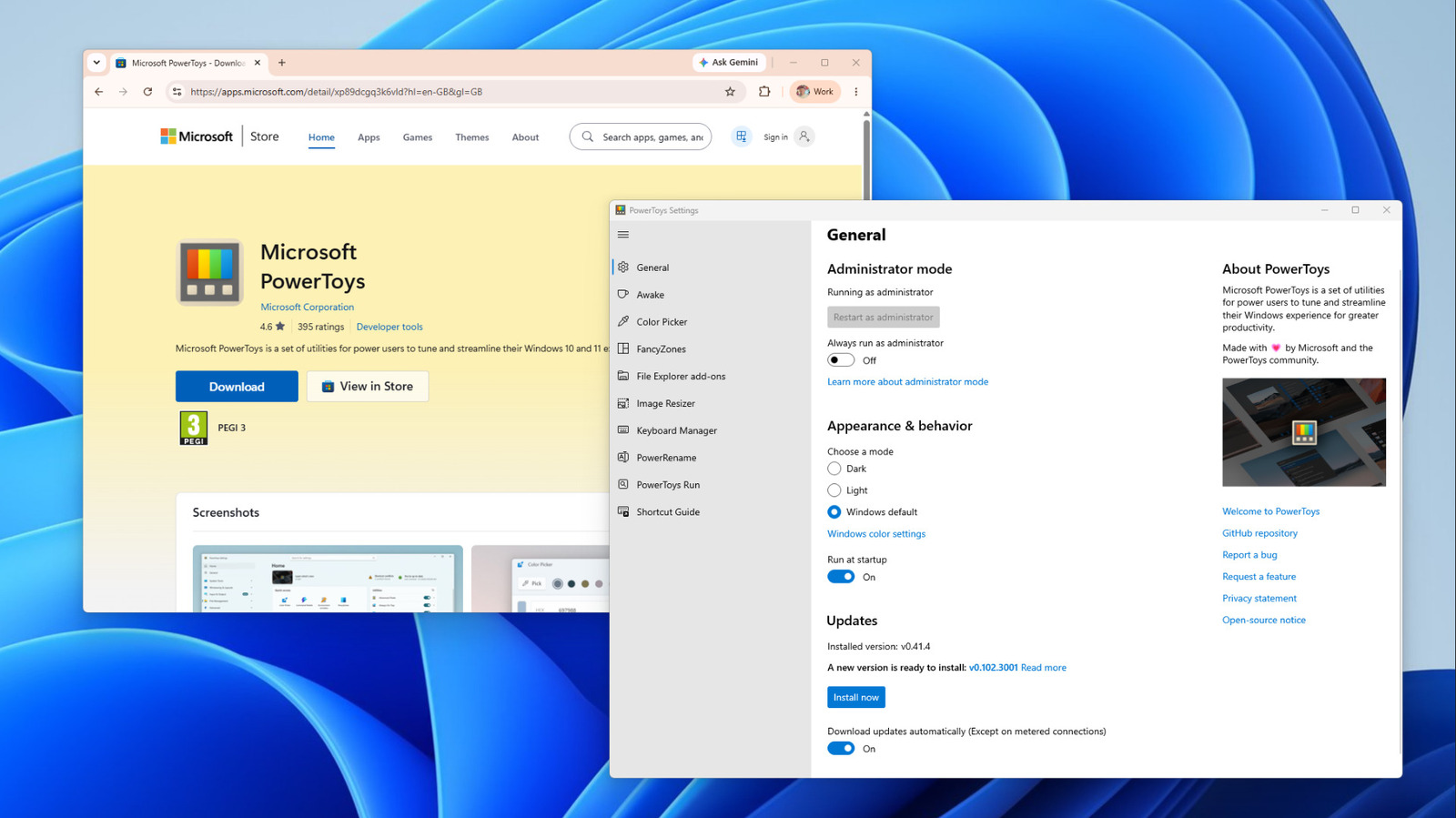
PowerToys, a free collection of more than 30 utilities for Windows maintained by Microsoft, can take over many repetitive PC tasks. According to tech outlet Engadget, it can arrange windows, rename files in bulk and customize keyboard shortcuts, and a recent release lets users script some of these functions from the terminal.
PowerToys is open source under an MIT license and available on GitHub. It runs on Windows 11 and Windows 10 version 2004 or newer, on both x64 and ARM64 PCs. It can be installed from the Microsoft Store, GitHub or through the WinGet command line, and each utility can be switched on or off individually.
Arranging windows
FancyZones splits the screen into zones where windows snap into place when dragged while holding Shift. The layout editor opens with Win + Shift + `. Users can pick a template or build a grid or overlapping canvas layout. Enabling the option to move newly created windows to the last known zone returns apps to their places whenever they reopen.
Workspaces goes further by launching the chosen apps itself and placing them in saved positions. Apps are started first and then moved, so windows visibly jump into place as they load.
Renaming files and remapping keys
PowerRename can rename hundreds of files at once using search and replace, regular expressions, counters and file creation dates. For photos it can read EXIF data, such as the date taken and the camera used. A mistaken batch can be undone with Ctrl + Z.
Keyboard Manager remaps keys and shortcuts across Windows or inside specific apps. Some combinations, such as Win + L and Ctrl + Alt + Del, cannot be remapped. Command Palette, introduced in 2025 as the next iteration of PowerToys Run, lets users open apps, do calculations and search the web.
Command-line control
Version 0.102 added command-line tools for Advanced Paste, Light Switch, Peek, PowerDisplay and the PowerToys settings. The FancyZones, Image Resizer, File Locksmith and PowerDisplay commands were also added to the system PATH. For example, PowerToys.FancyZones.CLI.exe s columns --all applies the columns layout to every monitor. Such commands can run unattended through Task Scheduler, Windows 11's built-in automation tool, for instance at logon.
Some utilities keep a background process running, which uses memory. Microsoft warns that Keyboard Manager can hurt performance in games and that some FancyZones options may affect performance. Switching off unused utilities is recommended.