How to fix an "iPhone Unavailable" lockscreen message
An iPhone that shows an "Unavailable" message after too many wrong passcode attempts can be unlocked through several methods depending on the iOS version and equipment on hand. Options range from restoring a recent previous passcode to a full reset using Find My or a computer.
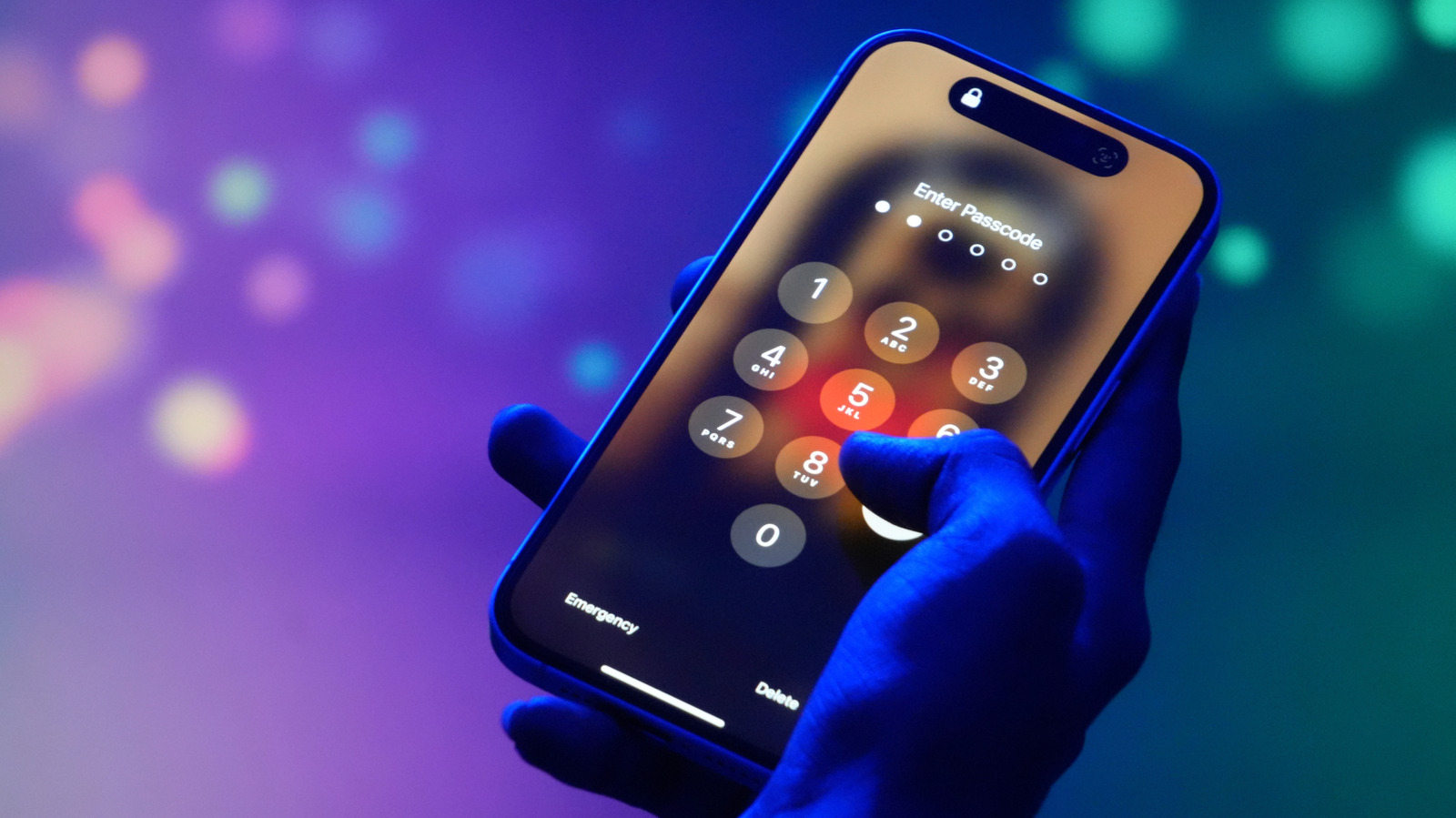
Seeing an "iPhone Unavailable" message on the lockscreen is typically the result of entering an incorrect passcode too many times. While designed as a security safeguard, it can also be triggered accidentally, such as by pocket presses or simple forgetfulness. Several recovery paths exist, varying in complexity based on the device's iOS version and available tools.
Restoring a previous passcode
On iOS 17 or later, if the passcode was changed within the last 72 hours, users can revert to the old one. After five failed attempts, the Unavailable screen appears with a "Forgot Passcode" option, followed by a choice to enter the previous passcode. Once unlocked, a new passcode must be set immediately.
Resetting without a computer
Devices running iOS 15.2 or later, with Find My previously enabled, an active internet connection, and knowledge of the Apple Account password, can be reset directly from the lockscreen. Selecting "Forgot Passcode" followed by "iPhone Reset" and entering the Apple Account password allows the user to erase the device entirely, removing all data and settings. Those with iOS 17 or later using an eSIM can choose to keep the eSIM while erasing other data. Apple advises eSIM users to contact their carrier beforehand, since a new QR code may be needed to restore eSIM service.
Resetting with a computer
A PC or Mac can also be used to reset a locked iPhone via a cable connection and internet access. Windows users need the Apple Devices app from the Microsoft Store, while Mac users can rely on Finder. The process involves powering off the iPhone, connecting it to the computer, and holding the side button until the device enters recovery mode. From there, the computer application offers a restore option. Notably, restoring data afterward is only possible with an existing iCloud backup. If the iPhone restarts mid-process, the recovery mode steps must be repeated from the beginning.