How to Translate Text With Your Phone Camera: Google Translate, Lens and AI Apps
A smartphone camera can translate foreign-language signs using Google Translate, Google Lens or the iPhone's built-in camera feature. Engadget's guide says AI apps often give more accurate results for harder cases such as restaurant menus.
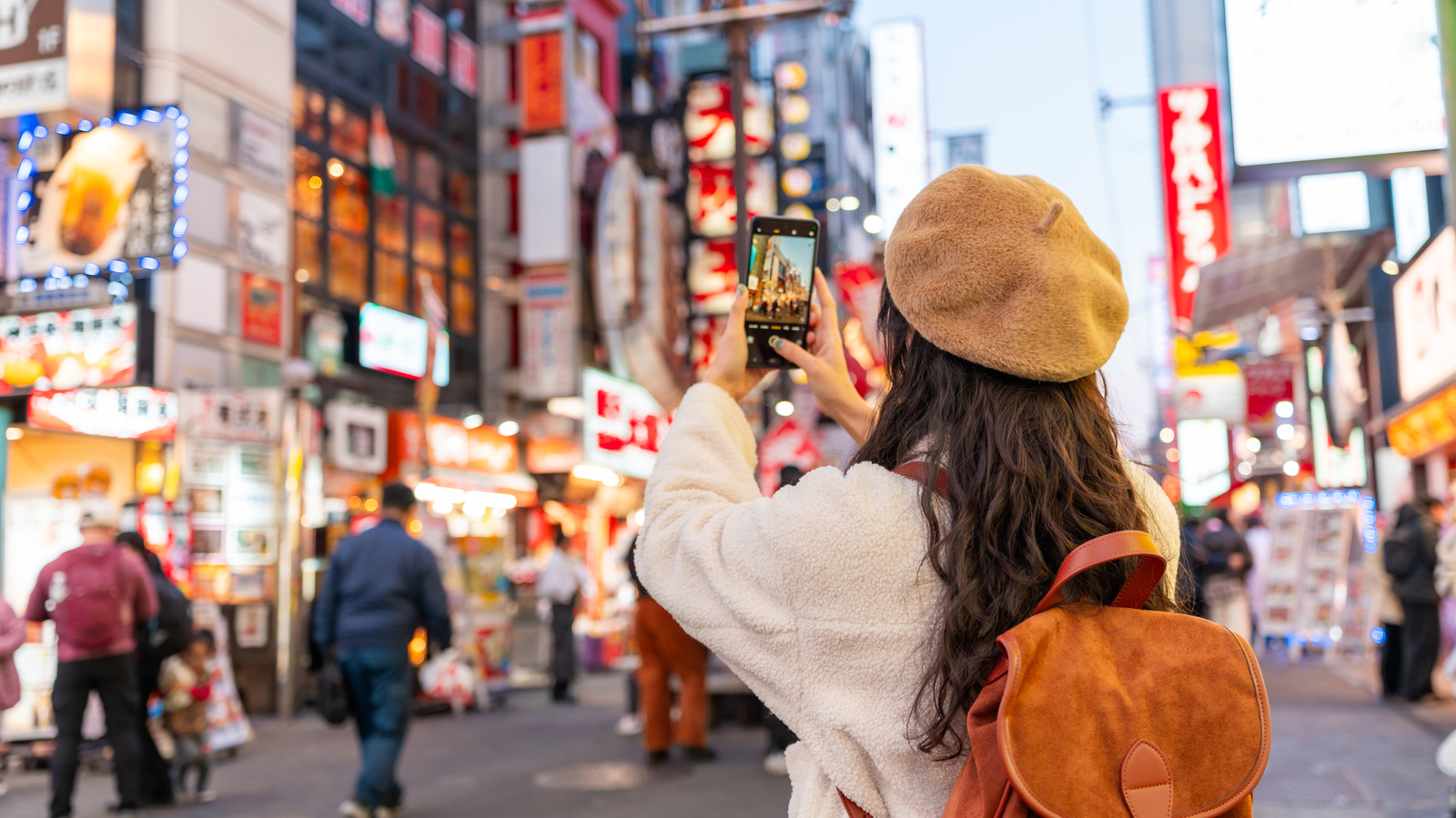
Travelers who run into signs in unfamiliar languages or scripts need little more than a smartphone camera to translate them. Tech site Engadget's guide outlines the tools available on Android and iOS devices and when each works best.
Google Translate's camera mode
The simplest option is the Google Translate app, which has had a dedicated camera mode for more than a decade. It can be installed from the Google Play Store on Android or the App Store on iOS. After opening it, users tap the camera icon at the bottom of the screen and point the phone at the text.
Any two of the hundreds of supported languages can be chosen for the translation. The default "Detect language" option helps when the source language is unknown. Text is translated in real time, so there is no need to take a photo. Frequently used languages can be downloaded in advance to translate offline.
Other built-in options
Many Android phones also include Google Lens, so a separate app isn't required. On Google Pixel devices it is a shortcut in the home-screen search bar; elsewhere it appears in the app drawer. Recent iOS versions have translation built into the Camera app through the Live Text feature: when the camera is pointed at text, a yellow frame appears around it, and tapping the grid icon lets users select "Translate".
When AI apps help
The author notes that Google Translate can fall short, for example failing to pick up diacritics in printed text while traveling in Vietnam. That matters because a word's meaning can change depending on them. Restaurant menus are another weak spot, as they often use shorthand or single words with little context.
In such cases the author turns to AI apps such as ChatGPT, Gemini or Claude. Users upload a picture of the text and type a short instruction such as "Translate to English". These models take context into account and can often grasp the meaning even from a blurry image. The drawbacks: the translation cannot be overlaid on the image, an internet connection is needed, and ChatGPT's free tier allows only a few image uploads per day. Processing can also take a few seconds.


