Why Siri may stop working in CarPlay
When Siri suddenly stops listening or responding on a car's CarPlay screen, the cause is often not Siri itself but phone settings, connectivity, or the vehicle's infotainment system. Apple offers several troubleshooting steps to pinpoint the issue.
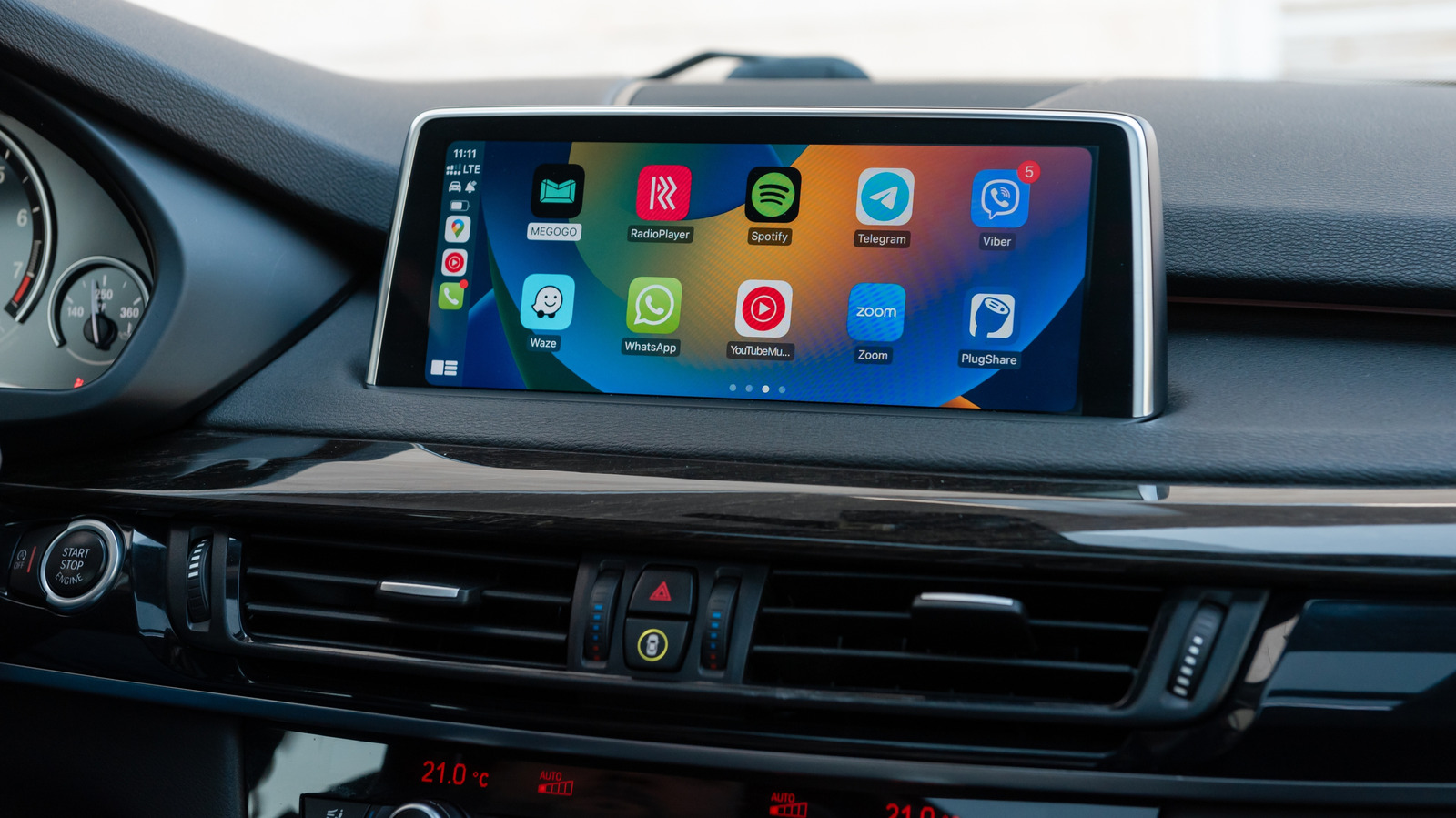
Drivers sometimes notice that while CarPlay continues to show maps and play music normally, Siri suddenly stops responding, answers only in a hushed tone, or ignores commands entirely. Although it's tempting to blame the assistant itself, the root cause frequently lies elsewhere — in the iPhone's settings, the connection between the phone and the car, or the vehicle's own infotainment system.
Siri can be activated in CarPlay by holding down the car's voice-command button or the CarPlay Home button on the display, and in some vehicles by saying "Hey Siri." If the button works but the voice phrase doesn't, the car may simply not support voice activation.
Start with the phone
Siri's voice activation settings live under Settings > Apple Intelligence & Siri > Talk & Type to Siri. Apple recommends toggling Siri off and back on and redoing the voice recognition setup. It's also worth checking two less obvious settings: Siri can be disabled while the phone is locked, and CarPlay itself can be blocked under Settings > Screen Time > Content & Privacy Restrictions > Allowed Apps.
Internet connectivity matters too, since Siri requires an active connection to function. Apple notes that certain VPN profiles may also interfere with Siri, without specifying which configurations cause the problem. The simplest test is disconnecting from CarPlay and checking whether Siri works directly on the phone.
When Siri works on the phone but not in the car
If Siri functions normally once disconnected from CarPlay, the connection itself becomes the prime suspect. For wired CarPlay, Apple suggests trying a different USB cable or port. Wireless CarPlay depends on both Bluetooth and Wi-Fi, with Auto-Join enabled for the CarPlay network.
Other recommended steps include restarting both the iPhone and the vehicle, forgetting the car under Settings > General > CarPlay and re-pairing it, and checking with the manufacturer for infotainment firmware updates.
A separate issue that can be mistaken for a Siri malfunction is volume: if Siri hears and answers but the response is barely audible, adjusting the volume while Siri speaks or while holding the activation button may solve it. If Siri stays silent altogether, the Prefer Spoken Responses option under Settings > Apple Intelligence & Siri > Siri Responses should be enabled.